• 中文版
  • BM
  • News
  • Deals
  • Reviews
    • First Impressions
    • Hands-on
    • Comparisons
  • Tech
    • Mobile
    • Computers
    • Cameras
    • Wearables
    • Audio
    • Drones
  • Telco
    • Celcom
    • Digi
    • Maxis
    • Time
    • Tune Talk
    • U Mobile
    • Unifi
    • Yes
  • Cars
  • Contribute
  • Jobs
Menu
  • 中文版
  • BM
  • News
  • Deals
  • Reviews
    • First Impressions
    • Hands-on
    • Comparisons
  • Tech
    • Mobile
    • Computers
    • Cameras
    • Wearables
    • Audio
    • Drones
  • Telco
    • Celcom
    • Digi
    • Maxis
    • Time
    • Tune Talk
    • U Mobile
    • Unifi
    • Yes
  • Cars
  • Contribute
  • Jobs
Search
  • Tech
    • News
    • Mobile
    • Computers
    • Cameras
    • Wearables
    • Audio
    • Drones
  • Telco
    • Celcom
    • Digi
    • Maxis
    • Time
    • U Mobile
    • Unifi
    • Yes
  • Reviews
    • First Impressions
    • Hands-on
    • Comparisons
  • Buyer’s Guide
  • Opinions
  • Digital Life
  • Video
  • Deals
  • How-To
  • Cars
  • Bahasa Melayu
  • EV
  • Contribute
  • Advertise
Menu
  • Tech
    • News
    • Mobile
    • Computers
    • Cameras
    • Wearables
    • Audio
    • Drones
  • Telco
    • Celcom
    • Digi
    • Maxis
    • Time
    • U Mobile
    • Unifi
    • Yes
  • Reviews
    • First Impressions
    • Hands-on
    • Comparisons
  • Buyer’s Guide
  • Opinions
  • Digital Life
  • Video
  • Deals
  • How-To
  • Cars
  • Bahasa Melayu
  • EV
  • Contribute
  • Advertise
Search
Close
Home News

Here’s how you can check your Unifi Turbo upgrade status

  • BY Alexander Wong
  • 30 November 2018
  • 10:46 pm
  • Comment
Share on FacebookShare on Twitter
Check Unifi Turbo

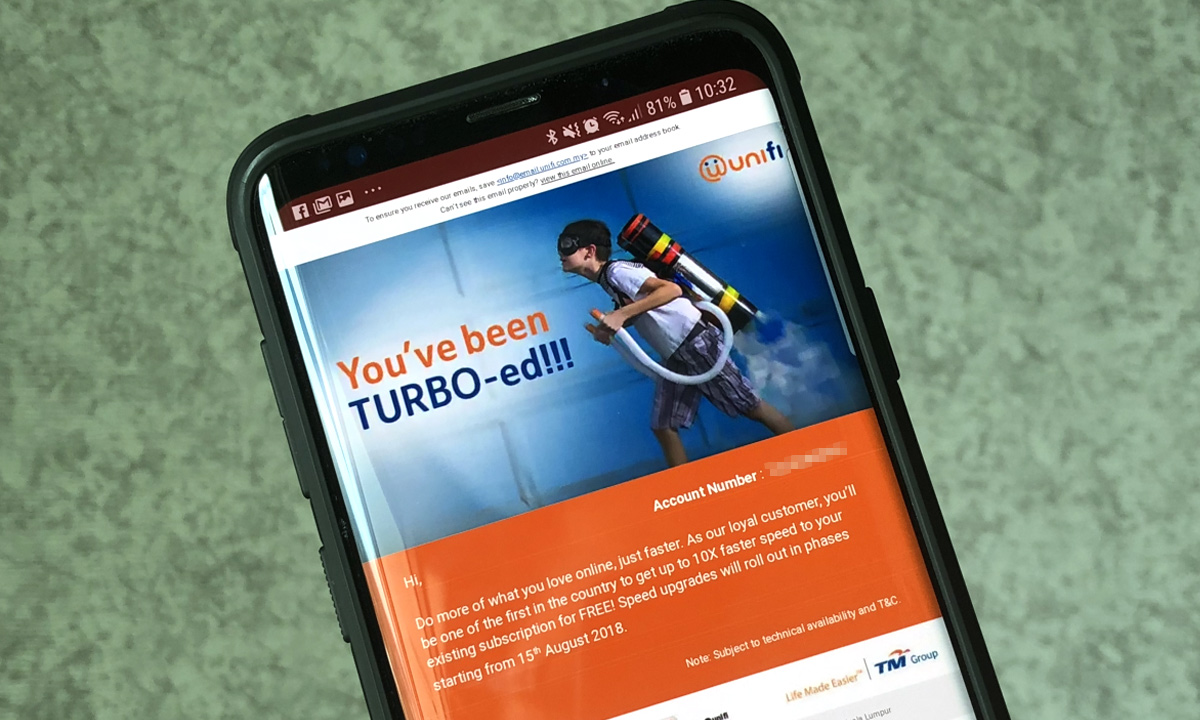
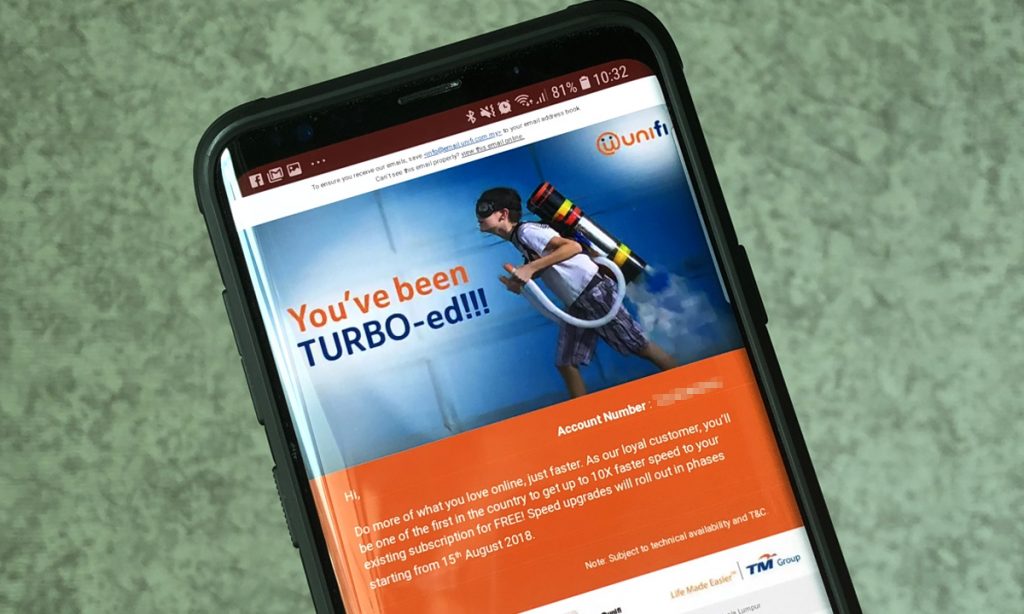
When TM announced its Unifi Turbo upgrade, they did mention that the speed upgrade will be rolled out in stages. Some customers have gotten it earlier while others are still waiting for their connection to get Turbo-ed.

Previously, TM introduced a page where customers can check if they are eligible for Unifi Turbo upgrade. Unfortunately, it couldn’t cope with the sheer traffic and TM was forced to disable the search function. Now, there’s an easier way to check and it will also inform you when your Turbo upgrade is coming.
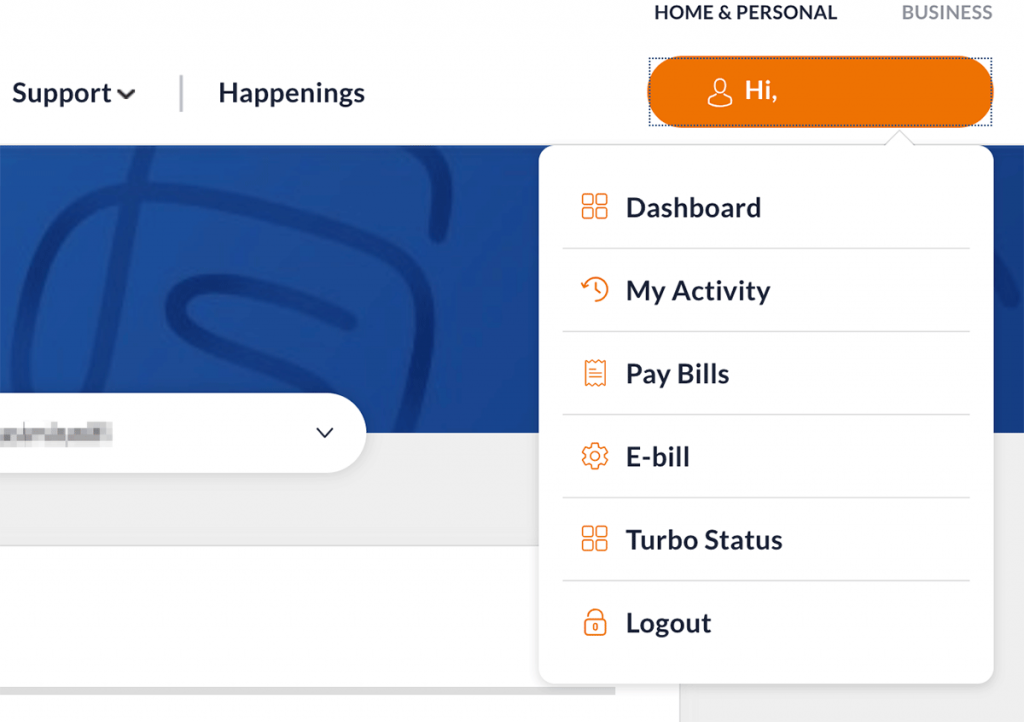
To find out if you’re eligible and what speeds you’re getting, you can login to your Unifi self-care account at unifi.com.my. From the top right menu button, click on Turbo Status. 
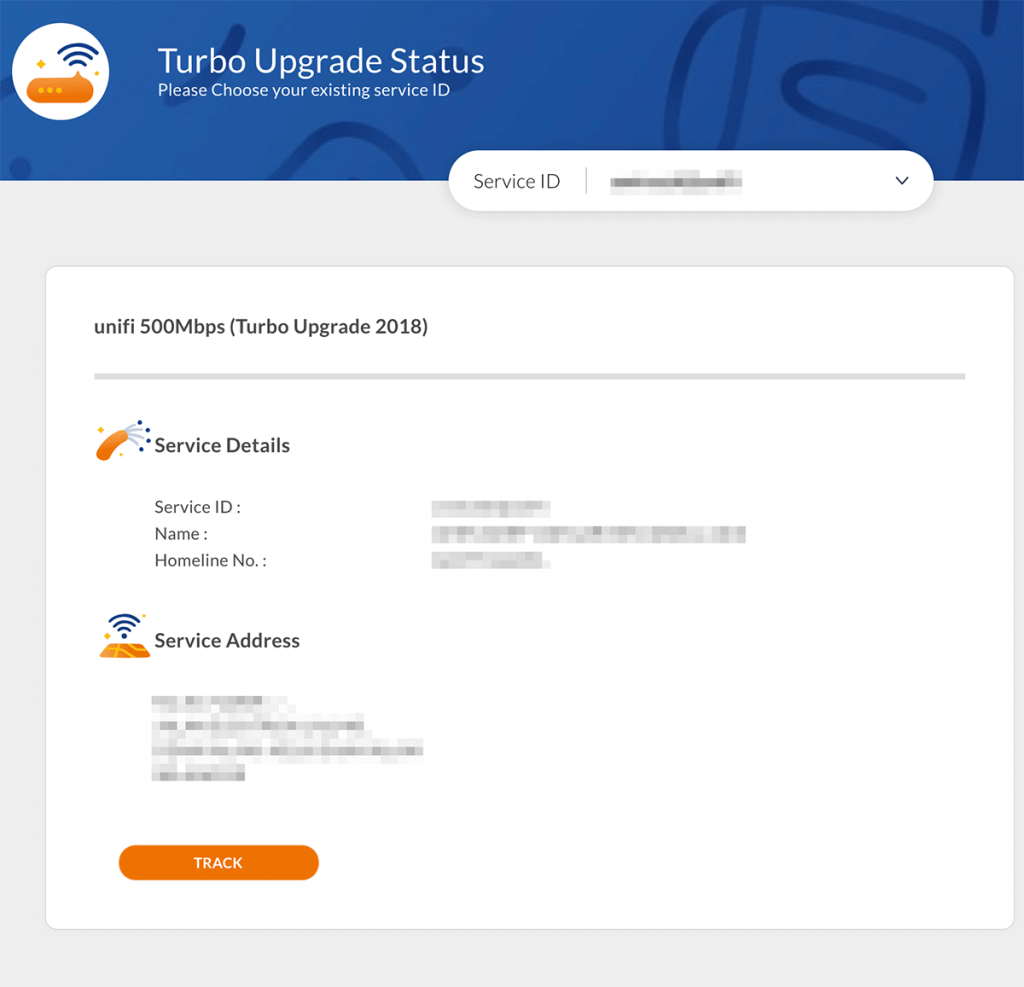
Once you’re in, will see your current package. If you’re eligible for Turbo upgrade, it will display your upcoming plan package and an expected date for the upgrade underneath your service address. 

Similar to the previous checker, the upgrade time frame is pretty broad and it would have been better if TM can narrow down the upgrade to a specific month. 

If you don’t have a self-care account, you can register an account easily with your registered IC and Unifi fixed line number. You can get started on the main Unifi website and click on the padlock icon on the top right. 

Got the Turbo upgrade but not enjoying full speeds? You might be eligible for a free modem replacement.


Tags: TMUnifi
Alexander Wong

Alexander Wong

POPULAR

Here’s how you can check your Unifi Turbo upgrade status

November 30, 2018
Apple Store - The Exchange TRX

Malaysia’s second Apple Store is opening in Putrajaya?

August 8, 2026

U Mobile leads in 5G quality, coverage and experience before leaving DNB, according to Opensignal

August 10, 2026

Honor Pad 20 series coming to Malaysia: 12.1-inch display, Snapdragon 7 Gen 3 and 10,100mAh battery

August 11, 2026
Photo by Formula 1 official website

F1 Sepang 2026: Leaked MyKad ticket prices start from RM200 for three-day access

August 12, 2026

Ask Maps is rolling out in Malaysia: A new Google Maps experience powered by Gemini

August 7, 2026

Copyright © 2026 · SoyaCincau.com
Mind Blow Sdn Bhd (1076827-P)

  • ADVERTISE
  • DISCLAIMER

Copyright © 2026 · SoyaCincau.com – Mind Blow Sdn Bhd (1076827-P)

  • ADVERTISE
  • DISCLAIMER