• 中文版
  • BM
  • News
  • Deals
  • Reviews
    • First Impressions
    • Hands-on
    • Comparisons
  • Tech
    • Mobile
    • Computers
    • Cameras
    • Wearables
    • Audio
    • Drones
  • Telco
    • Celcom
    • Digi
    • Maxis
    • Time
    • Tune Talk
    • U Mobile
    • Unifi
    • Yes
  • Cars
  • Contribute
  • Jobs
Menu
  • 中文版
  • BM
  • News
  • Deals
  • Reviews
    • First Impressions
    • Hands-on
    • Comparisons
  • Tech
    • Mobile
    • Computers
    • Cameras
    • Wearables
    • Audio
    • Drones
  • Telco
    • Celcom
    • Digi
    • Maxis
    • Time
    • Tune Talk
    • U Mobile
    • Unifi
    • Yes
  • Cars
  • Contribute
  • Jobs
Search
  • Tech
    • News
    • Mobile
    • Computers
    • Cameras
    • Wearables
    • Audio
    • Drones
  • Telco
    • Celcom
    • Digi
    • Maxis
    • Time
    • U Mobile
    • Unifi
    • Yes
  • Reviews
    • First Impressions
    • Hands-on
    • Comparisons
  • Buyer’s Guide
  • Opinions
  • Digital Life
  • Video
  • Deals
  • How-To
  • Cars
  • Bahasa Melayu
  • EV
  • Contribute
  • Advertise
Menu
  • Tech
    • News
    • Mobile
    • Computers
    • Cameras
    • Wearables
    • Audio
    • Drones
  • Telco
    • Celcom
    • Digi
    • Maxis
    • Time
    • U Mobile
    • Unifi
    • Yes
  • Reviews
    • First Impressions
    • Hands-on
    • Comparisons
  • Buyer’s Guide
  • Opinions
  • Digital Life
  • Video
  • Deals
  • How-To
  • Cars
  • Bahasa Melayu
  • EV
  • Contribute
  • Advertise
Search
Close
Home News

Apple shows what you can do with iOS 11 on the iPad

  • BY Alexander Wong
  • 18 August 2017
  • 2:50 pm
  • Comment
Share on FacebookShare on Twitter

iPad iOS 11 Features

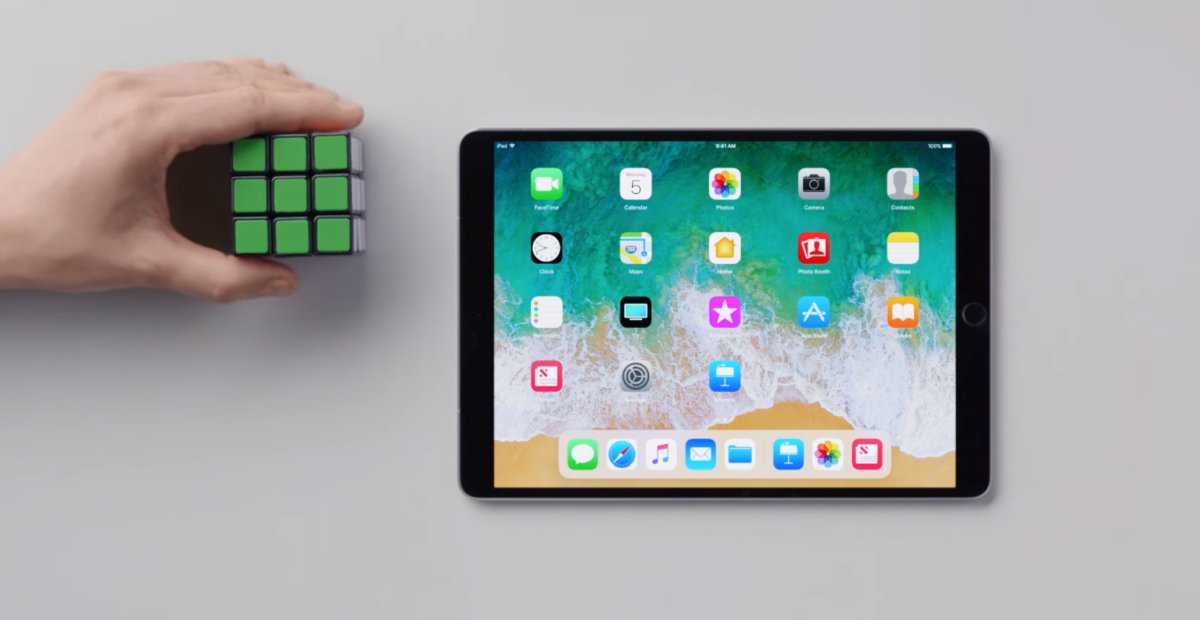
Apple’s popular iPad is gettings its biggest update yet with the release of iOS 11 later this year. The latest version will bring more productivity features which could turn the iPad closer to a laptop replacement device.

To demonstrate its new features, Apple has released a series of short videos to show you how it’s done. Watch them all after the break.

To find out what’s new with iOS 11, you can check out our iPad feature list here. Can’t wait to try it today? You can install iOS 11 Public Beta on your device by following the instructions here. Since it is beta, it can get really buggy so do proceed only if you know what you are getting yourself into.

Tags: AppleiOS 11iOS 11 ipadiOS 11 iPad FeaturesiOS 11 multi-taskingiPadiPad Promulti-tasking
Alexander Wong

Alexander Wong

POPULAR

Apple shows what you can do with iOS 11 on the iPad

August 18, 2017

F1 Bahrain GP in Malaysia 2026: Ticket sales now open, from RM200 for Malaysians

August 13, 2026

Why Tune Talk Launched Epik+ Family Safe

July 31, 2026
Photo by Formula 1 official website

F1 Sepang 2026: Leaked MyKad ticket prices start from RM200 for three-day access

August 12, 2026

U Mobile leads in 5G quality, coverage and experience before leaving DNB, according to Opensignal

August 10, 2026

Google Pixel 11, Pixel 11 Pro, Pixel 11 Pro Fold and Pixel Watch 5 Malaysia Pricing

August 12, 2026

Copyright © 2026 · SoyaCincau.com
Mind Blow Sdn Bhd (1076827-P)

  • ADVERTISE
  • DISCLAIMER

Copyright © 2026 · SoyaCincau.com – Mind Blow Sdn Bhd (1076827-P)

  • ADVERTISE
  • DISCLAIMER