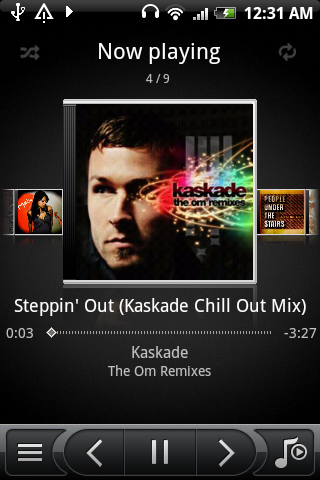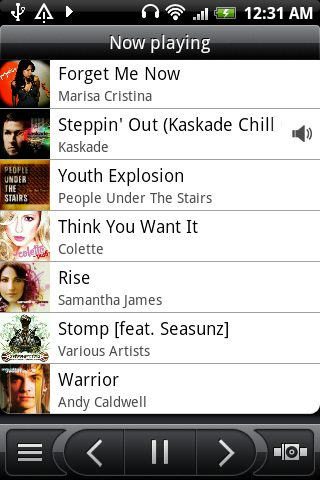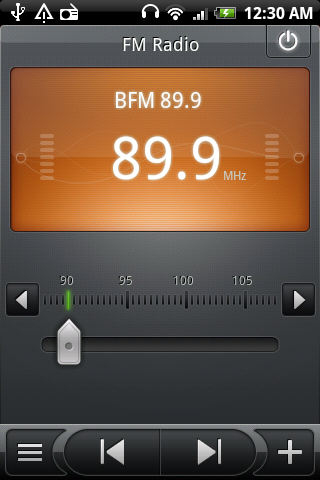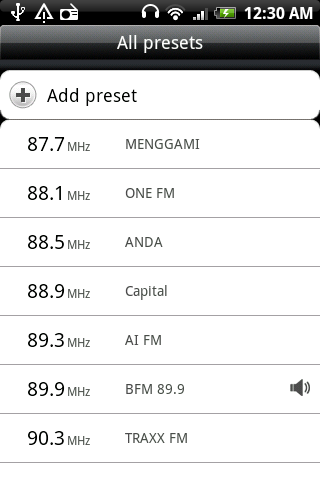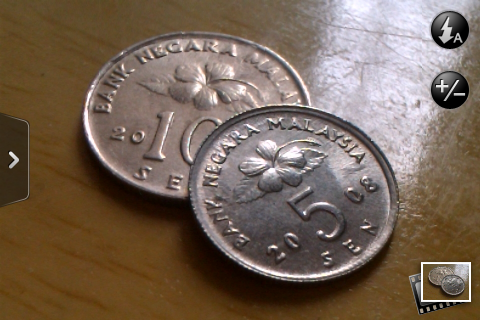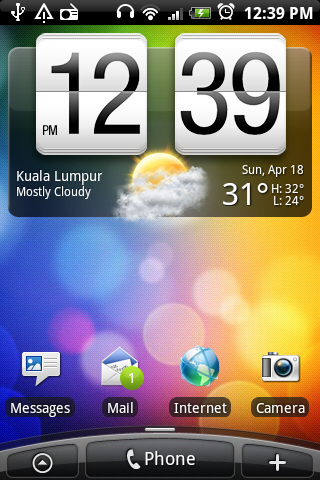
After our Unboxing Post of the HTC Legend, now it’s time to see if it works as good as it looks. We’re going to compare the user experience with the iPhone 3GS, a worthy competitor in this segment.
We’ll be showing you how it fares when it comes to typing, moving around through menus, internet browsing experience, media capabilities and of course photo and video performance.
Navigating Around
Obviously using the HTC Legend or any Android device isn’t a walk in the park. You would need the combination of screen touching and button pressing. To move around in the Android environment, you have the touch screen and the optical trackball. Also crucial in the navigation is the first 3 buttons below the screen, namely Home, Menu and Back Button. The fourth button is search which is used on a need to use basis.
Compare this with the iPhone, obviously the HTC Legend loses out in simplicity and ease of learn. It took us about 30 minutes to really understand how to move about but after getting used to it, it is all good.
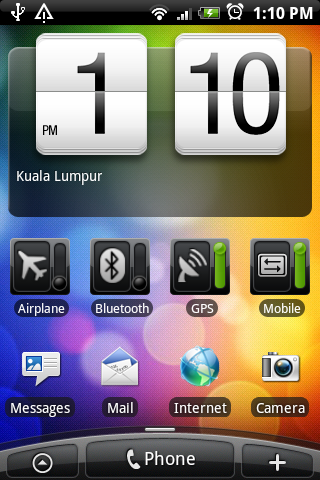
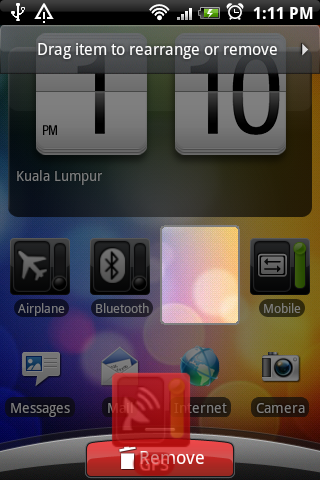
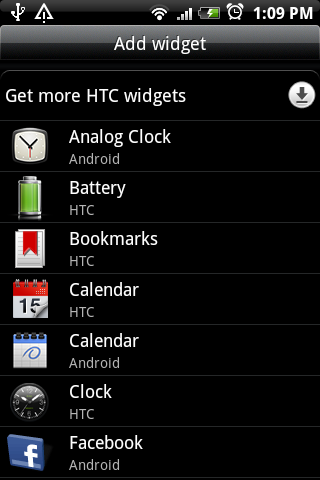
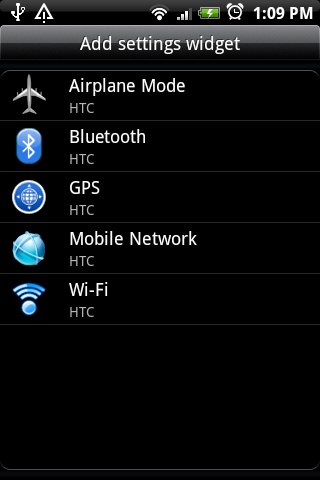
On the surface of the Home Screen, the HTC Legend features HTC Sense which puts you in the centre of customisation. There are 7 panels for you to personalised with various of widgets, shortcuts and folders. Out of the box, HTC has bundled a couple of neat widgets such as weather, Friend Feed, Favourties and power tools. To take this customisation further, each set of customisation are saved as a “Scene” which allows you to have a total different set of themes changable according to your mood and feel.
Input
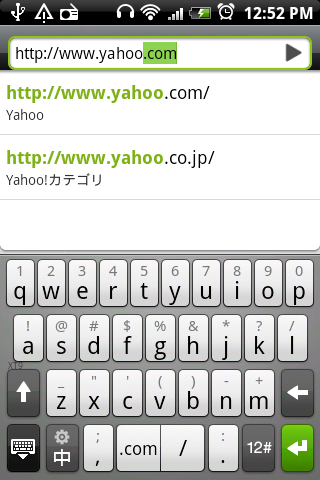
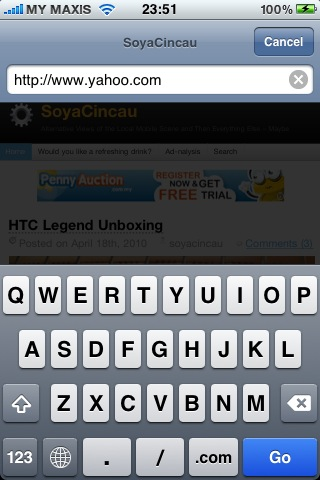
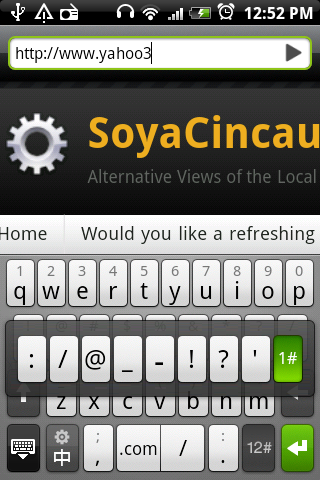
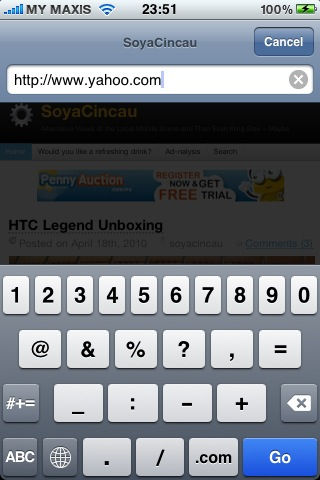
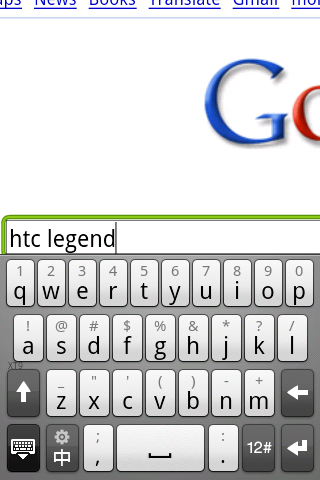
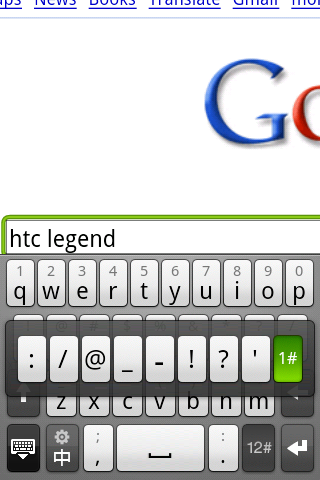
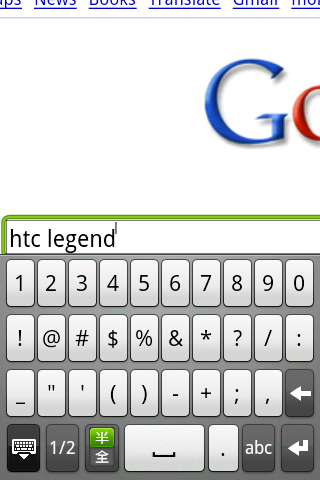
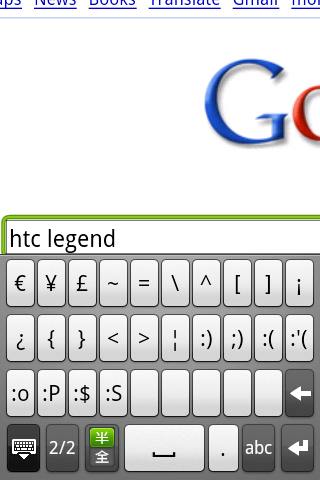
The Android spots a similar looking input keyboard with the iPhone but it does have its own benefits. What we truly like is having key symbols available on the main QWERTY keyboard, accessible by press and holding the respective keys. Even if the symbols are not there, you can press and hold the “12#” key at the bottom right and hover over the symbols that you’re looking for.
The downside is that the android keys are less spaced with each other and we find it having more tendency of making typos. Luckily the auto correction tool tip is pretty useful and it does give multiple suggestions based on your typo.
Another feature that we love on the Android, which is absent on iPhones is the trackball. With the trackball, it is easier to toggle between links on web browser, menus options and selecting text. Very useful, especially when working with lots of text.
Internet Surfing
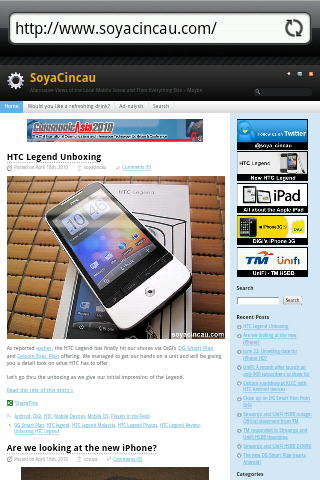
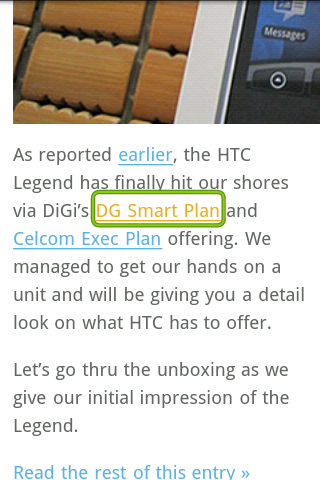
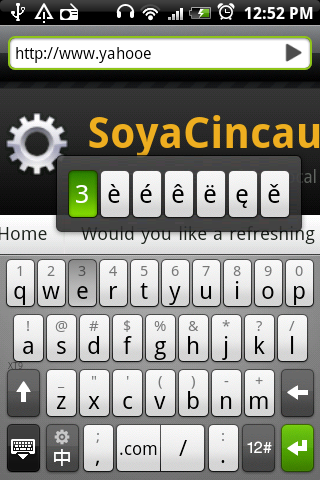
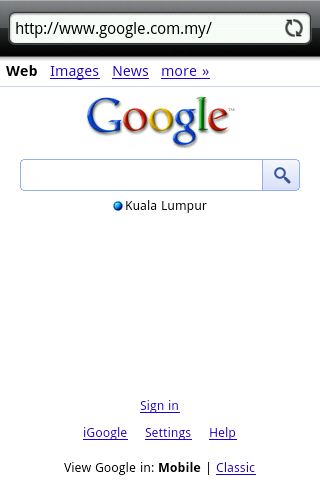
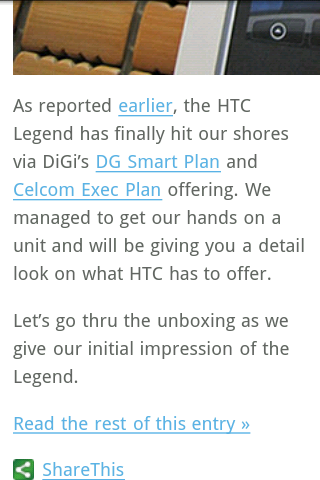
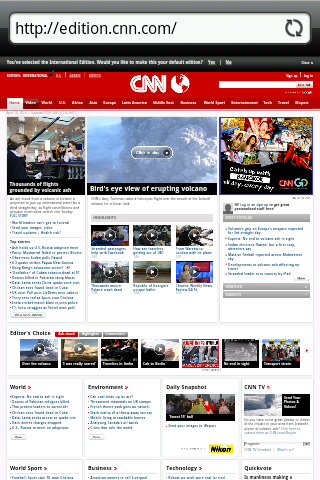
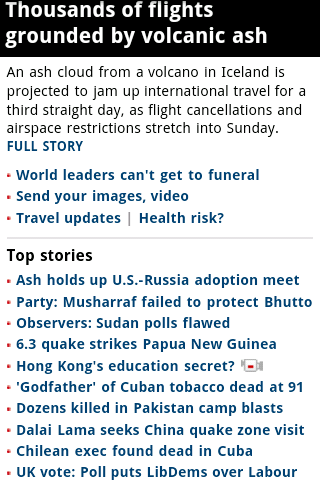
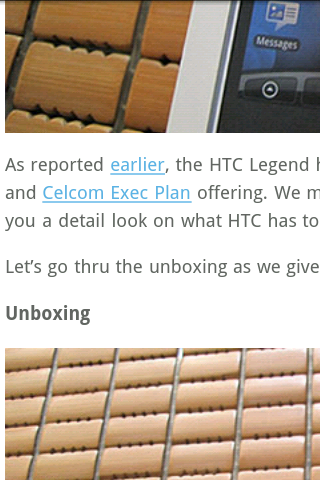
The built in browser is pretty good and it does its job well as intended to be. By default, the browser is set to render for “Mobile View” which allow auto rendering of text to resize according to your screen width. From the 2nd picture above, you’ll notice that blog post text has resized to allow easy reading for the screen. Although this works great on most websites before zooming, we noticed that some website layout will render incorrectly on “Mobile View”.
If you want to read the page as it is meant to be without distorting the layout, we would suggest switching this off. The only complaint is that the text will not resize accordingly which require some constant horizontal scrolling to read pages.
Since Android supports Adobe Flash lite, you can now view flash content but to a certain extent. We tried loading up Restaurant City, a popular Flash based game on Facebook. It loads the preloading PlayFish animation, but it ended after the intro animation in sluggish motion. If you’re looking at the HTC Legend for your online Facebook game fix, you would be sadly disappointed. There’s a reason why Adobe Flash lite is called “lite” and it is meant for smaller flash elements such as Flash ad banners and navigation flash bars which are absent from the iPhone.
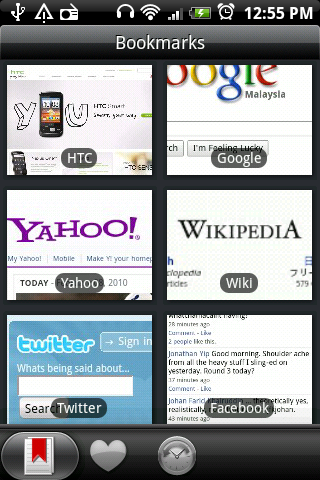
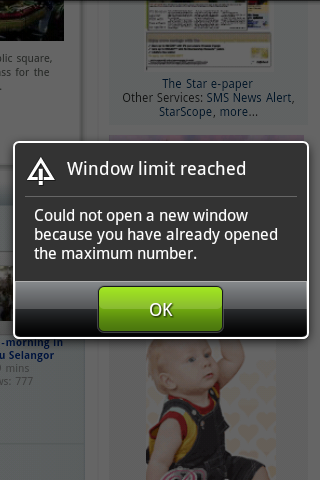
The browser also has other nice features such as bookmarks with screen shot thumbnail, password manager and Javascript. It also support multiple browser tabs, but it is limited to a silly 4 tabs only. During our test, we can’t load anything beyond 4 which prompted the error message “Window limit reached”. The iPhone’s Safari can support up to 9 tabs.
If you do need more out of your browser experience, there’s always Opera Mini for Android that supports more tabs and plenty of other features that we enjoy.
Maps & Navigation
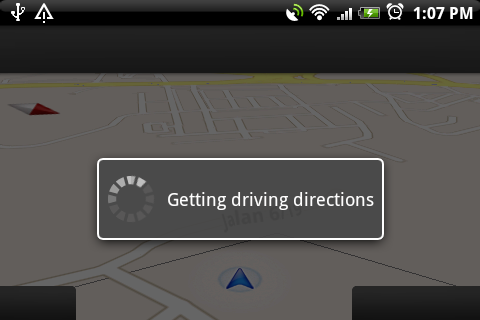
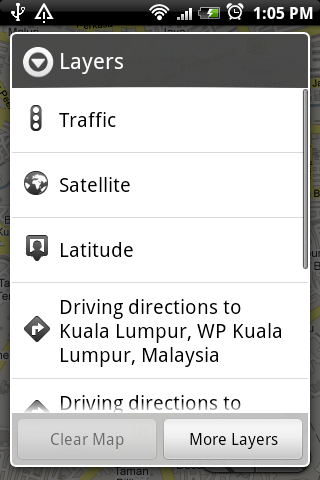
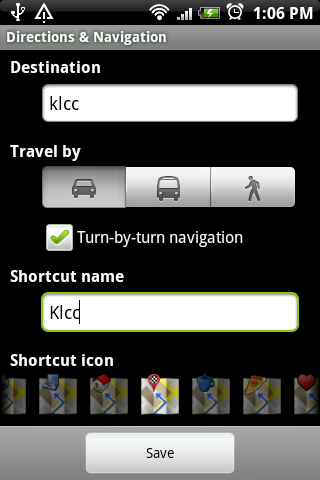
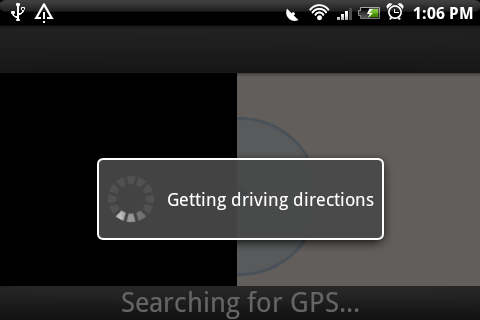
When we got our hands on an Android, the first thing we would like to try out is Google Maps famed Turn by Turn GPS Navigation which is exclusively available on Android 1.6 and above. After fiddling with the device, we couldn’t find such option. First we suspected that an older version is installed as 3.4 was installed instead of the newer 4.1. That also led us to another frustration as we can’t even find Google Maps or Maps on the Android Market. Even the link from m.google.com to the Market showed empty results.
Finally we managed to get our Map 4.1 from an alternative source at Android Freeware. Unfortunately after installing the latest version, it is still not available. It is only then we discover that Google Navigation is NOT AVAILABLE in Malaysia. When searching for direction within Malaysia, you won’t get the Navigation option, but searching for directions within the US revealed the option. We believe this could be map dependent, similar to Google Map’s streetview. It is unknown when will navigation would be available here.