• 中文版
  • BM
  • News
  • Deals
  • Reviews
    • First Impressions
    • Hands-on
    • Comparisons
  • Tech
    • Mobile
    • Computers
    • Cameras
    • Wearables
    • Audio
    • Drones
  • Telco
    • Celcom
    • Digi
    • Maxis
    • Time
    • Tune Talk
    • U Mobile
    • Unifi
    • Yes
  • Cars
  • Contribute
  • Jobs
Menu
  • 中文版
  • BM
  • News
  • Deals
  • Reviews
    • First Impressions
    • Hands-on
    • Comparisons
  • Tech
    • Mobile
    • Computers
    • Cameras
    • Wearables
    • Audio
    • Drones
  • Telco
    • Celcom
    • Digi
    • Maxis
    • Time
    • Tune Talk
    • U Mobile
    • Unifi
    • Yes
  • Cars
  • Contribute
  • Jobs
Search
  • Tech
    • News
    • Mobile
    • Computers
    • Cameras
    • Wearables
    • Audio
    • Drones
  • Telco
    • Celcom
    • Digi
    • Maxis
    • Time
    • U Mobile
    • Unifi
    • Yes
  • Reviews
    • First Impressions
    • Hands-on
    • Comparisons
  • Buyer’s Guide
  • Opinions
  • Digital Life
  • Video
  • Deals
  • How-To
  • Cars
  • Bahasa Melayu
  • EV
  • Contribute
  • Advertise
Menu
  • Tech
    • News
    • Mobile
    • Computers
    • Cameras
    • Wearables
    • Audio
    • Drones
  • Telco
    • Celcom
    • Digi
    • Maxis
    • Time
    • U Mobile
    • Unifi
    • Yes
  • Reviews
    • First Impressions
    • Hands-on
    • Comparisons
  • Buyer’s Guide
  • Opinions
  • Digital Life
  • Video
  • Deals
  • How-To
  • Cars
  • Bahasa Melayu
  • EV
  • Contribute
  • Advertise
Search
Close
Home News

Samsung’s latest One UI 3.1 update brings Wireless Dex on PC to more Galaxy flagships

  • BY Nic Ker
  • 27 February 2021
  • 2:12 pm
  • Comment
Share on FacebookShare on Twitter

When the Galaxy Note 20 series was launched last year, one of the features that really caught my eye was Wireless DeX. As its name indicates, this is Samsung’s mobile desktop solution, which allows you to connect your compatible Galaxy smartphone to a PC or external monitor to emulate a desktop experience.

The company’s next flagship device, the Galaxy S21 series, was launched with the same feature, along with One UI 3.1 Now, the Korean company is rolling out the latest update to more Galaxy smartphones—which means that you’ll have Wireless DeX on a variety of slightly older devices, according to Sammobile.

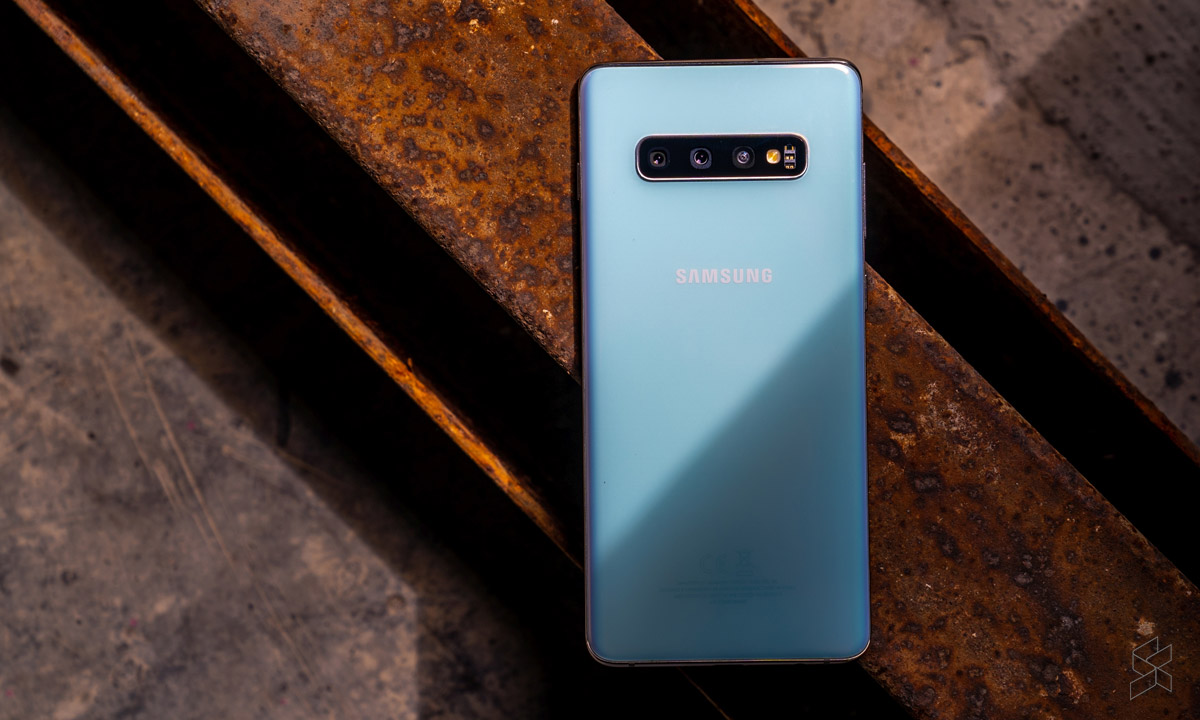
Based on user reports, the feature is now available on all “recent” Galaxy flagship phones that are running on the latest version of One UI (3.1). This even includes the Galaxy S10 series—which was launched back in 2019. The following list of devices, as compiled by Sammobile, all support Wireless DeX and One UI 3.1:

  • Galaxy S10e
  • Galaxy S10
  • Galaxy S10+
  • Galaxy Note 10
  • Galaxy Note 10+
  • Galaxy S20
  • Galaxy S20+
  • Galaxy S20 Ultra
  • Galaxy S20 FE
  • Galaxy Note 20
  • Galaxy Note 20 Ultra
  • Galaxy Fold
  • Galaxy Z Flip
  • Galaxy Z Flip 5G
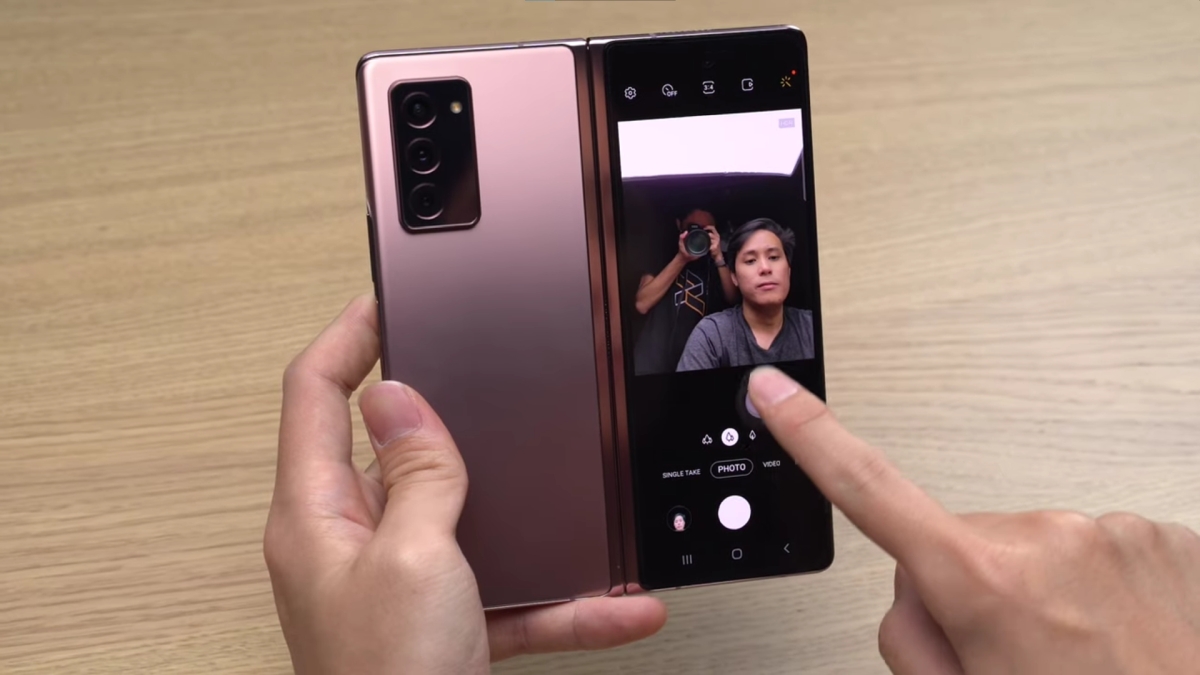
  • Galaxy Z Fold 2

Samsung has also confirmed that the One UI 3.1 update is being rolled out to the Galaxy A71, A51, A90, A80, A70, and A50 series, although it appears that Wireless DeX is only supported on the company’s premium, flagship class devices. Perhaps this is down to hardware limitations, although the company has yet to provide an official explanation on this omission.

Regardless, this is still a win for Samsung flagship device owners. Wireless DeX can certainly come in handy, and I’ve personally used it with some decent results in the past. The more conventional wired version of the feature is a little more consistent in real-time use, but it’s certainly still a handy feature to hve.

To use Wireless DeX, you have a couple of options. You can use a compatible external display, or you can connect the Galaxy device to a Mac or PC. For the latter, you’ll need to install the Samsung DeX app on your PC or Mac, and connect to the same WiFi network as your Galaxy smartphone.

Then, head over to Samsung DeX on your Galaxy device, and choose DeX on PC or DeX on TV or Monitor. Then, click Start now. If you’re having issues, you can also connect your Galaxy device to a monitor or TV by using a USB-C to HDMI cable, which might offer a more stable connection.

Remember to ensure that you’re on the latest version of One UI, and if you’ve already received the update, let us know if it works well in the comment section below!

[ SOURCE ]

Tags: MobileSamsungSamsung One UISamsung One UI 3.1
Nic Ker

Nic Ker

POPULAR

Upgraded To a New Phone? Cool. But When Was the Last Time you Upgraded your Shaver?

November 10, 2025

Solar ATAP: The new solar programme for consumers will only start in 2026

December 2, 2025

5 Reasons Every Home Should Have a Smart Security System

November 11, 2025

Samsung’s latest One UI 3.1 update brings Wireless Dex on PC to more Galaxy flagships

February 27, 2021
Perodua QV-E EV

Perodua QV-E is now official: Electric sportback with 201hp, 445km NEDC range, priced at RM80k not inclusive of battery subscription

December 1, 2025

GrabRewards is now GrabCoins: Now with even more ways to earn and save

November 17, 2025

Copyright © 2025 · SoyaCincau.com
Mind Blow Sdn Bhd (1076827-P)

  • ADVERTISE
  • DISCLAIMER

Copyright © 2025 · SoyaCincau.com – Mind Blow Sdn Bhd (1076827-P)

  • ADVERTISE
  • DISCLAIMER