• 中文版
  • BM
  • News
  • Deals
  • Reviews
    • First Impressions
    • Hands-on
    • Comparisons
  • Tech
    • Mobile
    • Computers
    • Cameras
    • Wearables
    • Audio
    • Drones
  • Telco
    • Celcom
    • Digi
    • Maxis
    • Time
    • Tune Talk
    • U Mobile
    • Unifi
    • Yes
  • Cars
  • Contribute
  • Jobs
Menu
  • 中文版
  • BM
  • News
  • Deals
  • Reviews
    • First Impressions
    • Hands-on
    • Comparisons
  • Tech
    • Mobile
    • Computers
    • Cameras
    • Wearables
    • Audio
    • Drones
  • Telco
    • Celcom
    • Digi
    • Maxis
    • Time
    • Tune Talk
    • U Mobile
    • Unifi
    • Yes
  • Cars
  • Contribute
  • Jobs
Search
  • Tech
    • News
    • Mobile
    • Computers
    • Cameras
    • Wearables
    • Audio
    • Drones
  • Telco
    • Celcom
    • Digi
    • Maxis
    • Time
    • U Mobile
    • Unifi
    • Yes
  • Reviews
    • First Impressions
    • Hands-on
    • Comparisons
  • Buyer’s Guide
  • Opinions
  • Digital Life
  • Video
  • Deals
  • How-To
  • Cars
  • Bahasa Melayu
  • EV
  • Contribute
  • Advertise
Menu
  • Tech
    • News
    • Mobile
    • Computers
    • Cameras
    • Wearables
    • Audio
    • Drones
  • Telco
    • Celcom
    • Digi
    • Maxis
    • Time
    • U Mobile
    • Unifi
    • Yes
  • Reviews
    • First Impressions
    • Hands-on
    • Comparisons
  • Buyer’s Guide
  • Opinions
  • Digital Life
  • Video
  • Deals
  • How-To
  • Cars
  • Bahasa Melayu
  • EV
  • Contribute
  • Advertise
Search
Close
Home How-To

EPF i-Sinar: How to check your application status online

  • BY Alexander Wong
  • 6 January 2021
  • 5:12 pm
  • Comment
Share on FacebookShare on Twitter

The Employees Provident Fund (EPF) is allowing eligible members that are affected by the COVID-19 pandemic to withdraw up to RM60,000 from Account 1 under the i-Sinar program. If you’ve submitted your withdrawal application recently, you can now check your status online.

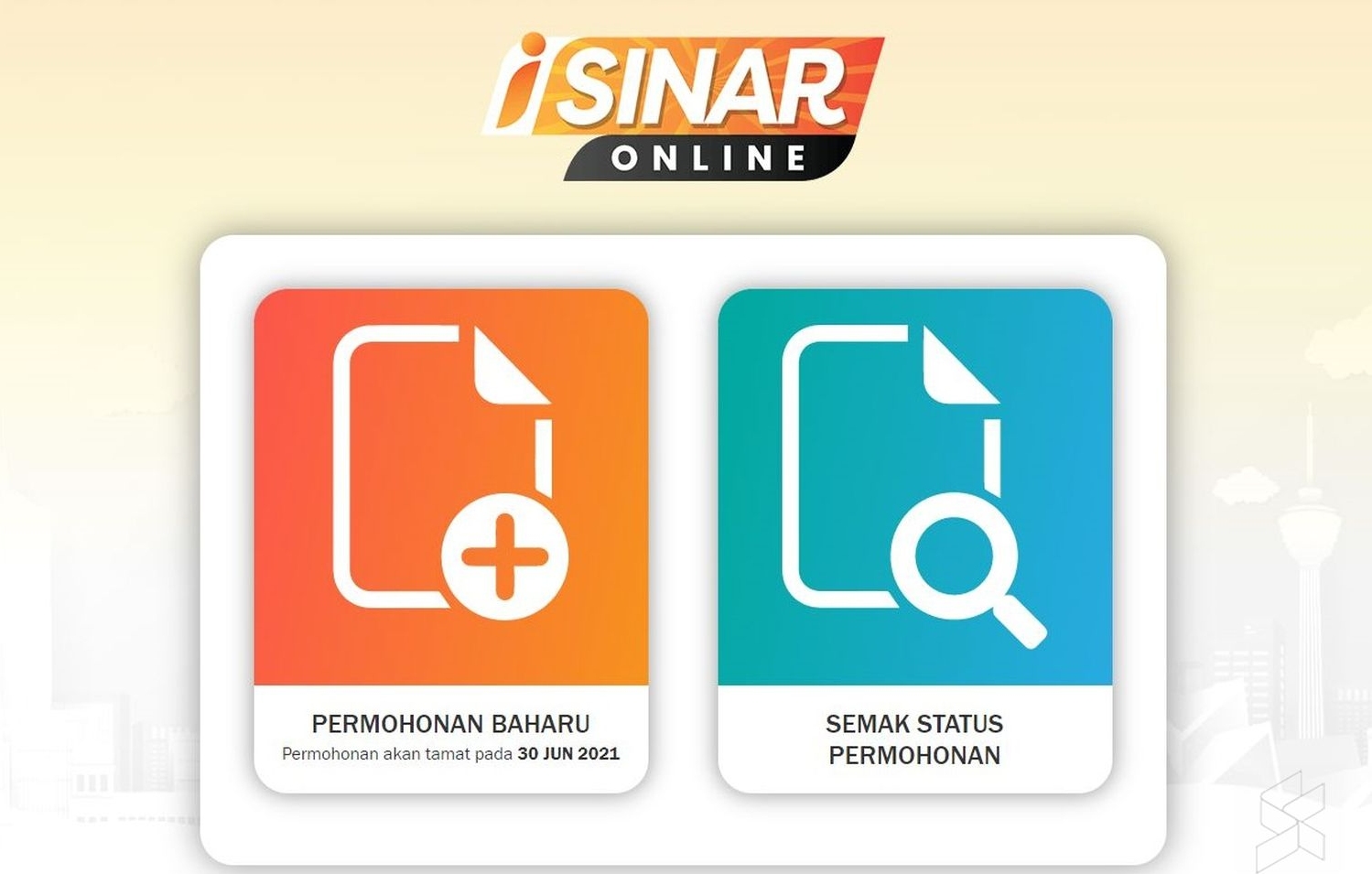
To check on your i-Sinar application, just go to the Check Status page and login with your IC and mobile number. You must enter the same details used during the application process.
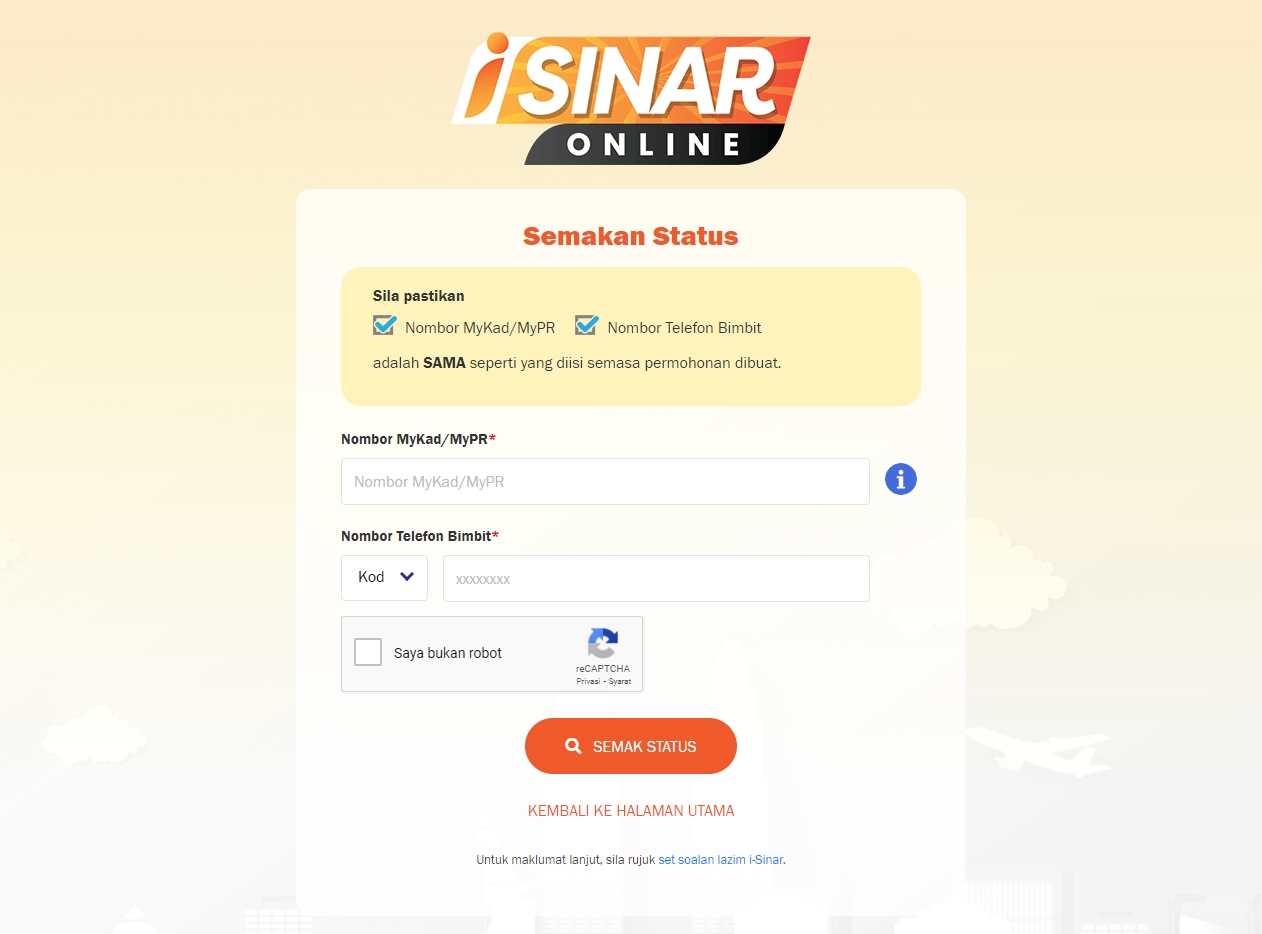
Once you’re in, you’ll see your application status right away. If it isn’t approved, it will display “Permohonan sedang diproses” (Your application is still in process) and you can’t proceed under Category 1. However, you can continue to apply manually under Category 2 starting from 11th January 2021.
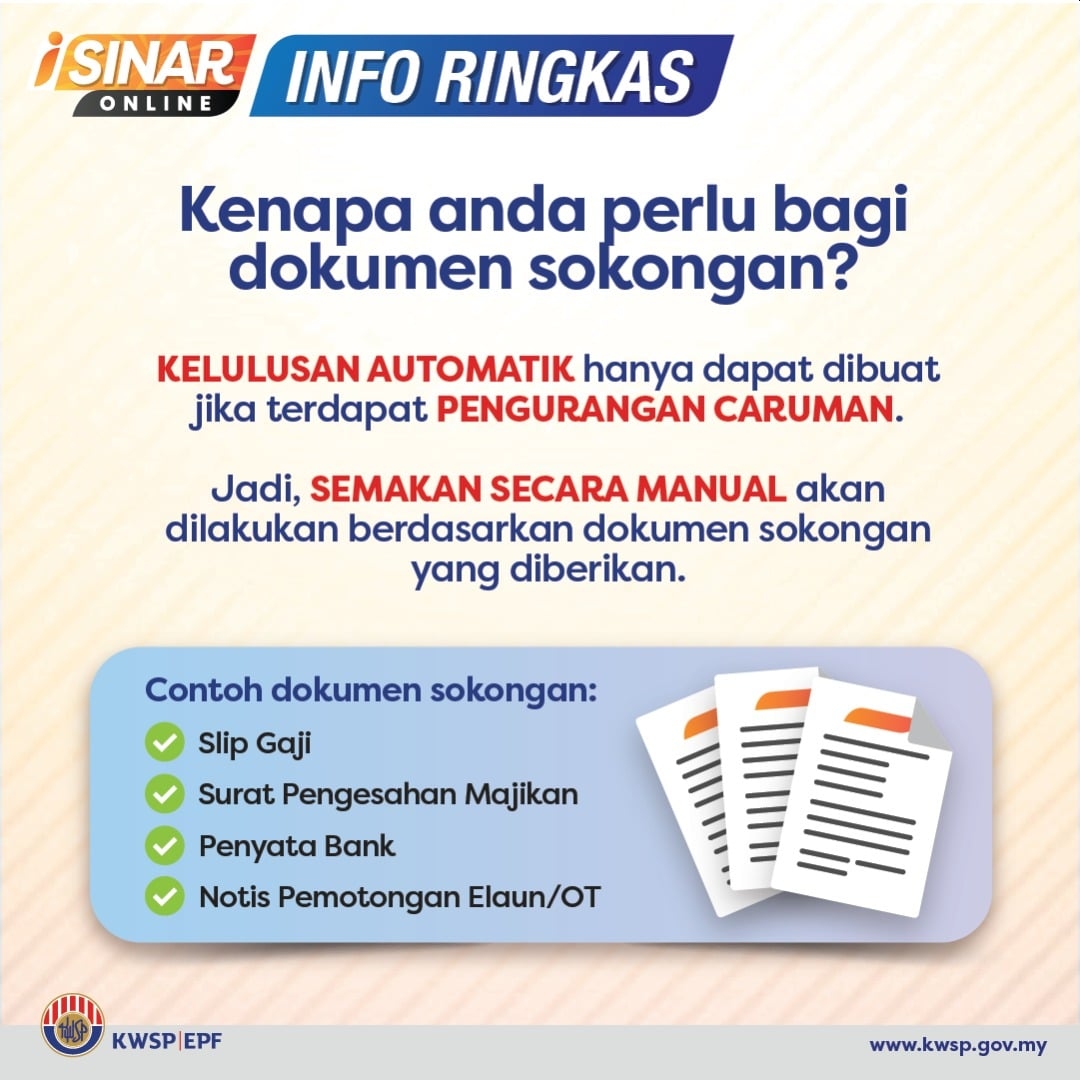
Under the manual application method, you’ll need to submit your salary slip, employment letter, bank statement and notice of salary or overtime reduction. We expect EPF to provide more details on the next steps by next week.
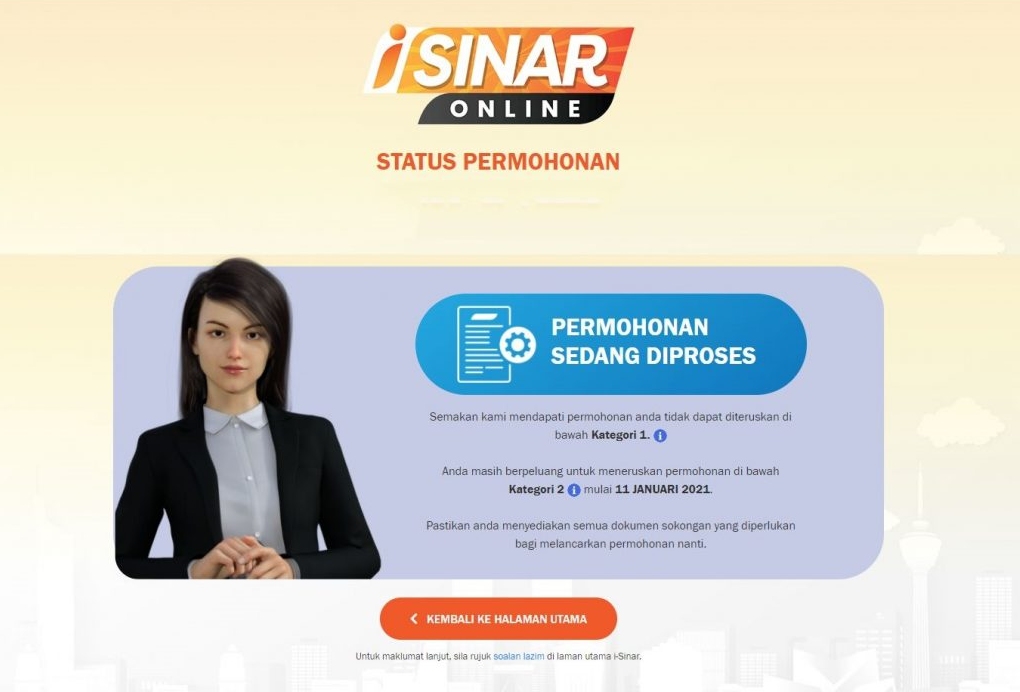
To recap, automatic applications without requiring additional documents are categorised under Category 1 and EPF will evaluate your eligibility with their existing records. For members that require to prove their reduction of salary with additional supporting documents may do so under Category 2. For those who wish to withdraw but didn’t suffer a 30% cut, EPF still encourages you to apply under Category 2.
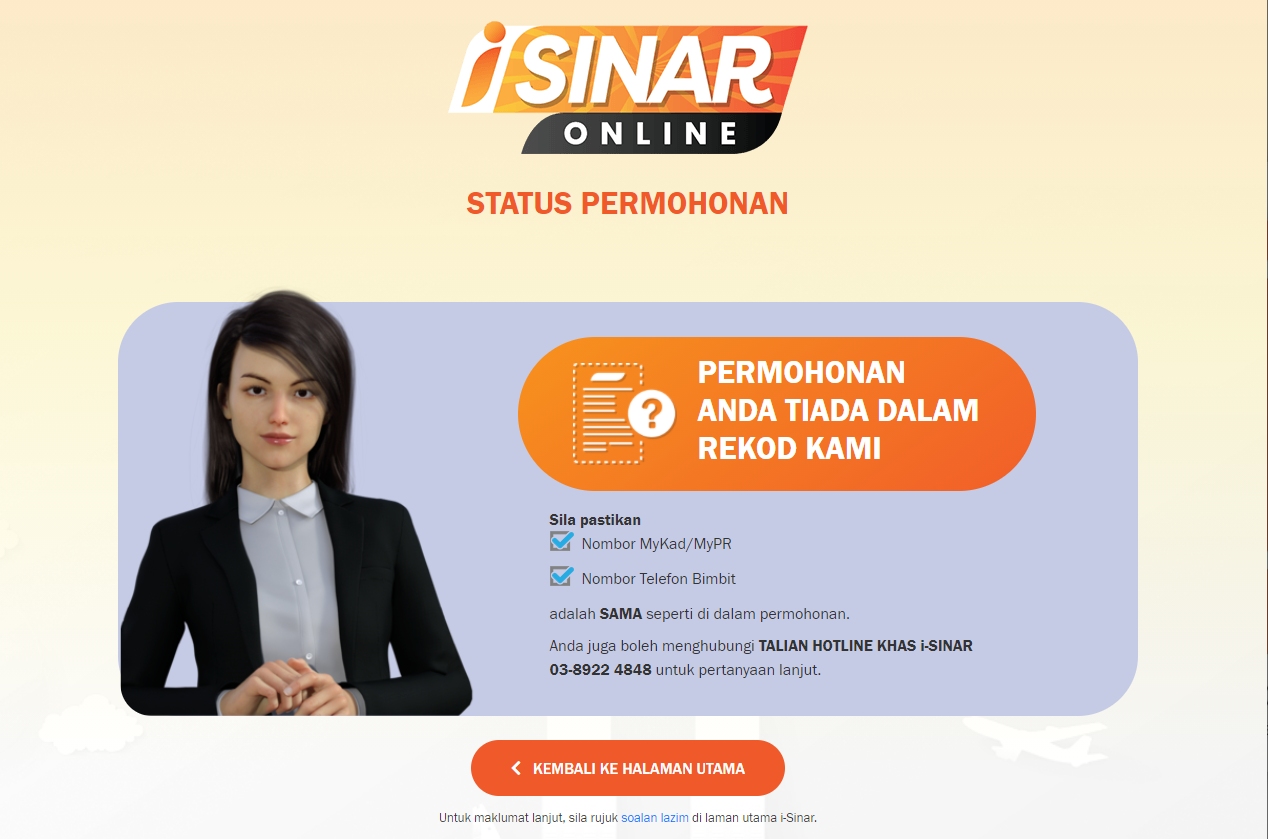
If you haven’t submitted an application, you’ll receive a message that your application isn’t found in their records as shown above.

EPF will accept new applications until the 30th of June 2021. The i-Sinar program is offered to members that have lost their jobs or suffered a salary cut of 30% and above.


Members with less than RM100,000 savings in Account 1 can withdraw up to RM10,000, while members with more than RM100,000 in Account 1 may withdraw up to 10% of their account balance, with a maximum cap of RM60,000. You can learn how to apply with our how-to guide.

According to Kosmo, EPF has begun disbursing the first payout to successful applicants. When the withdrawal facility was initially announced, it was mentioned that successful applications that are approved in December will receive their first payout in January 2021.
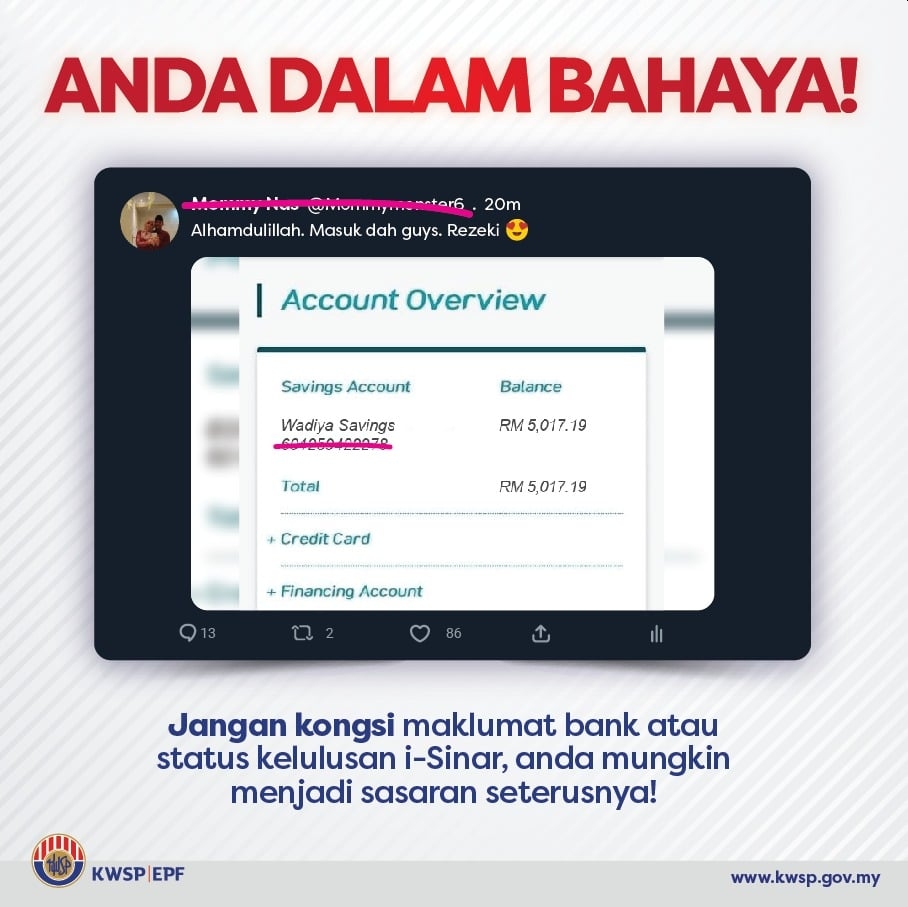
EPF has also warned members not to share their EPF withdrawal status and bank statements online. Exposing your details in public may put your personal data at risk and it could be misused for potential scams.

Related reading

EPF i-Sinar applications are now open, here’s how to apply
EPF i-Sinar: Members who didn’t suffer 30% pay cut but need cash are encouraged to apply
EPF: Beware of fake i-Sinar apps
Tags: EPFi-SinarKWSP
Alexander Wong

Alexander Wong

POPULAR

EPF i-Sinar: How to check your application status online

January 6, 2021

ColorOS 17 coming to Malaysia with Living Flow UI, System-Level AI Agents and 6-year smoothness guarantee

October 15, 2026

iPad Mini 2026 Malaysia: Larger 8.5″ OLED, A20 Pro and first iPad with water resistance, priced from RM2,999

October 26, 2026

Apple MacBook Pro with touchscreen OLED and illuminated Apple logo is here, Malaysia price starts from RM11,999

October 29, 2026

Apple now offers 512GB RAM for Mac Studio in Malaysia, but the upgrade alone costs over RM50,000

October 29, 2026

Apple refreshes base MacBook Pro 14 with M6 chip: Priced from RM8,299

October 28, 2026

Copyright © 2026 · SoyaCincau.com
Mind Blow Sdn Bhd (1076827-P)

  • ADVERTISE
  • DISCLAIMER

Copyright © 2026 · SoyaCincau.com – Mind Blow Sdn Bhd (1076827-P)

  • ADVERTISE
  • DISCLAIMER