
• 中文版
  • BM
  • News
  • Deals
  • Reviews
    • First Impressions
    • Hands-on
    • Comparisons
  • Tech
    • Mobile
    • Computers
    • Cameras
    • Wearables
    • Audio
    • Drones
  • Telco
    • Celcom
    • Digi
    • Maxis
    • Time
    • Tune Talk
    • U Mobile
    • Unifi
    • Yes
  • Cars
  • Contribute
  • Jobs
Menu
  • 中文版
  • BM
  • News
  • Deals
  • Reviews
    • First Impressions
    • Hands-on
    • Comparisons
  • Tech
    • Mobile
    • Computers
    • Cameras
    • Wearables
    • Audio
    • Drones
  • Telco
    • Celcom
    • Digi
    • Maxis
    • Time
    • Tune Talk
    • U Mobile
    • Unifi
    • Yes
  • Cars
  • Contribute
  • Jobs
Search
  • Tech
    • News
    • Mobile
    • Computers
    • Cameras
    • Wearables
    • Audio
    • Drones
  • Telco
    • Celcom
    • Digi
    • Maxis
    • Time
    • U Mobile
    • Unifi
    • Yes
  • Reviews
    • First Impressions
    • Hands-on
    • Comparisons
  • Buyer’s Guide
  • Opinions
  • Digital Life
  • Video
  • Deals
  • How-To
  • Cars
  • Bahasa Melayu
  • EV
  • Contribute
  • Advertise
Menu
  • Tech
    • News
    • Mobile
    • Computers
    • Cameras
    • Wearables
    • Audio
    • Drones
  • Telco
    • Celcom
    • Digi
    • Maxis
    • Time
    • U Mobile
    • Unifi
    • Yes
  • Reviews
    • First Impressions
    • Hands-on
    • Comparisons
  • Buyer’s Guide
  • Opinions
  • Digital Life
  • Video
  • Deals
  • How-To
  • Cars
  • Bahasa Melayu
  • EV
  • Contribute
  • Advertise
Search
Close
Home Digital Life

Now you can watch Astro Go shows offline

  • BY Alexander Wong
  • 11 November 2020
  • 3:42 pm
  • Comment
Share on FacebookShare on Twitter

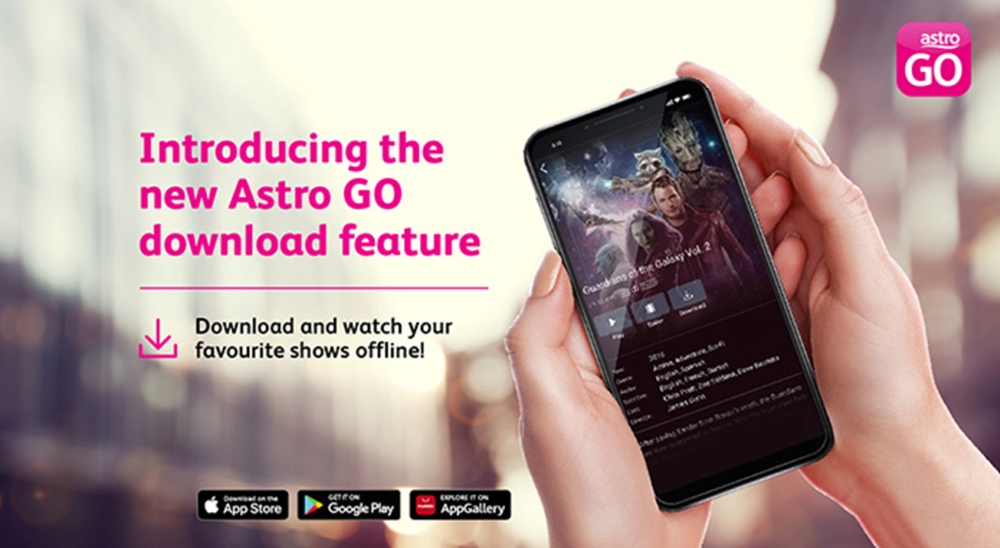
Astro customers can watch their favourite shows on the go even without internet access. This is made possible with the new download feature for Astro Go which is available for Android, iOS and Huawei devices.

If you’re heading somewhere with poor or no internet connectivity, you can download both local and international content that’s part of your subscription before leaving your home. The download feature is currently being rolled out in stages and Astro says it supports over 85% of the current content library on Astro Go.

To download content for offline viewing, just search for your content and click on the “Download” button. Users will be able to choose either higher, standard and lower quality for all offline content. Astro also stated that there’s no limit on the number of content that you wish to download and you may even choose to download the same show as many times you want.

All saved content can be found in the “My Library” tab on the Astro Go app. For movies, the video content will be kept on your device for up to 2 days while TV series will be retained for 7 days. Once expired, the saved shows will be deleted automatically.

If you’re an Astro subscriber, you can download the Astro Go app on Google Play, Apple App Store and Huawei AppGallery.


Related reading

Astro Ultra Box customers can enjoy VOD content in 4K UHD, rent movies from RM9
Astro and Allo offer TV content and 50Mbps broadband for RM99/month
Tags: AstroAstro Go
Alexander Wong

Alexander Wong

POPULAR

Now you can watch Astro Go shows offline

November 11, 2020

Small Steps, Daily Rewards: Exploring the Maybank Tabung Daily Bonus Campaign

May 28, 2026
Photo by Vitaly Gariev

Countdown to Kickoff: Unifi TV Brings All 104 FIFA World Cup 2026 Matches Live in HD

June 11, 2026

Zeekr X 2026 now open for booking in Malaysia, comes with automatic doors and built-in fridge

June 9, 2026

MyGOV app will stream FIFA World Cup 2026 matches for free

June 5, 2026

We’ve been accepting broken laptop designs for 20 years. Here’s what finally changed

June 9, 2026

Copyright © 2025 · SoyaCincau.com
Mind Blow Sdn Bhd (1076827-P)

  • ADVERTISE
  • DISCLAIMER

Copyright © 2026 · SoyaCincau.com – Mind Blow Sdn Bhd (1076827-P)

  • ADVERTISE
  • DISCLAIMER





