
• 中文版
  • BM
  • News
  • Deals
  • Reviews
    • First Impressions
    • Hands-on
    • Comparisons
  • Tech
    • Mobile
    • Computers
    • Cameras
    • Wearables
    • Audio
    • Drones
  • Telco
    • Celcom
    • Digi
    • Maxis
    • Time
    • Tune Talk
    • U Mobile
    • Unifi
    • Yes
  • Cars
  • Contribute
  • Jobs
Menu
  • 中文版
  • BM
  • News
  • Deals
  • Reviews
    • First Impressions
    • Hands-on
    • Comparisons
  • Tech
    • Mobile
    • Computers
    • Cameras
    • Wearables
    • Audio
    • Drones
  • Telco
    • Celcom
    • Digi
    • Maxis
    • Time
    • Tune Talk
    • U Mobile
    • Unifi
    • Yes
  • Cars
  • Contribute
  • Jobs
Search
  • Tech
    • News
    • Mobile
    • Computers
    • Cameras
    • Wearables
    • Audio
    • Drones
  • Telco
    • Celcom
    • Digi
    • Maxis
    • Time
    • U Mobile
    • Unifi
    • Yes
  • Reviews
    • First Impressions
    • Hands-on
    • Comparisons
  • Buyer’s Guide
  • Opinions
  • Digital Life
  • Video
  • Deals
  • How-To
  • Cars
  • Bahasa Melayu
  • EV
  • Contribute
  • Advertise
Menu
  • Tech
    • News
    • Mobile
    • Computers
    • Cameras
    • Wearables
    • Audio
    • Drones
  • Telco
    • Celcom
    • Digi
    • Maxis
    • Time
    • U Mobile
    • Unifi
    • Yes
  • Reviews
    • First Impressions
    • Hands-on
    • Comparisons
  • Buyer’s Guide
  • Opinions
  • Digital Life
  • Video
  • Deals
  • How-To
  • Cars
  • Bahasa Melayu
  • EV
  • Contribute
  • Advertise
Search
Close
Home Digital Life

WhatsApp makes it easier to remove unwanted photos and videos that takes up your phone’s storage

  • BY Dzamira Dzafri
  • 5 November 2020
  • 2:09 pm
  • Comment
Share on FacebookShare on Twitter

You probably don’t realise it but WhatsApp can take up a lot of storage on your phone. if you’ve been receiving lots of photos and videos from Group chats, there’s now a new nifty feature that lets you find and delete specific files a whole lot easier.

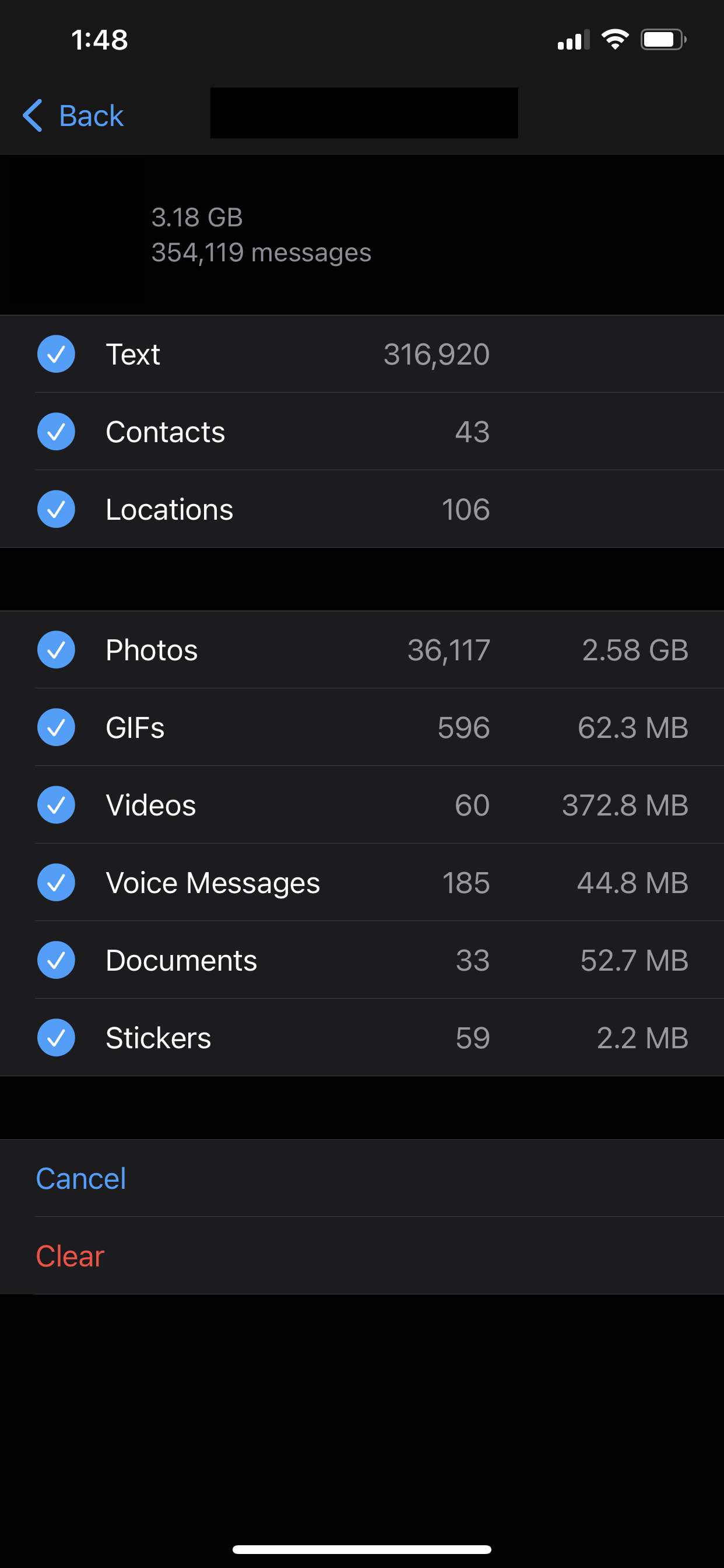
Currently, you’re only able to use WhatsApp’s “Storage Usage” feature—which lets you remove files based on the group and the type of file. While helps you quickly remove files from the app, it doesn’t let you choose specific files just in case there are some you’d like to keep—the only option you have is to delete everything.
With the new “storage management” tool, you’d be able to look through the files you want to delete. You’d also be able to see how much space you have left, as well as how much of the storage space you’ve used so far.

You’ll also be able to see categories like “Forwarded many times” and “Larger than 5 MB” that can help you decide which files aren’t necessary. The feature is expected to roll out worldwide this week.
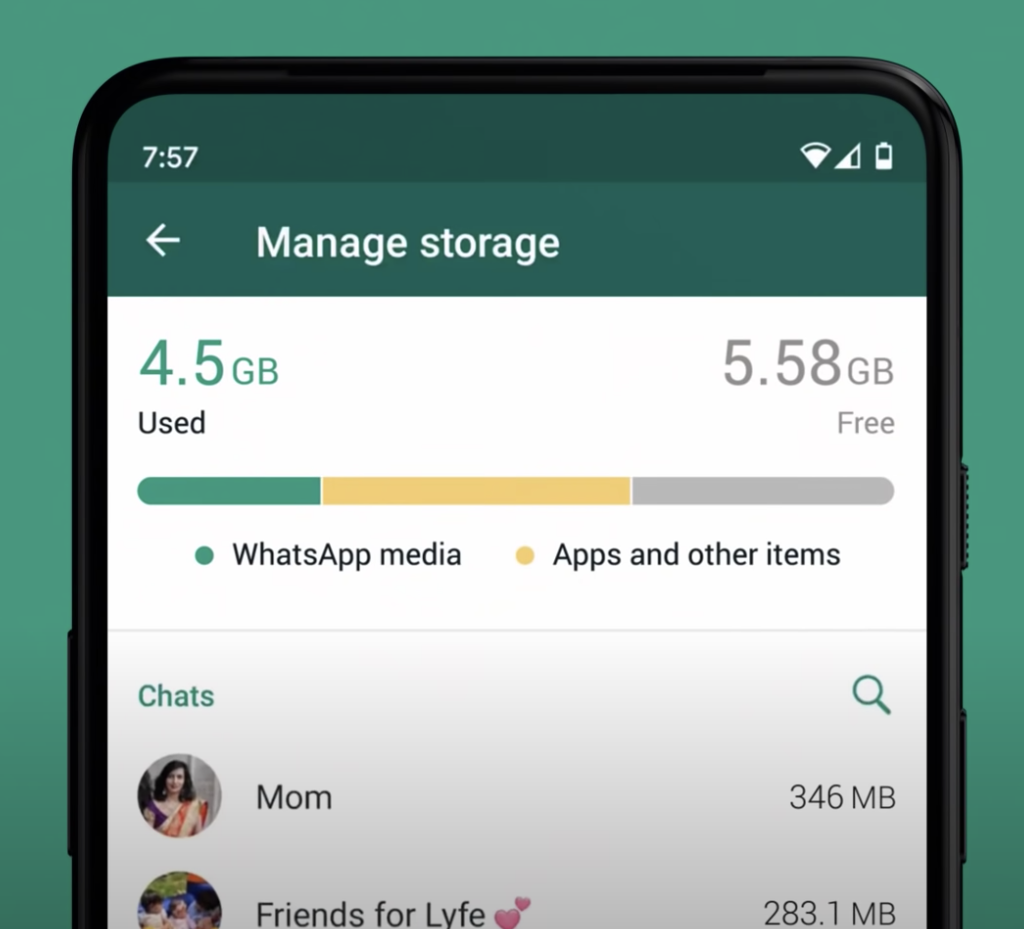

Once it’s been rolled out, you can head to Settings > Storage and data > Manage storage. As it’s not yet available in Malaysia, the Storage and Data section has yet to be seen.

WhatsApp has also introduced other features recently, like its Disappearing Messages feature. It will let your messages disappear automatically after 7 days if you want, and you can even enable it on specific chats including individual and group chats (if you’re an admin).

[ SOURCE, 2, IMAGE SOURCE ]

Related reading

WhatsApp now lets you make messages disappear automatically. Here’s how to activate it
Tags: storage managementWhatsapp
Dzamira Dzafri

Dzamira Dzafri

POPULAR

sooka’s Gilerrr Streaming Challenge Draws 273 Participants, Clinches Malaysia Book of Records Title

December 5, 2025

BOMBA investigating fire involving two EVs parked at home

December 19, 2025

U Mobile Unbeatable Phone Sale: Travel with FREE Global Roaming Across 60+ Destinations

December 10, 2025

WhatsApp makes it easier to remove unwanted photos and videos that takes up your phone’s storage

November 5, 2020

Perodua Traz: B-segment SUV with 1.5L engine and 471L boot, priced from RM76,100

December 17, 2025

JPJePlate: Is the Malaysian flag printed wrongly on EV plates?

December 12, 2025

Copyright © 2025 · SoyaCincau.com
Mind Blow Sdn Bhd (1076827-P)

  • ADVERTISE
  • DISCLAIMER

Copyright © 2025 · SoyaCincau.com – Mind Blow Sdn Bhd (1076827-P)

  • ADVERTISE
  • DISCLAIMER




