• 中文版
  • BM
  • News
  • Deals
  • Reviews
    • First Impressions
    • Hands-on
    • Comparisons
  • Tech
    • Mobile
    • Computers
    • Cameras
    • Wearables
    • Audio
    • Drones
  • Telco
    • Celcom
    • Digi
    • Maxis
    • Time
    • Tune Talk
    • U Mobile
    • Unifi
    • Yes
  • Cars
  • Contribute
  • Jobs
Menu
  • 中文版
  • BM
  • News
  • Deals
  • Reviews
    • First Impressions
    • Hands-on
    • Comparisons
  • Tech
    • Mobile
    • Computers
    • Cameras
    • Wearables
    • Audio
    • Drones
  • Telco
    • Celcom
    • Digi
    • Maxis
    • Time
    • Tune Talk
    • U Mobile
    • Unifi
    • Yes
  • Cars
  • Contribute
  • Jobs
Search
  • Tech
    • News
    • Mobile
    • Computers
    • Cameras
    • Wearables
    • Audio
    • Drones
  • Telco
    • Celcom
    • Digi
    • Maxis
    • Time
    • U Mobile
    • Unifi
    • Yes
  • Reviews
    • First Impressions
    • Hands-on
    • Comparisons
  • Buyer’s Guide
  • Opinions
  • Digital Life
  • Video
  • Deals
  • How-To
  • Cars
  • Bahasa Melayu
  • EV
  • Contribute
  • Advertise
Menu
  • Tech
    • News
    • Mobile
    • Computers
    • Cameras
    • Wearables
    • Audio
    • Drones
  • Telco
    • Celcom
    • Digi
    • Maxis
    • Time
    • U Mobile
    • Unifi
    • Yes
  • Reviews
    • First Impressions
    • Hands-on
    • Comparisons
  • Buyer’s Guide
  • Opinions
  • Digital Life
  • Video
  • Deals
  • How-To
  • Cars
  • Bahasa Melayu
  • EV
  • Contribute
  • Advertise
Search
Close
Home Digital Life

This app turns your iPhone or iPad into a multi-touch trackpad for your Mac

  • BY Dzamira Dzafri
  • 5 October 2020
  • 8:56 pm
  • Comment
Share on FacebookShare on Twitter

I’m one of the Apple users who prefers using the MacBook trackpad rather than a mouse. They usually have better sensitivity, and they’re widely known to be better than the average trackpads.

But for whatever reason you need another trackpad for your Mac, there’s a few apps that can help you turn your iPhone or iPad into one like BetterTouchTool. However, there is an app that turns your device into a real Mac trackpad, with additional support for multitouch gestures like scrolling and zooming—El Trackpad.
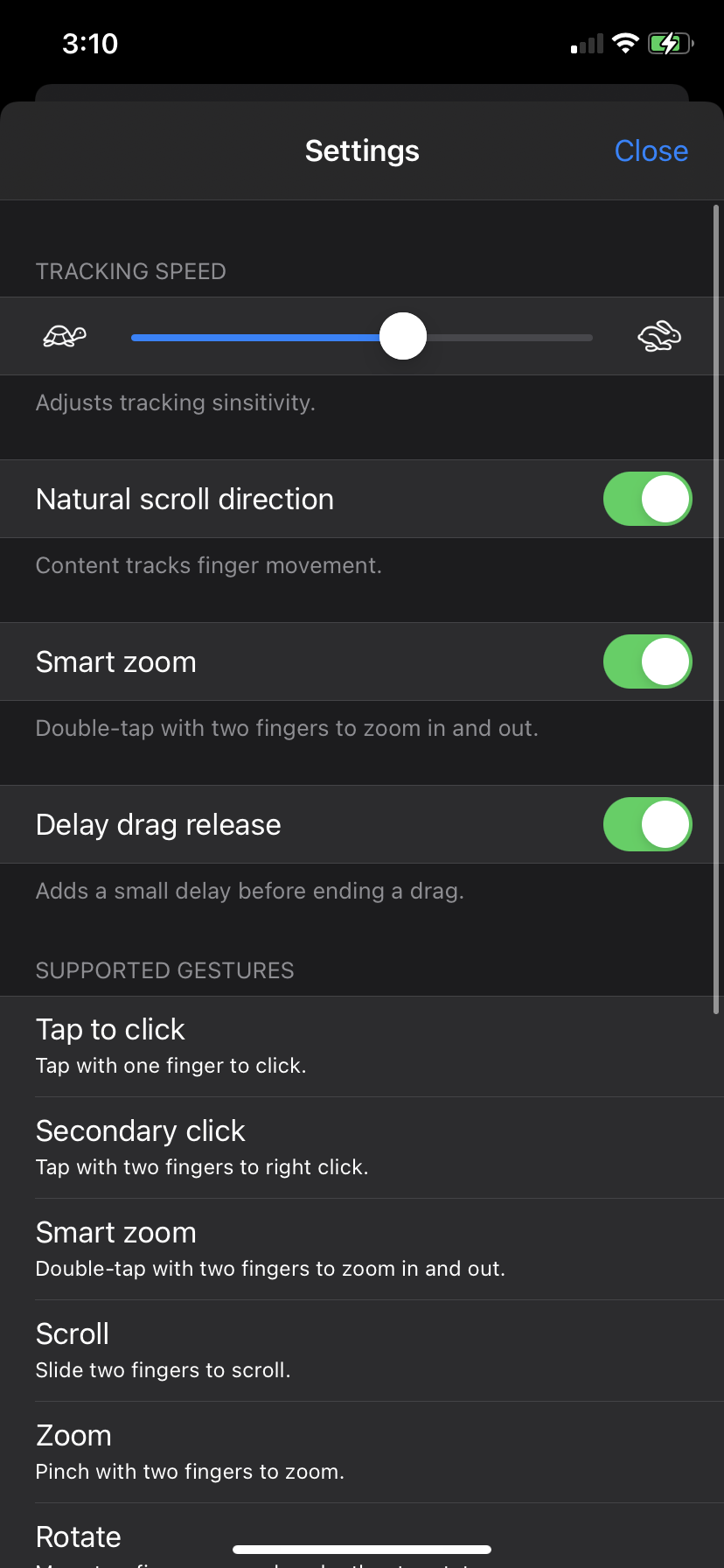
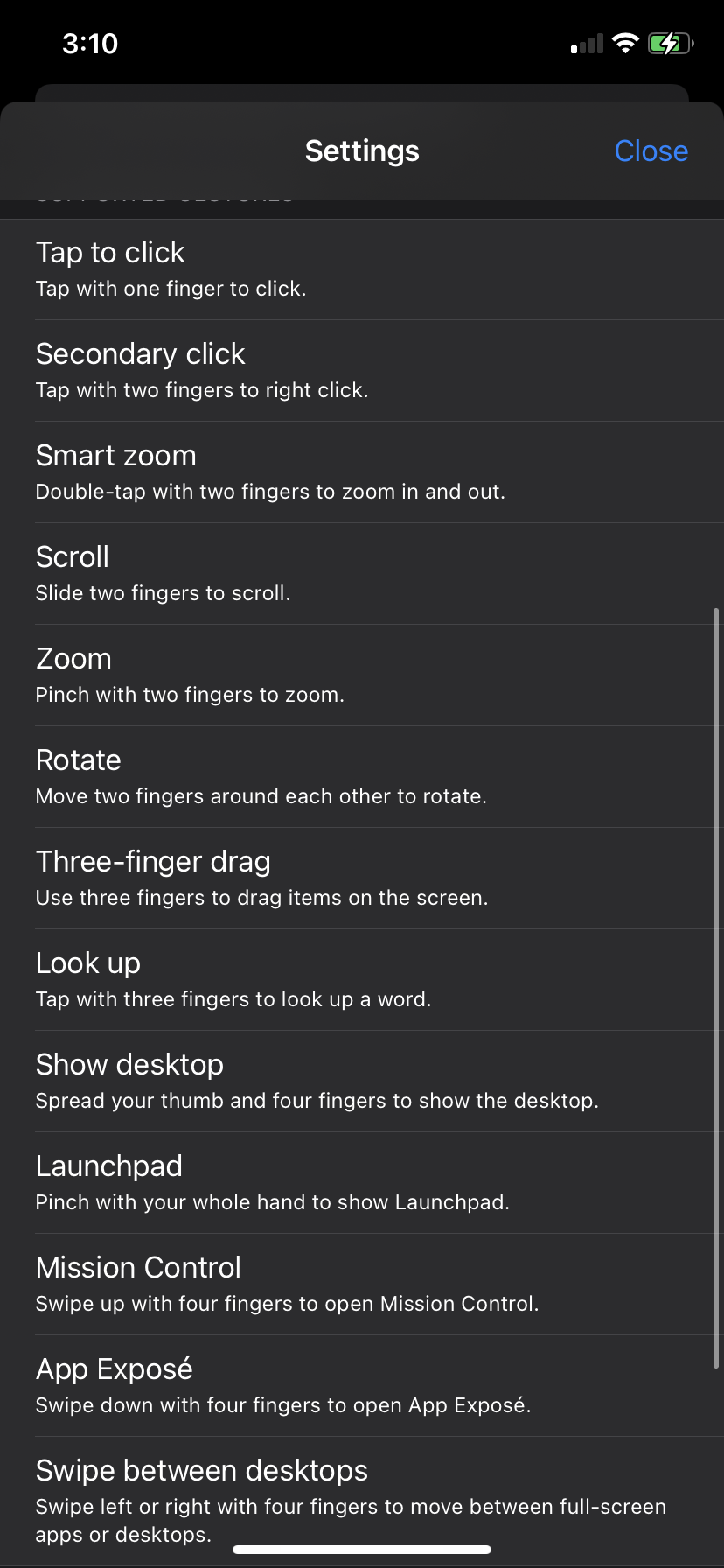
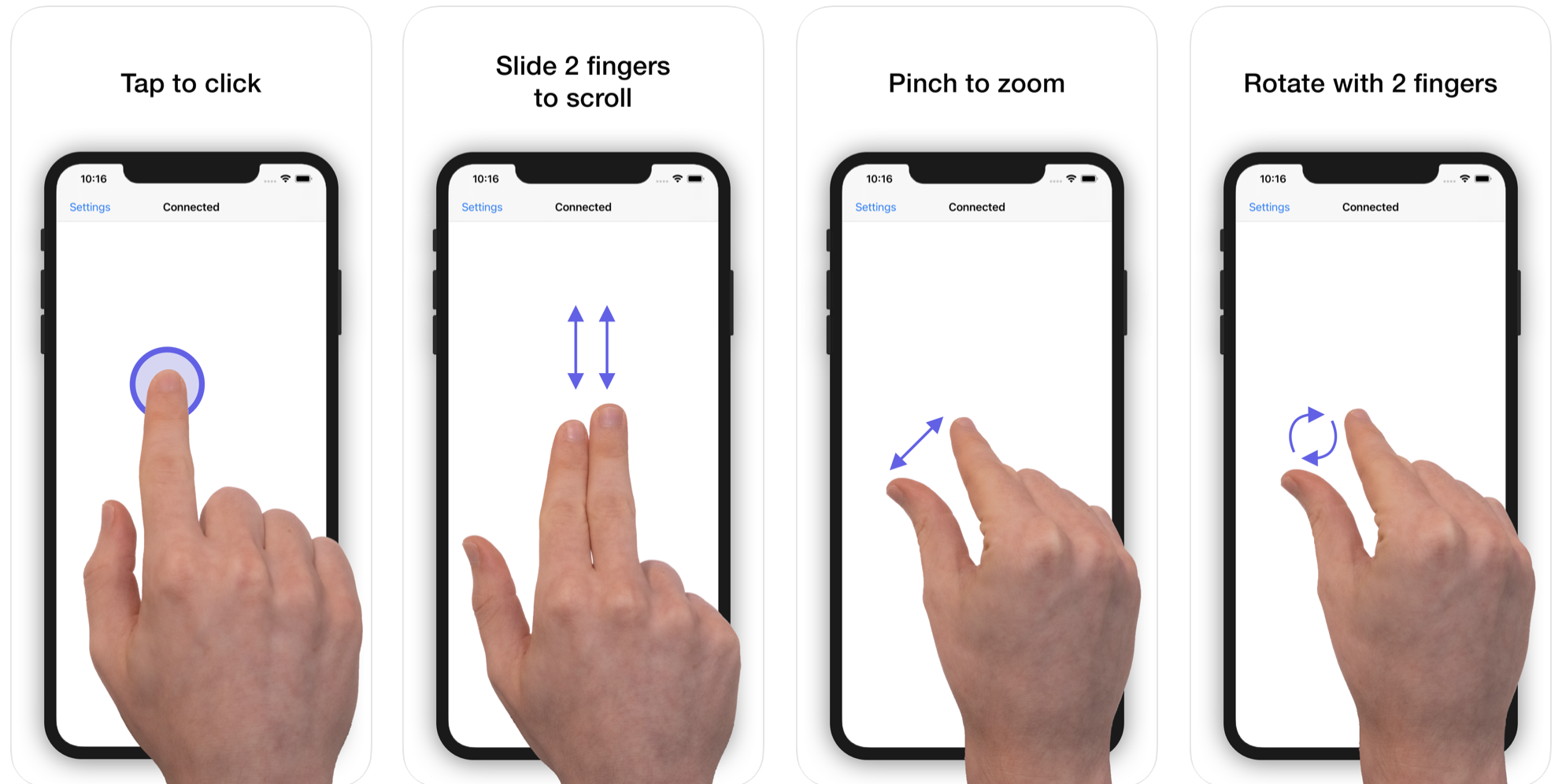
With the El Trackpad app, you can tap with two fingers to perform a right click, zoom in and out with the pinch gesture, slide with two fingers, rotate elements, drag and drop, and more features seen above. You can also change the tracking speed and toggle different things like scroll direction.

Here’s how to turn your iPhone or iPad into your Mac’s trackpad
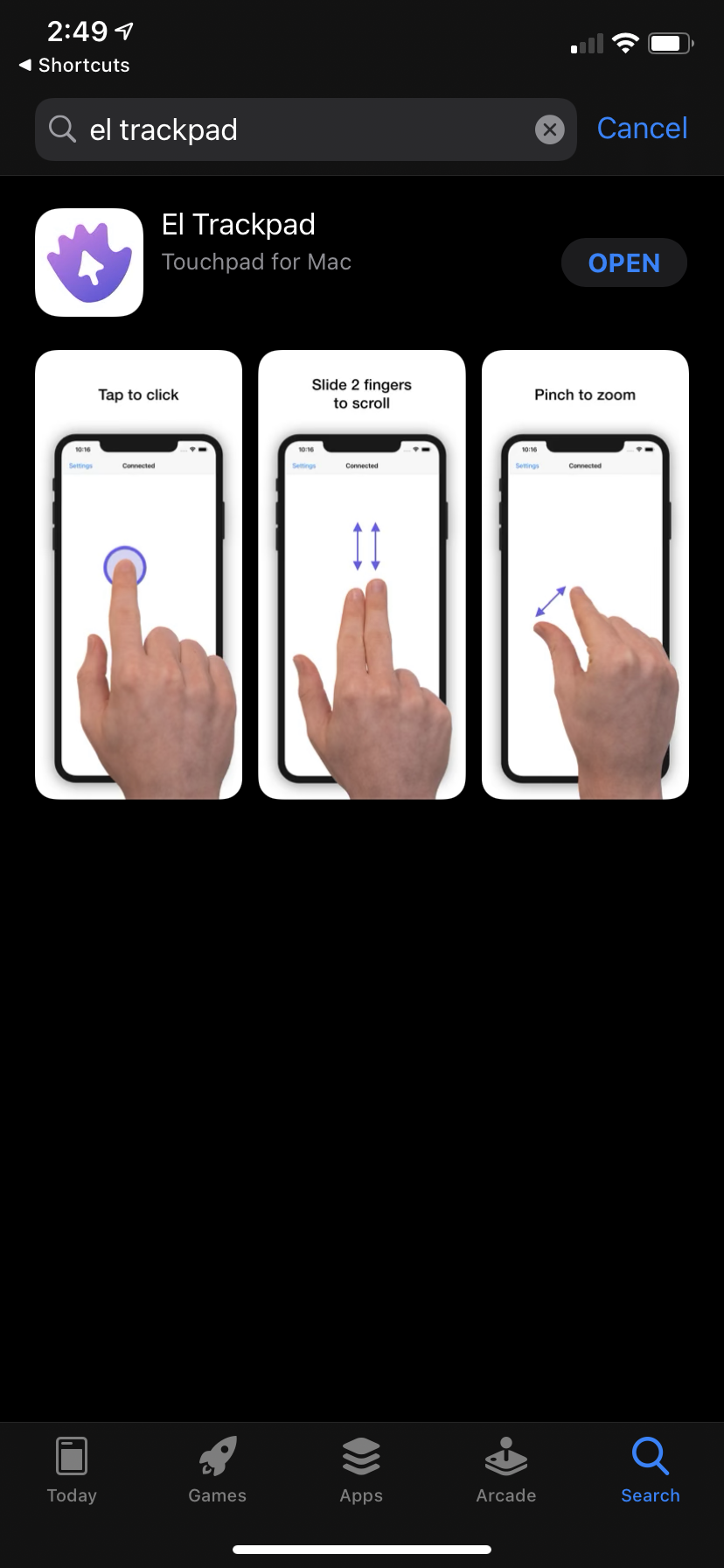
  • Download the El Trackpad app
  • You’ll be asked to install El Trackpad for your Mac as well. You can click here to make it easier
  • After you install the application on your Mac, allow accessibility features for it when prompted
  • Connect your iPhone or iPad to your Mac via a USB cable
  • Start your free 7-day trial
  • Enjoy your trackpad!

There are two big drawbacks to the application. The first one is that you need a USB cable to connect your devices in order for the trackpad to work, The second drawback is that it is RM16.90 to unlock the app for longer than 7 days—it’s not free.

However, this is a great alternative if you are in a situation where you don’t have a mouse or trackpad around. It works with any iPhone, iPod touch, or iPad running iOS 10 or later, and Mac running macOS High Sierra or later.

[ SOURCE, IMAGE SOURCE ]

Tags: AppleiPadiPhoneMac
Dzamira Dzafri

Dzamira Dzafri

POPULAR

This app turns your iPhone or iPad into a multi-touch trackpad for your Mac

October 5, 2020

A Look Inside the All-New Maxis Centre at 1 Utama: What’s Different?

February 12, 2026

MacBook Neo: Apple’s “Rahmah” laptop with up to 16-hour battery life, priced from RM2,499

March 5, 2026

EV charger hogging is getting worse in Malaysia? | Let’s Talk About #137

March 9, 2026

MacBook Air 2026: Powerful M5 chip, 512GB base storage with faster SSD, WiFi 7 and priced from RM4,699

March 4, 2026

SEDC Energy x JomCharge slashes DC Charger pricing by 50%, no longer most expensive CPO in Malaysia

March 7, 2026

Copyright © 2025 · SoyaCincau.com
Mind Blow Sdn Bhd (1076827-P)

  • ADVERTISE
  • DISCLAIMER

Copyright © 2026 · SoyaCincau.com – Mind Blow Sdn Bhd (1076827-P)

  • ADVERTISE
  • DISCLAIMER