
• 中文版
  • BM
  • News
  • Deals
  • Reviews
    • First Impressions
    • Hands-on
    • Comparisons
  • Tech
    • Mobile
    • Computers
    • Cameras
    • Wearables
    • Audio
    • Drones
  • Telco
    • Celcom
    • Digi
    • Maxis
    • Time
    • Tune Talk
    • U Mobile
    • Unifi
    • Yes
  • Cars
  • Contribute
  • Jobs
Menu
  • 中文版
  • BM
  • News
  • Deals
  • Reviews
    • First Impressions
    • Hands-on
    • Comparisons
  • Tech
    • Mobile
    • Computers
    • Cameras
    • Wearables
    • Audio
    • Drones
  • Telco
    • Celcom
    • Digi
    • Maxis
    • Time
    • Tune Talk
    • U Mobile
    • Unifi
    • Yes
  • Cars
  • Contribute
  • Jobs
Search
  • Tech
    • News
    • Mobile
    • Computers
    • Cameras
    • Wearables
    • Audio
    • Drones
  • Telco
    • Celcom
    • Digi
    • Maxis
    • Time
    • U Mobile
    • Unifi
    • Yes
  • Reviews
    • First Impressions
    • Hands-on
    • Comparisons
  • Buyer’s Guide
  • Opinions
  • Digital Life
  • Video
  • Deals
  • How-To
  • Cars
  • Bahasa Melayu
  • EV
  • Contribute
  • Advertise
Menu
  • Tech
    • News
    • Mobile
    • Computers
    • Cameras
    • Wearables
    • Audio
    • Drones
  • Telco
    • Celcom
    • Digi
    • Maxis
    • Time
    • U Mobile
    • Unifi
    • Yes
  • Reviews
    • First Impressions
    • Hands-on
    • Comparisons
  • Buyer’s Guide
  • Opinions
  • Digital Life
  • Video
  • Deals
  • How-To
  • Cars
  • Bahasa Melayu
  • EV
  • Contribute
  • Advertise
Search
Close
Home News

TM reveals why the Unifi TV app doesn’t work on your Android TV device

  • BY Alexander Wong
  • 29 September 2020
  • 4:53 pm
  • Comment
Share on FacebookShare on Twitter

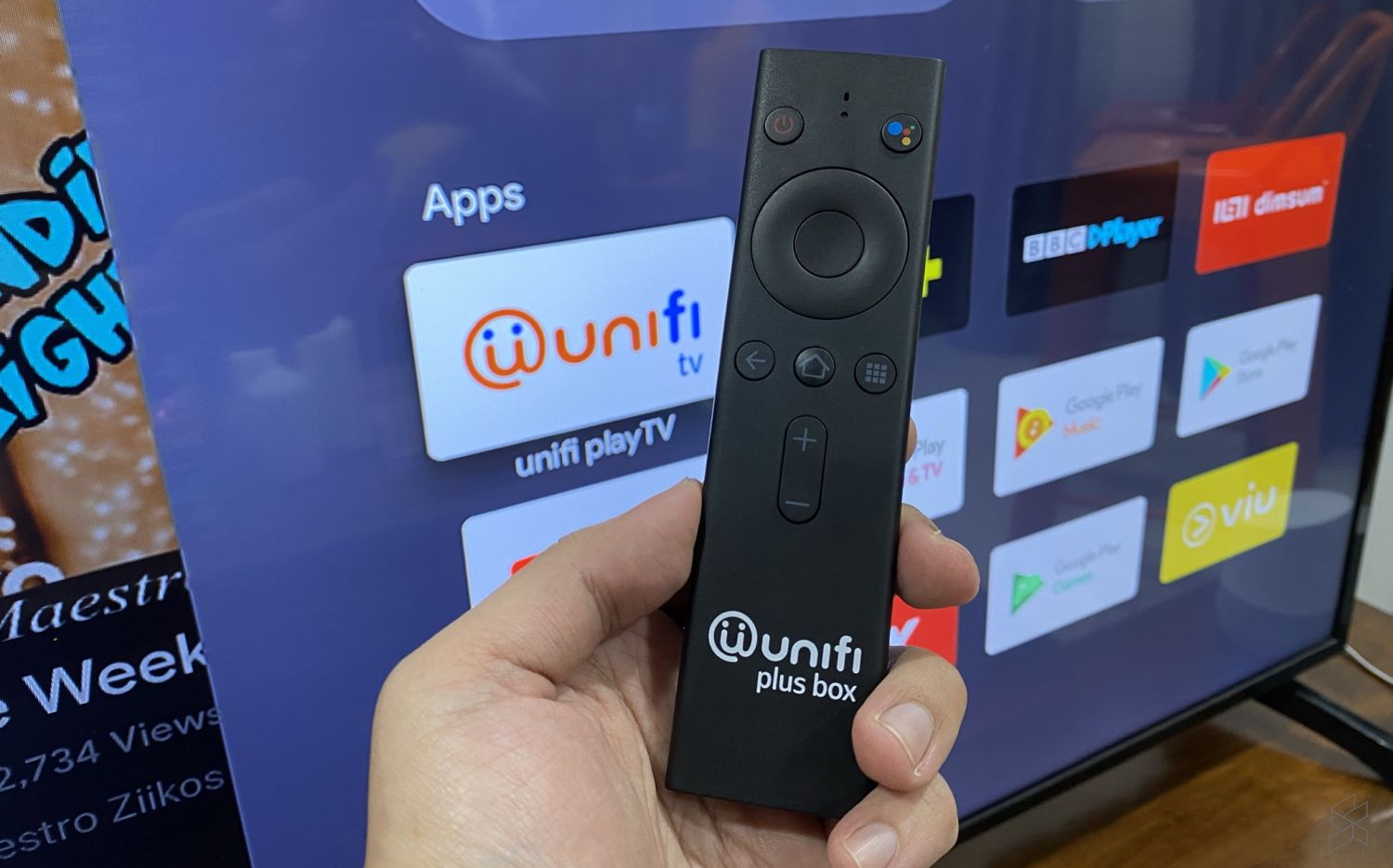
A couple of months ago, Unifi has released its Unifi TV app for Android TV which enables subscribers to watch their IPTV and VOD content on the big screen. This would be useful for subscribers without the set-top-box as the app allows them to enjoy Unifi’s TV content on media boxes and Smart TVs that run on Google’s Android TV.

Although you can download and install the app from the Android TV’s Play Store, some of our readers have received errors like “Account in the midst of migrating”. We asked TM’s CMO Lai Shu Wei about the issue and we are told that the app is best experienced with TM’s Unifi Plus Box. He added that other Android TV devices are not optimised at this point.
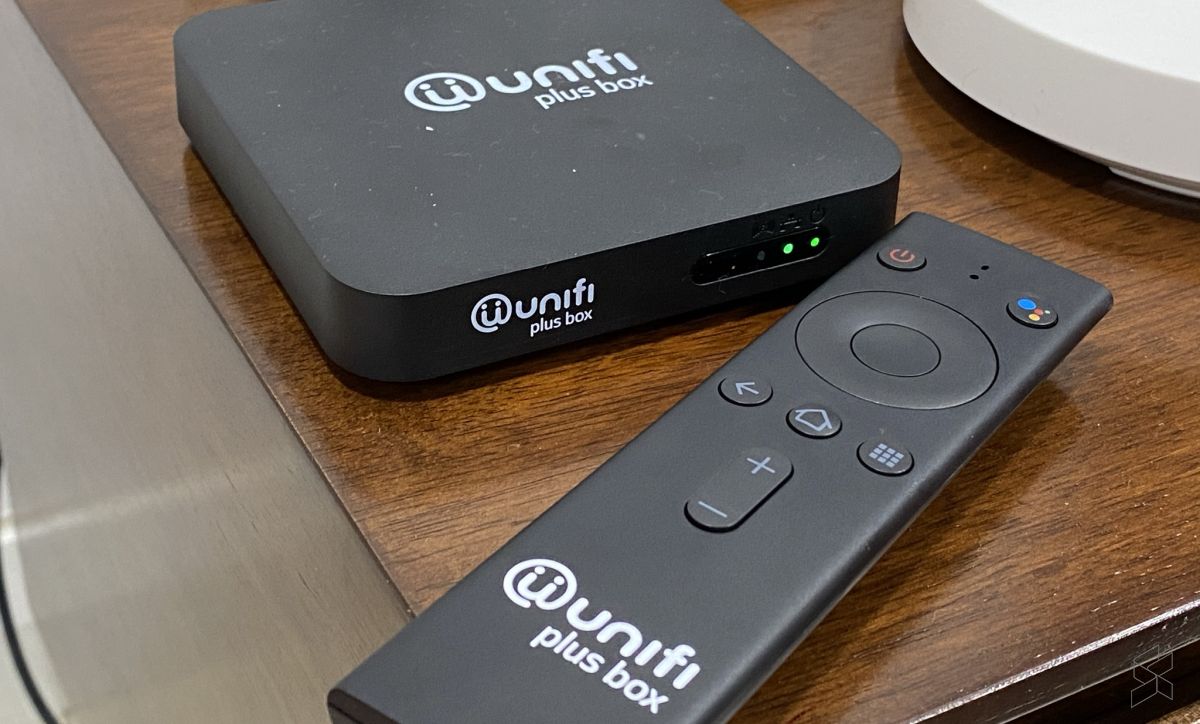
TM Unifi Plus Box

The Android TV-powered Unifi Plus Box is currently offered for free for Unifi subscribers with the TV Ultimate Pack bundle which costs an extra RM60/month. If you need an extra Unifi Plus Box, it is offered for RM20/month with a 24-month contract.

For users without the Plus Box, TM recommends its customers to download the Unifi Play TV app on their smartphones or tablets. The app is available on both Apple AppStore and Google Play Store.
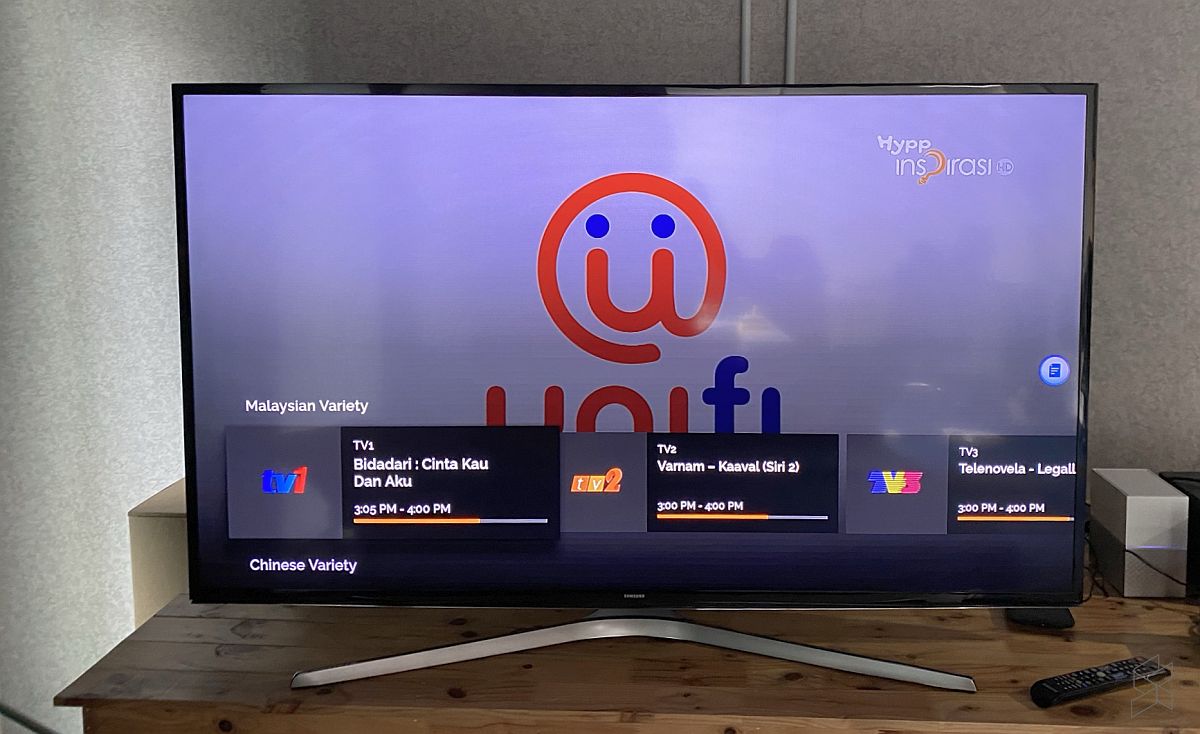
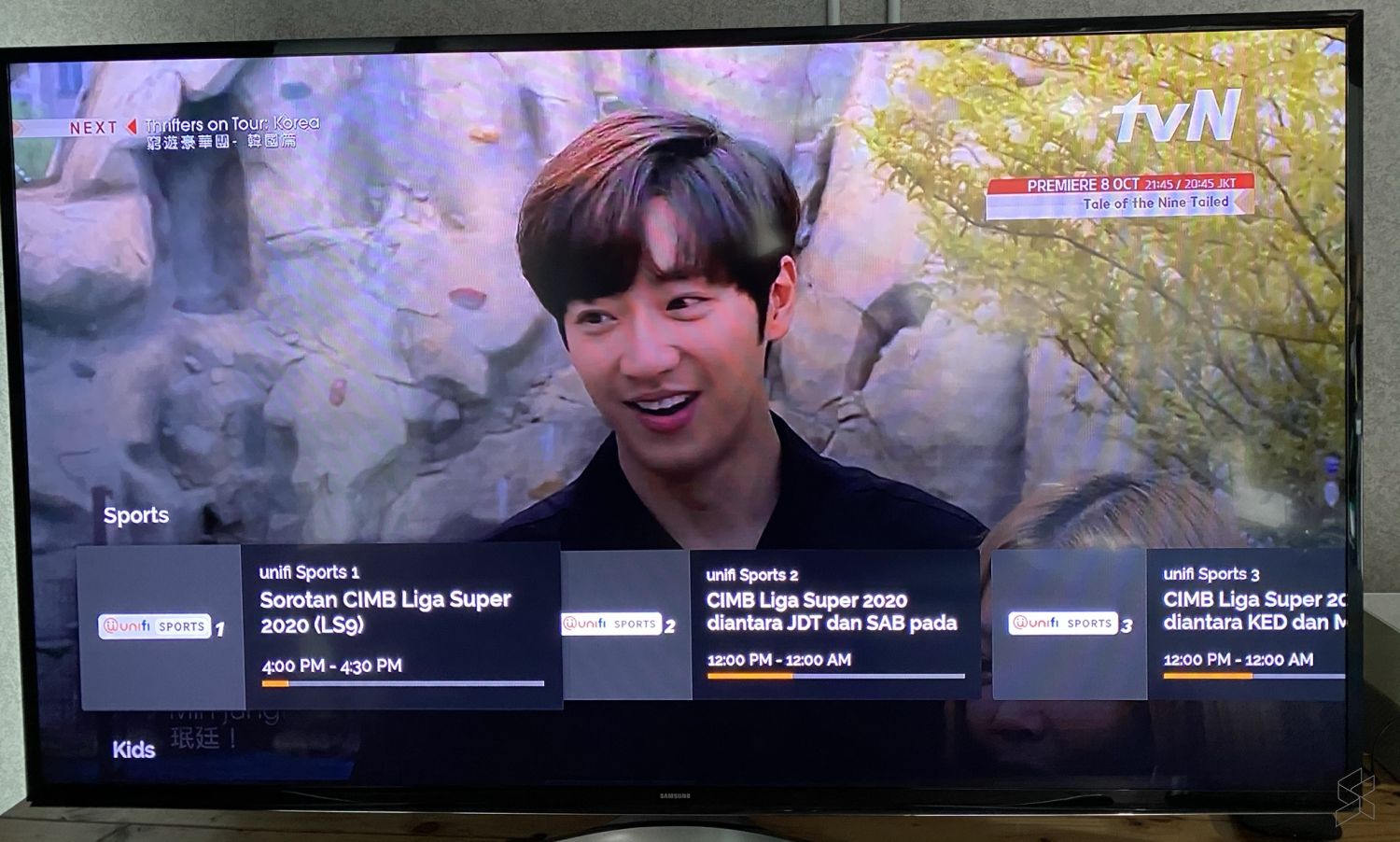
Unifi TV app works on our Xiaomi Mi Box

It is odd that TM hasn’t optimised the app for all Android TV devices as the app would help to boost viewership of its IPTV service. We managed to install and login to an account on a 1st gen Xiaomi Mi Box that runs on Android TV 8.0. Switching between live TV channels was pretty seamless and you also get to view the list of Video on Demand content.
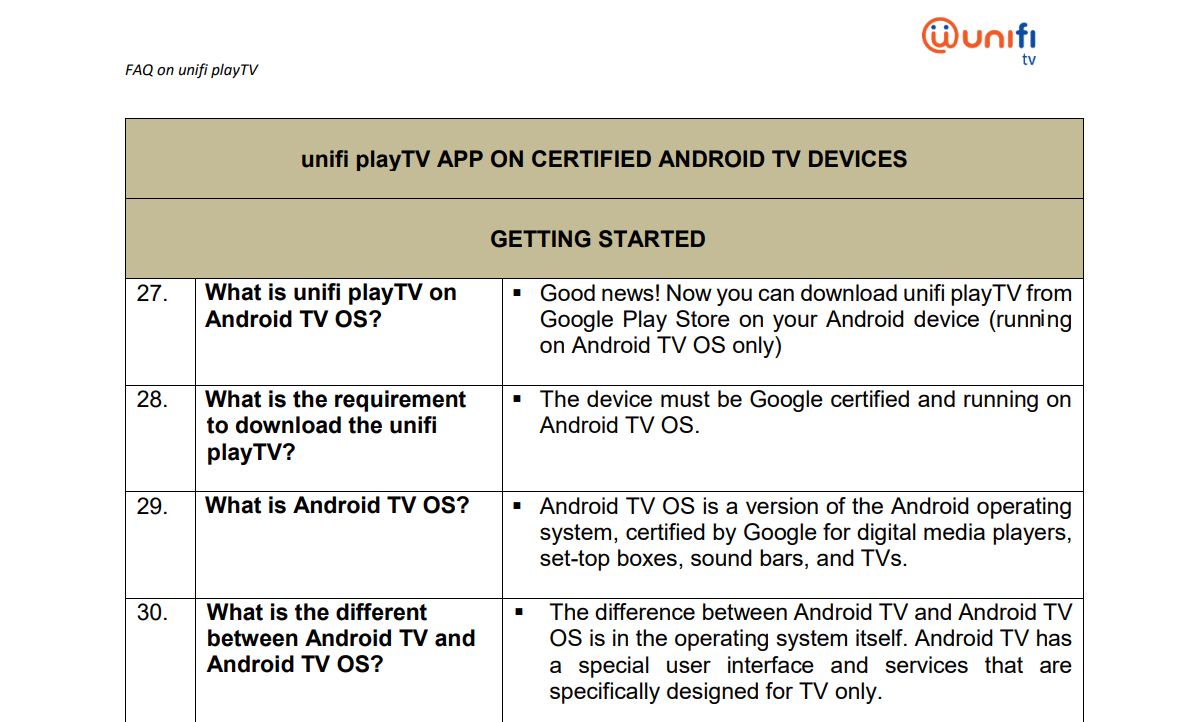
According to the FAQ as shown above, the app was supposed to be compatible for Android TV devices that are certified by Google. If the Android TV OS device could run YouTube and Netflix without issues, most users would expect Unifi’s app to be supported.
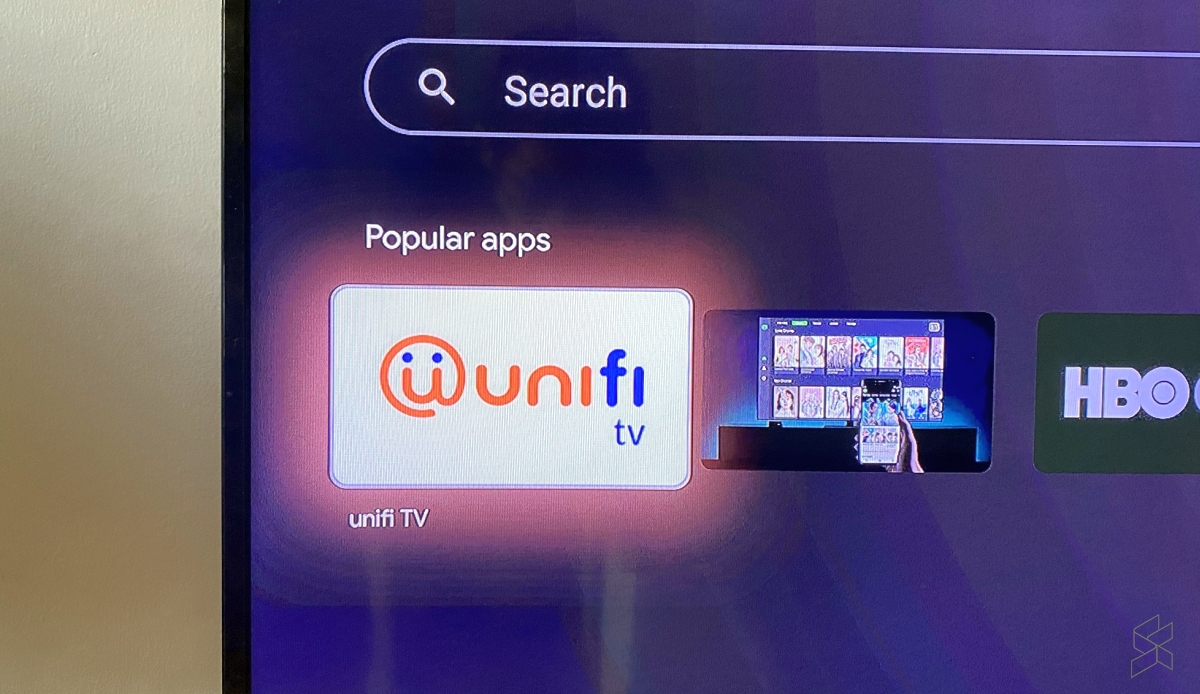
Unifi TV Search Android TV store

Have you managed to install Unifi TV on your Xiaomi Mi Box, Mi TV Stick or Android TV-powered TVs? Let us know your experience in the comments below. To give it a try, search for “Unifi” on your Android TV device’s Play Store. There’s a high chance that it should appear under its Popular apps listing.

Related reading

Here’s how to watch Unifi TV on your Android TV device
Tags: Android TVTMUnifiUnifi PlayTVunifi TV
Alexander Wong

Alexander Wong

POPULAR

sooka’s Gilerrr Streaming Challenge Draws 273 Participants, Clinches Malaysia Book of Records Title

December 5, 2025

JPJePlate: Is the Malaysian flag printed wrongly on EV plates?

December 12, 2025

BOMBA investigating fire involving two EVs parked at home

December 19, 2025

TM reveals why the Unifi TV app doesn’t work on your Android TV device

September 29, 2020

U Mobile Unbeatable Phone Sale: Travel with FREE Global Roaming Across 60+ Destinations

December 10, 2025

Perodua Traz: B-segment SUV with 1.5L engine and 471L boot, priced from RM76,100

December 17, 2025

Copyright © 2025 · SoyaCincau.com
Mind Blow Sdn Bhd (1076827-P)

  • ADVERTISE
  • DISCLAIMER

Copyright © 2025 · SoyaCincau.com – Mind Blow Sdn Bhd (1076827-P)

  • ADVERTISE
  • DISCLAIMER





