• 中文版
  • BM
  • News
  • Deals
  • Reviews
    • First Impressions
    • Hands-on
    • Comparisons
  • Tech
    • Mobile
    • Computers
    • Cameras
    • Wearables
    • Audio
    • Drones
  • Telco
    • Celcom
    • Digi
    • Maxis
    • Time
    • Tune Talk
    • U Mobile
    • Unifi
    • Yes
  • Cars
  • Contribute
  • Jobs
Menu
  • 中文版
  • BM
  • News
  • Deals
  • Reviews
    • First Impressions
    • Hands-on
    • Comparisons
  • Tech
    • Mobile
    • Computers
    • Cameras
    • Wearables
    • Audio
    • Drones
  • Telco
    • Celcom
    • Digi
    • Maxis
    • Time
    • Tune Talk
    • U Mobile
    • Unifi
    • Yes
  • Cars
  • Contribute
  • Jobs
Search
  • Tech
    • News
    • Mobile
    • Computers
    • Cameras
    • Wearables
    • Audio
    • Drones
  • Telco
    • Celcom
    • Digi
    • Maxis
    • Time
    • U Mobile
    • Unifi
    • Yes
  • Reviews
    • First Impressions
    • Hands-on
    • Comparisons
  • Buyer’s Guide
  • Opinions
  • Digital Life
  • Video
  • Deals
  • How-To
  • Cars
  • Bahasa Melayu
  • EV
  • Contribute
  • Advertise
Menu
  • Tech
    • News
    • Mobile
    • Computers
    • Cameras
    • Wearables
    • Audio
    • Drones
  • Telco
    • Celcom
    • Digi
    • Maxis
    • Time
    • U Mobile
    • Unifi
    • Yes
  • Reviews
    • First Impressions
    • Hands-on
    • Comparisons
  • Buyer’s Guide
  • Opinions
  • Digital Life
  • Video
  • Deals
  • How-To
  • Cars
  • Bahasa Melayu
  • EV
  • Contribute
  • Advertise
Search
Close
Home Digital Life

Here’s the best way to place a group GrabFood order at your office

  • BY Dzamira Dzafri
  • 25 September 2020
  • 6:29 pm
  • Comment
Share on FacebookShare on Twitter

One of the biggest changes in our office culture during the RMCO is how we have our lunch. We try to be safe by avoiding eating out as much, which means that it will likely be a food delivery service like Grab that will help bring our lunch to us.
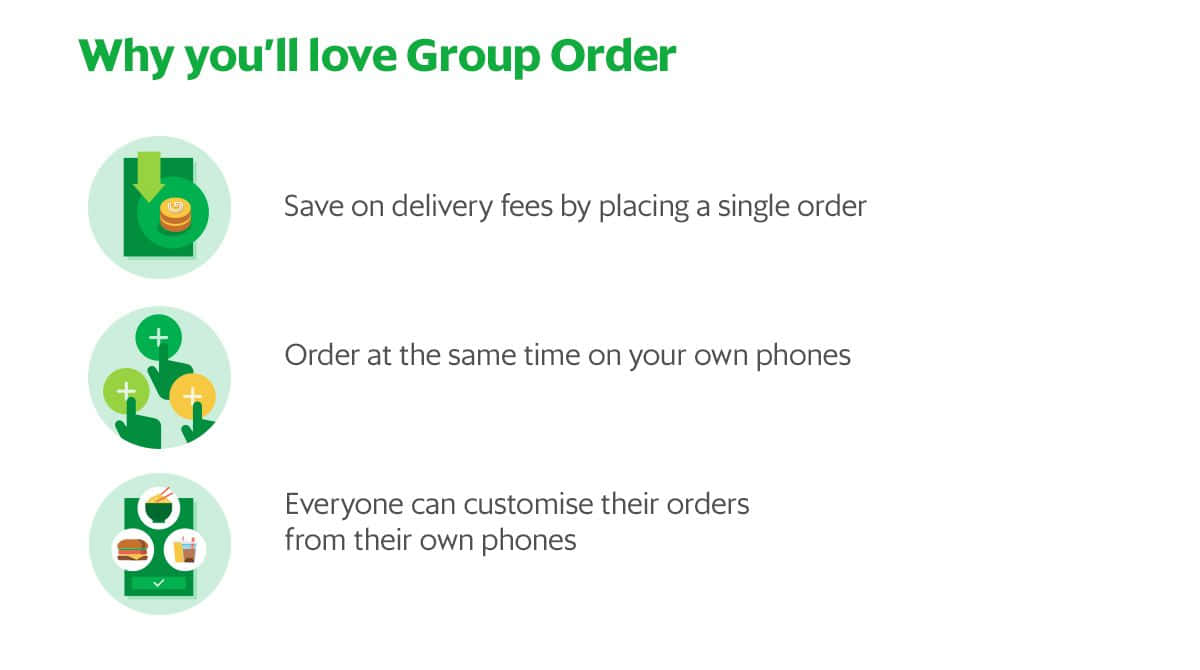
Earlier this month, Grab introduced the Group Order feature on its app. It makes it easier for someone to order something from GrabFood for a group—-and saves on delivery fees at the same time.

How to Group Order
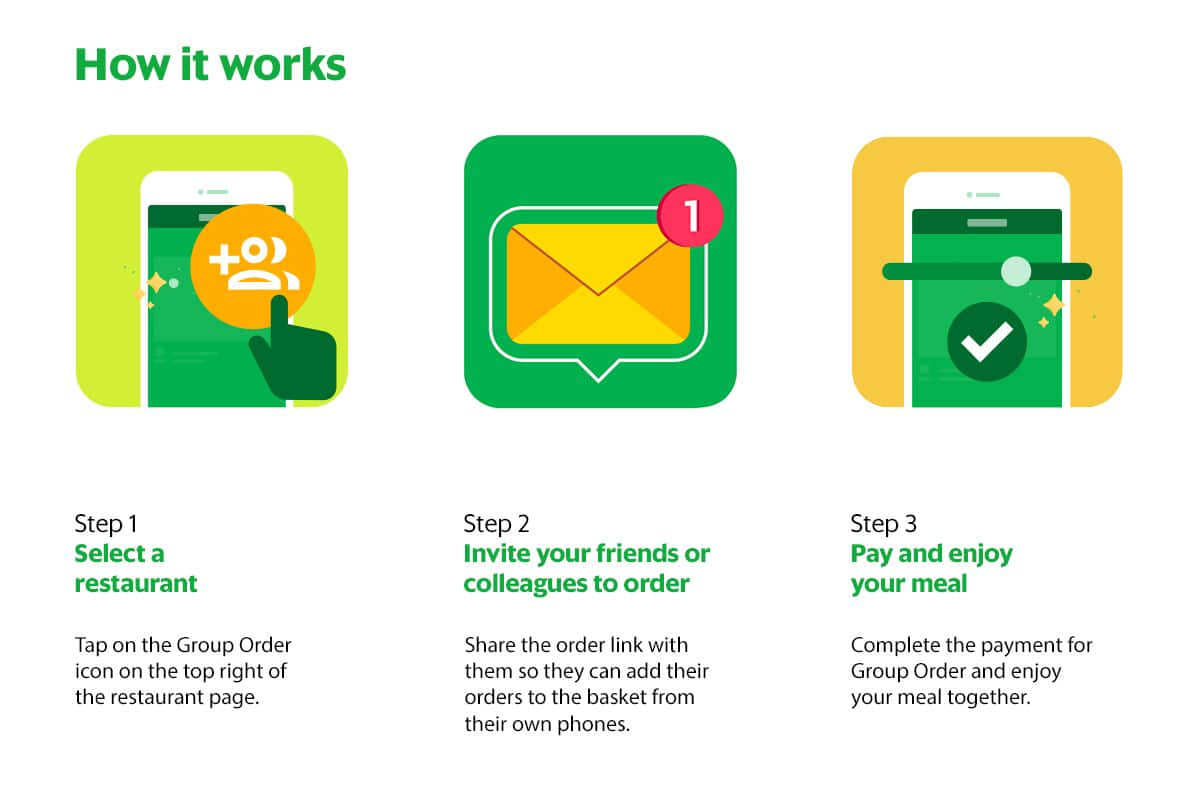
  • Fire up the Grab app (iOS, Android)
  • Select “Food”
  • Select a restaurant that you’d like to order from
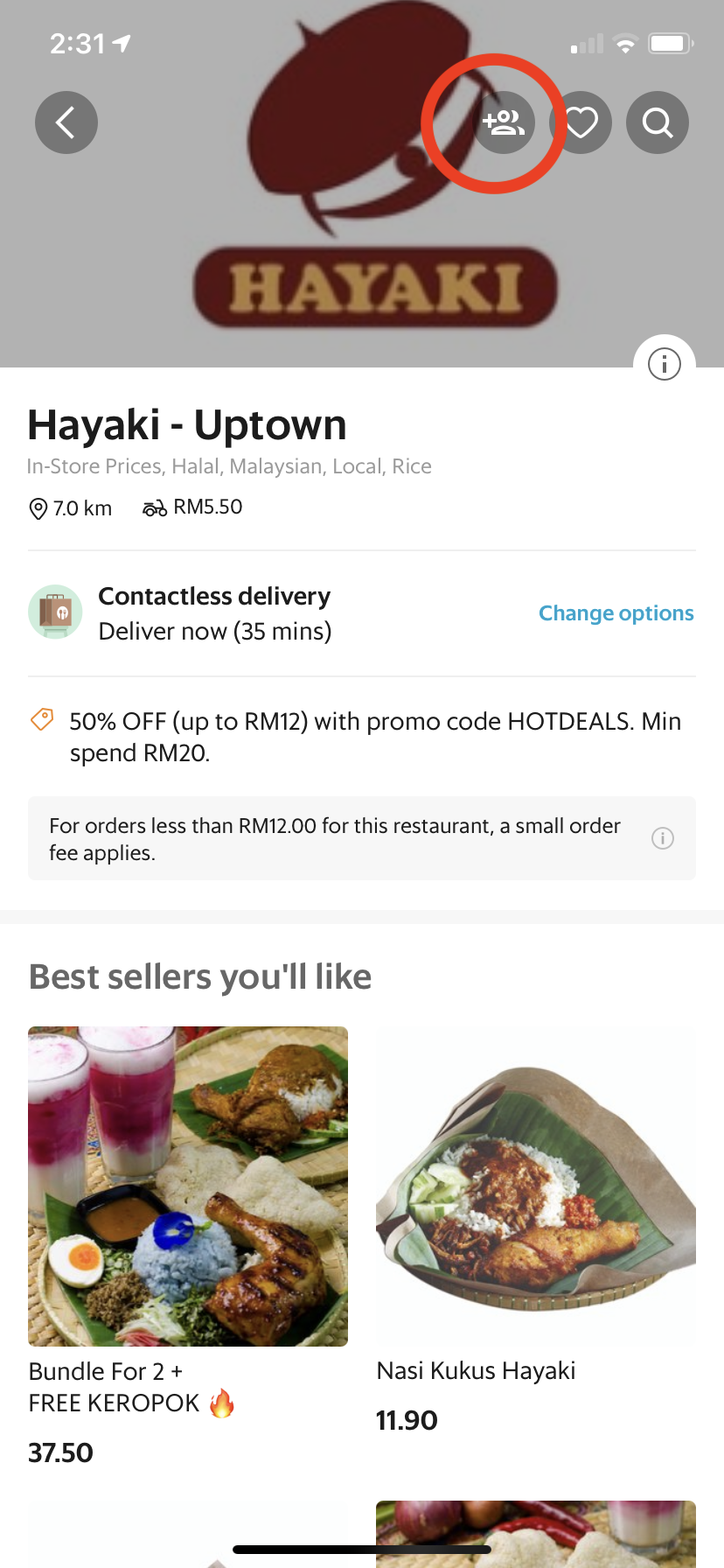
  • Press the icon that’s highlighted in red above
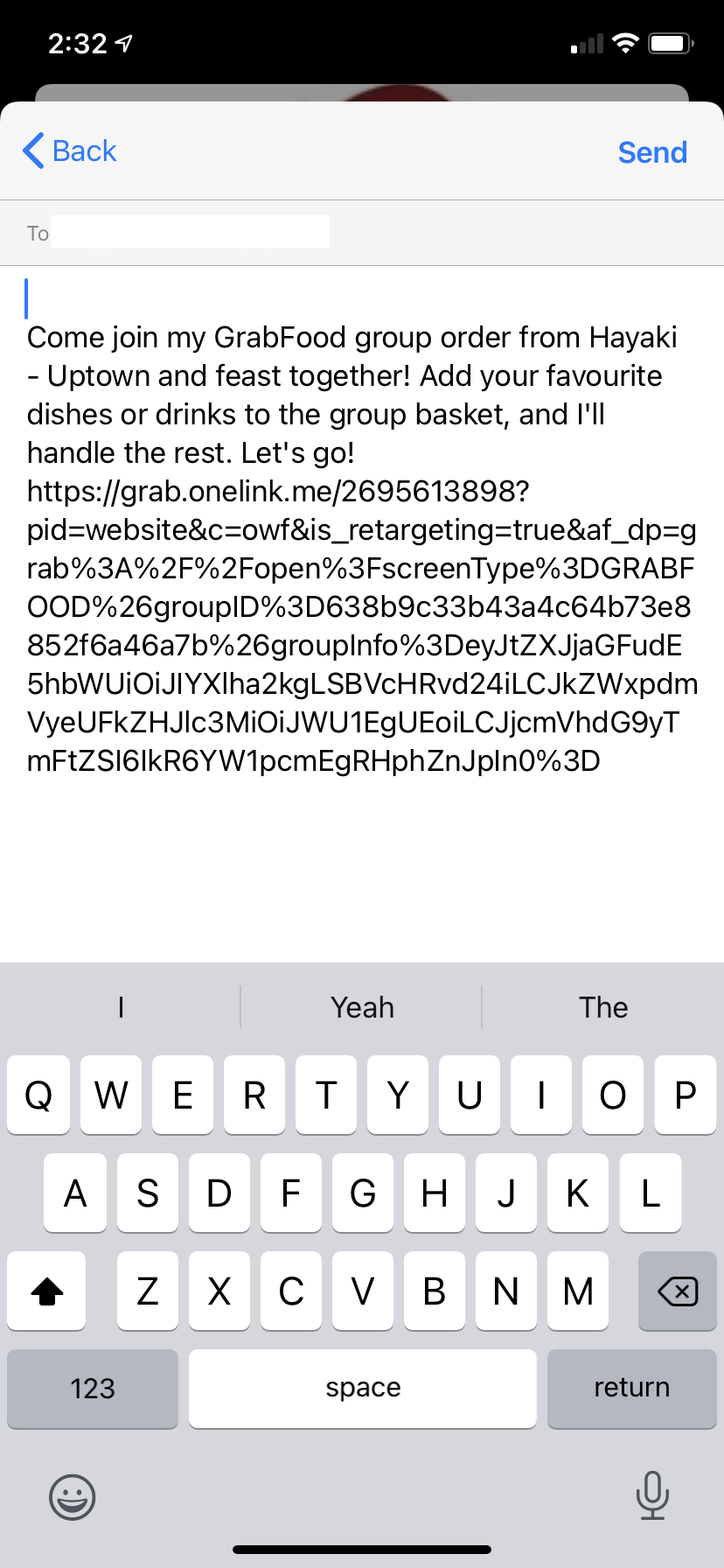
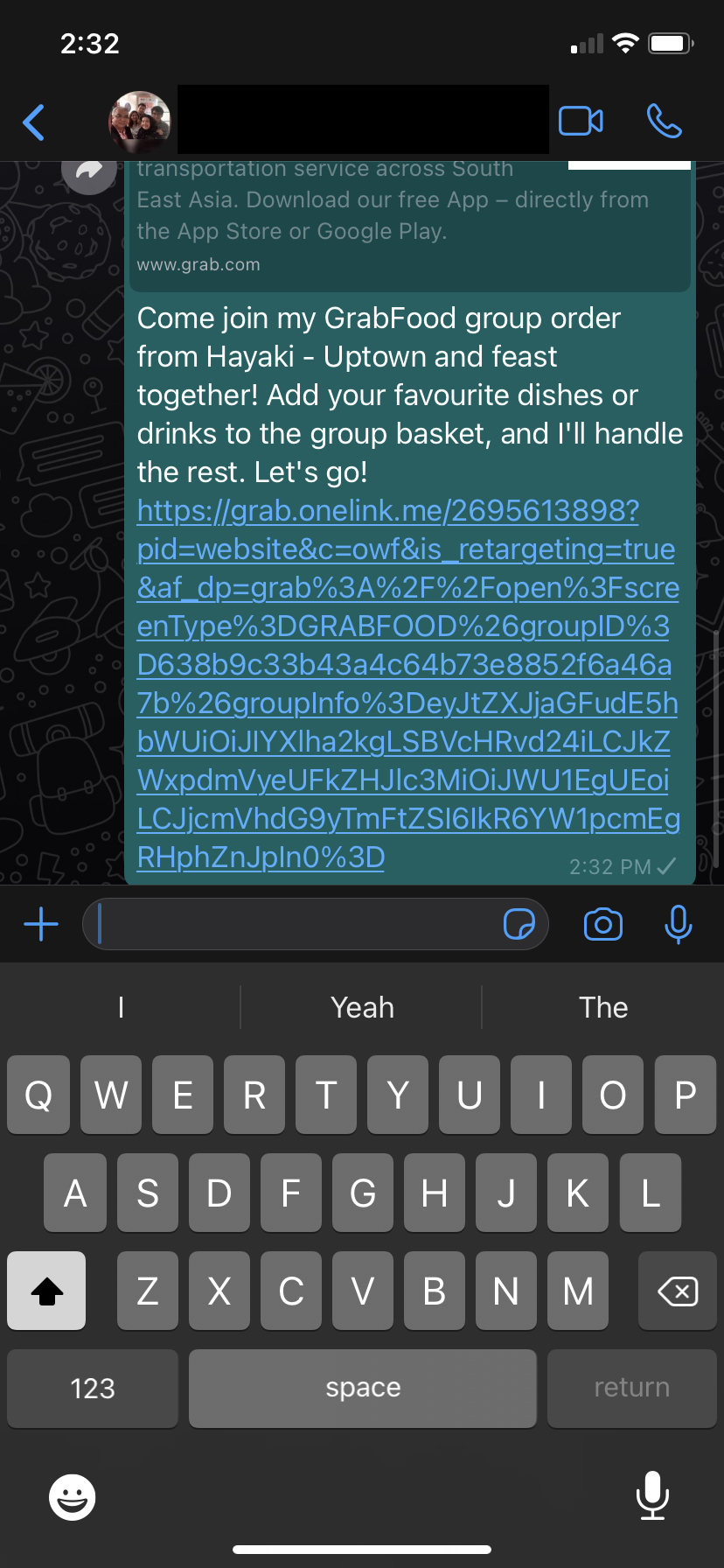
  • This will provide you with a link to send it to your group chat, or individual via WhatsApp, or SMS. You can also alternatively copy and paste the link elsewhere
  • Once you send the link, people who wish to join your order will only need to press on it
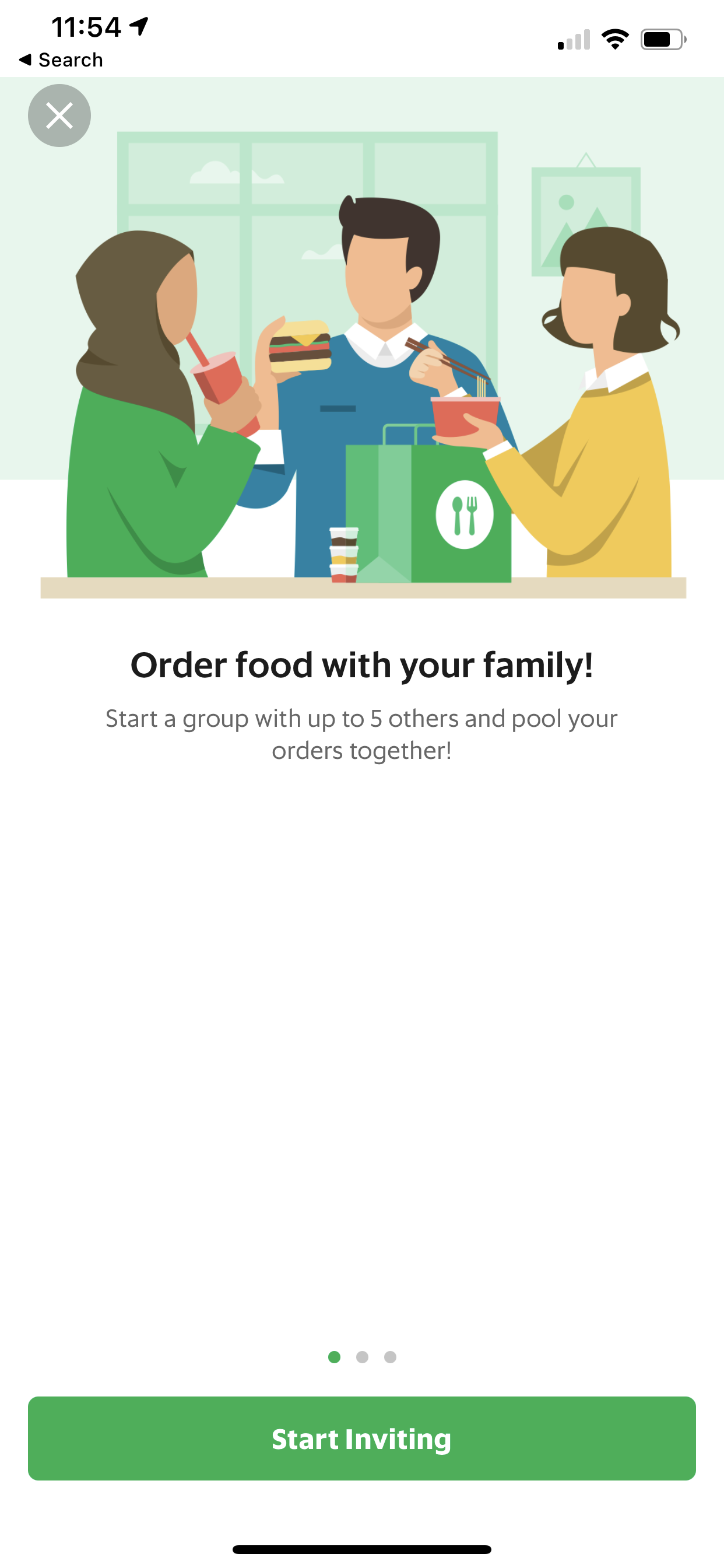
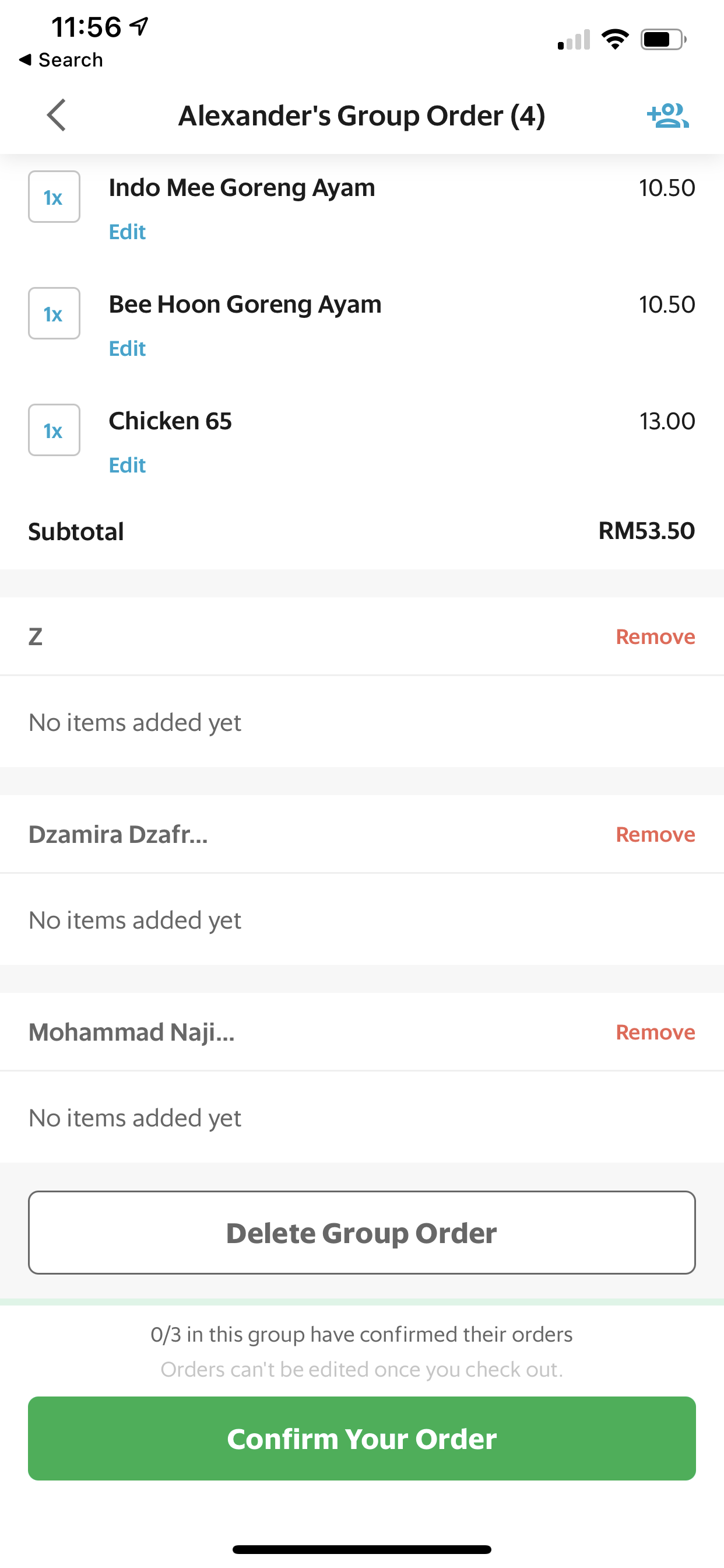
  • You and the rest of your group can order like normal, and once their order is confirmed, their orders will appear on your (the host) order page
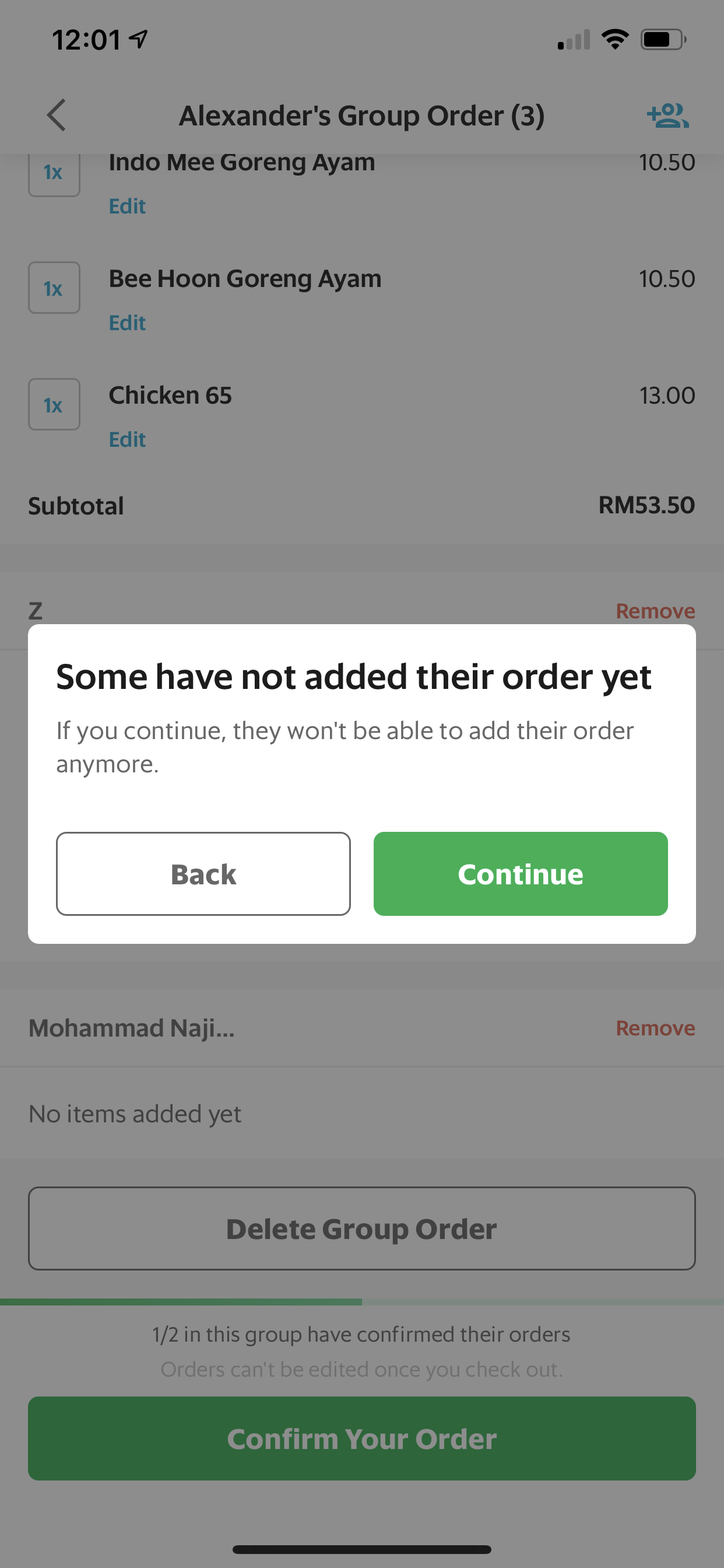
  • As a host, you will be informed if someone hasn’t added anything to their orders yet if you try to confirm your order early (so people don’t get accidentally left out!)
  • Confirm your order

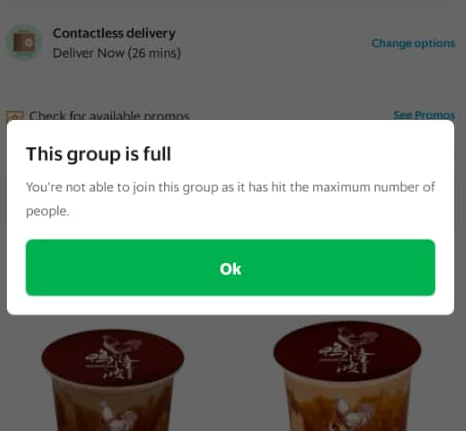
Do take note that Group Orders are only limited to 5 people at a time. Larger group orders aren’t available as of yet. The creator of the order—as well as their friends—will all have to all be on the latest app version.

While the order creator is able to track the order like normal, it’s less detailed for the creator’s friends. They will be able to see when the order is sent out, and they will even get to see when the order has been delivered. However, they won’t be able to see what other people have ordered, and the usual map tracking of a delivery rider.

With a large group order, and saving on delivery fees, why not tip your Grab delivery rider a little extra? Grab revealed that since the MCO, 1 tip in every 30 bookings made in Malaysia—but I think we can do better.

[ SOURCE ]

Related reading

Grab user tipped RM500 to a frontliner in a single booking
Tags: GrabGrab MalaysiaGrabFoodGroup Order
Dzamira Dzafri

Dzamira Dzafri

POPULAR

Xiaomi’s new Mijia Air Conditioner Eco 4-star now in Malaysia, available from under RM900

March 25, 2026

Here’s the best way to place a group GrabFood order at your office

September 25, 2020

Is Your Current Phone Generations Behind? Here’s a Simpler Way to Close the Gap

March 13, 2026

Oppo Find N6 Malaysia: The Flattest Foldable Ever is Now Available for Purchase at RM8,699

March 27, 2026

MCMC urges iPhone users to update iOS immediately following “Darksword” exploit

March 20, 2026

Samsung Galaxy A57 5G and A37 5G: Pre-order now available in Malaysia, starting from RM1,799

March 26, 2026

Copyright © 2025 · SoyaCincau.com
Mind Blow Sdn Bhd (1076827-P)

  • ADVERTISE
  • DISCLAIMER

Copyright © 2026 · SoyaCincau.com – Mind Blow Sdn Bhd (1076827-P)

  • ADVERTISE
  • DISCLAIMER