
• 中文版
  • BM
  • News
  • Deals
  • Reviews
    • First Impressions
    • Hands-on
    • Comparisons
  • Tech
    • Mobile
    • Computers
    • Cameras
    • Wearables
    • Audio
    • Drones
  • Telco
    • Celcom
    • Digi
    • Maxis
    • Time
    • Tune Talk
    • U Mobile
    • Unifi
    • Yes
  • Cars
  • Contribute
  • Jobs
Menu
  • 中文版
  • BM
  • News
  • Deals
  • Reviews
    • First Impressions
    • Hands-on
    • Comparisons
  • Tech
    • Mobile
    • Computers
    • Cameras
    • Wearables
    • Audio
    • Drones
  • Telco
    • Celcom
    • Digi
    • Maxis
    • Time
    • Tune Talk
    • U Mobile
    • Unifi
    • Yes
  • Cars
  • Contribute
  • Jobs
Search
  • Tech
    • News
    • Mobile
    • Computers
    • Cameras
    • Wearables
    • Audio
    • Drones
  • Telco
    • Celcom
    • Digi
    • Maxis
    • Time
    • U Mobile
    • Unifi
    • Yes
  • Reviews
    • First Impressions
    • Hands-on
    • Comparisons
  • Buyer’s Guide
  • Opinions
  • Digital Life
  • Video
  • Deals
  • How-To
  • Cars
  • Bahasa Melayu
  • EV
  • Contribute
  • Advertise
Menu
  • Tech
    • News
    • Mobile
    • Computers
    • Cameras
    • Wearables
    • Audio
    • Drones
  • Telco
    • Celcom
    • Digi
    • Maxis
    • Time
    • U Mobile
    • Unifi
    • Yes
  • Reviews
    • First Impressions
    • Hands-on
    • Comparisons
  • Buyer’s Guide
  • Opinions
  • Digital Life
  • Video
  • Deals
  • How-To
  • Cars
  • Bahasa Melayu
  • EV
  • Contribute
  • Advertise
Search
Close
Home News

Gmail for iPad finally supports Split View multitasking after 5 years

  • BY Nic Ker
  • 9 July 2020
  • 12:42 pm
  • Comment
Share on FacebookShare on Twitter

When Apple first introduced Split View multitasking for iOS 9 back in 2015, it was heralded as a big deal for mobile devices. The continued development of the iPad as a substitute for laptops (what’s a computer?) also meant that the reliance on Split View multitasking grew through the years—although not every app supported the functionality at first.

And now, Google has finally announced that Split View multitasking support is coming to Gmail for iPad after five long years. In case you aren’t familiar with the iOS multitasking feature, you’ll need to drag an app out of the dock and slide it to the left/right of your screen—while having another app open.

Split View will work with Gmail alongside other supported iOS applications. For example, you’ll be able to view Gmail and Google Chrome windows side-by-side, or even drag photos from one application to the other via Split View. To be utterly frank, the feature has been around (and widely used) for a long time now, and I can’t understand what has taken Google this long to bring over support for the iPad.
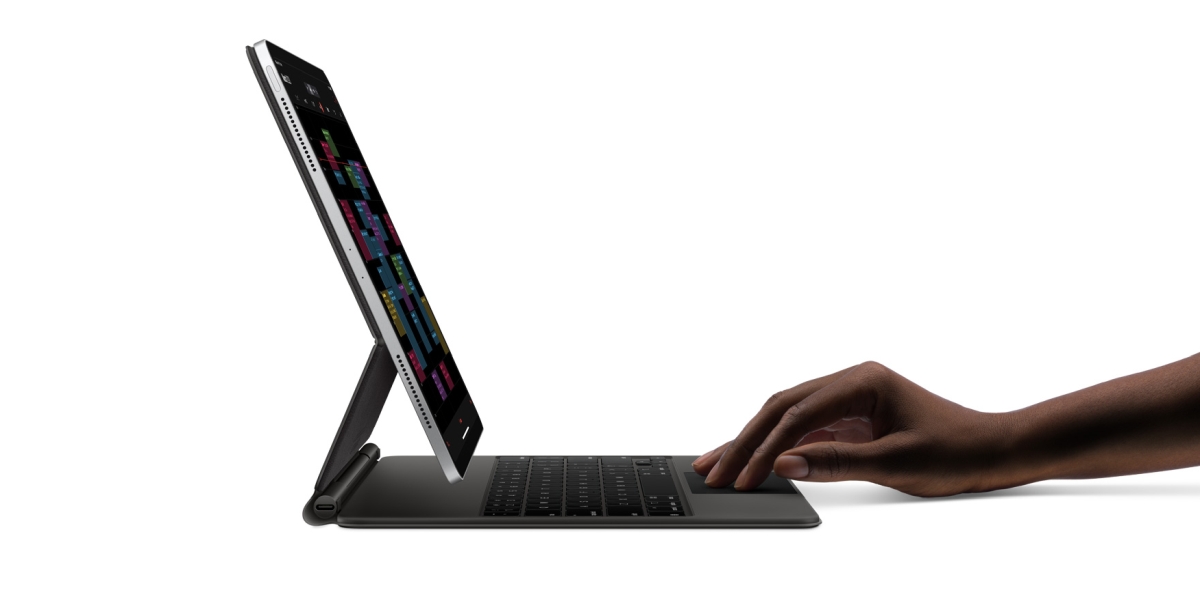
Split View

For now, this means that multitasking is now supported on a number of Google’s popular apps. There’s Docs, Sheets, and Slides, as well as YouTube and Chrome—so the addition of Split View to Gmail for iPad has certainly been a long, long time coming.

You won’t need to actually enable the feature; it’s on by default. However, if you’ve managed to somehow disable multitasking on your iPad, head over to Settings > Home Screen & Dock > Multitasking, and select “Allow Multiple Apps”.

The feature is now available to all users, so be sure to check the App Store on your iPad to update to the latest version of the Gmail for iPad. To find out more, click here.

Related reading

iPad: Finally, you can now use Microsoft Office in Split View
At long last, Dark Mode for Facebook is coming to mobile users soon
Tags: AppleGmailiPadiPhoneMobile
Nic Ker

Nic Ker

POPULAR

Gmail for iPad finally supports Split View multitasking after 5 years

July 9, 2020

Small Steps, Daily Rewards: Exploring the Maybank Tabung Daily Bonus Campaign

May 28, 2026
Photo by Vitaly Gariev

Countdown to Kickoff: Unifi TV Brings All 104 FIFA World Cup 2026 Matches Live in HD

June 11, 2026

Zeekr X 2026 now open for booking in Malaysia, comes with automatic doors and built-in fridge

June 9, 2026

We’ve been accepting broken laptop designs for 20 years. Here’s what finally changed

June 9, 2026

MyGOV app will stream FIFA World Cup 2026 matches for free

June 5, 2026

Copyright © 2025 · SoyaCincau.com
Mind Blow Sdn Bhd (1076827-P)

  • ADVERTISE
  • DISCLAIMER

Copyright © 2026 · SoyaCincau.com – Mind Blow Sdn Bhd (1076827-P)

  • ADVERTISE
  • DISCLAIMER





