• 中文版
  • BM
  • News
  • Deals
  • Reviews
    • First Impressions
    • Hands-on
    • Comparisons
  • Tech
    • Mobile
    • Computers
    • Cameras
    • Wearables
    • Audio
    • Drones
  • Telco
    • Celcom
    • Digi
    • Maxis
    • Time
    • Tune Talk
    • U Mobile
    • Unifi
    • Yes
  • Cars
  • Contribute
  • Jobs
Menu
  • 中文版
  • BM
  • News
  • Deals
  • Reviews
    • First Impressions
    • Hands-on
    • Comparisons
  • Tech
    • Mobile
    • Computers
    • Cameras
    • Wearables
    • Audio
    • Drones
  • Telco
    • Celcom
    • Digi
    • Maxis
    • Time
    • Tune Talk
    • U Mobile
    • Unifi
    • Yes
  • Cars
  • Contribute
  • Jobs
Search
  • Tech
    • News
    • Mobile
    • Computers
    • Cameras
    • Wearables
    • Audio
    • Drones
  • Telco
    • Celcom
    • Digi
    • Maxis
    • Time
    • U Mobile
    • Unifi
    • Yes
  • Reviews
    • First Impressions
    • Hands-on
    • Comparisons
  • Buyer’s Guide
  • Opinions
  • Digital Life
  • Video
  • Deals
  • How-To
  • Cars
  • Bahasa Melayu
  • EV
  • Contribute
  • Advertise
Menu
  • Tech
    • News
    • Mobile
    • Computers
    • Cameras
    • Wearables
    • Audio
    • Drones
  • Telco
    • Celcom
    • Digi
    • Maxis
    • Time
    • U Mobile
    • Unifi
    • Yes
  • Reviews
    • First Impressions
    • Hands-on
    • Comparisons
  • Buyer’s Guide
  • Opinions
  • Digital Life
  • Video
  • Deals
  • How-To
  • Cars
  • Bahasa Melayu
  • EV
  • Contribute
  • Advertise
Search
Close
Home Digital Life

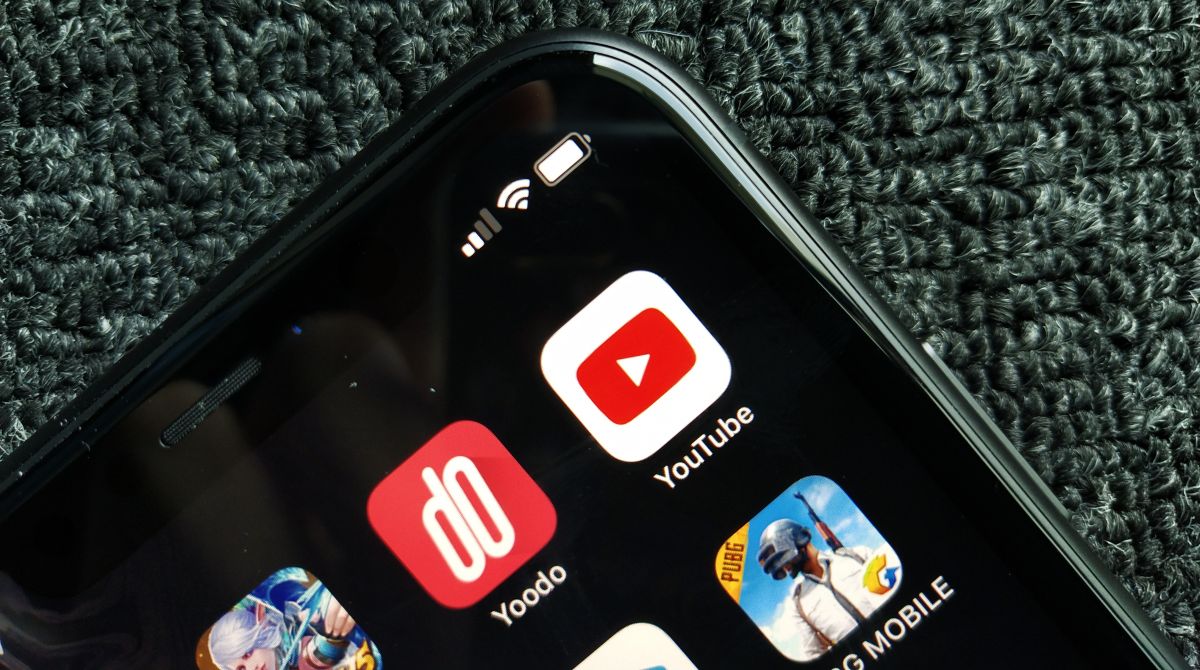
This is probably the easiest way to watch YouTube without ads

  • BY Dzamira Dzafri
  • 12 June 2020
  • 4:54 pm
  • Comment
Share on FacebookShare on Twitter

Unicorn4sale on Reddit a weird but easy way to bypass advertisements when you’re watching YouTube videos. In the video’s URL, add an extra period after the dot com.

For example, here’s an example of a link that will occasionally show ads:

https://www.youtube.com/watch?v=NkUu6hg-GeE

And here’s an example of the same link that will not show ads:

https://www.youtube.com./watch?v=NkUu6hg-GeE

What some people would normally do (certainly not me) to bypass the advertisements is to add the AdBlock extension. However, while the extension works for regular browser windows, it doesn’t really help you if you’re going in incognito mode. For incognito mode, adding the simple punctuation lets me watch a YouTube video without any ads.

“It’s a commonly forgotten edge case, websites forget to normalise the hostname, the content is still served, but there’s no hostname match on the browser so no cookies and broken CORS—and lots of bigger sites use a different domain to serve ads/media with a whitelist that doesn’t contain the extra dot,” wrote unicorn4sale.

The Reddit user also mentioned that the same trick can be used for many other sites like the New York Times. I also found that once I added the period after the dot com and clicked to another video or page, the period would still be there. This means that I won’t need to keep re-adding the period everytime I click through to another link in the same website.

This trick on Reddit current has over 4800 upvotes, and over 450 comments. It’s likely that this hack would eventually catch on and YouTube, as well as other sites, would correct this flaw soon.

It’s still important to note that ad revenue on the pages of your favourite content creators (including us!) keep them afloat so creators can keep making things you love. We can’t stop you from taking this trick for a cheeky test run, but try to go without it.


[ SOURCE, 2 ]

Tags: youtube
Dzamira Dzafri

Dzamira Dzafri

POPULAR

This is probably the easiest way to watch YouTube without ads

June 12, 2020

Tesla Roadster Malaysia: Reservations now open with fees up to RM1 mil

October 16, 2026

Ray-Ban Meta Gen 3 and Oakley Meta AI glasses Malaysia: Available 20 October, priced from RM2,069

October 14, 2026

Aeon Bank customer claims he received RM1 billion in his account by mistake

October 15, 2026

Over 12,000 Malaysians have claimed free Coursera courses via Rakyat Digital: Here’s how to get yours

October 12, 2026

Chery Malaysia recalls Omoda 5 again over rear axle issue: How to check if you’re affected

October 11, 2026

Copyright © 2026 · SoyaCincau.com
Mind Blow Sdn Bhd (1076827-P)

  • ADVERTISE
  • DISCLAIMER

Copyright © 2026 · SoyaCincau.com – Mind Blow Sdn Bhd (1076827-P)

  • ADVERTISE
  • DISCLAIMER