
[ UPDATE 14/04/2020 13:45 ] EPF has announced a new i-Lestari Online portal. You can now apply without i-Akaun login and there’s no need to fill up manual forms. More details here.
===
To apply for i-Lestari withdrawals as a contributor to the Employees Provident Fund (EPF), there are 3 options – online (via i-Akaun), email and post. According to the EPF, i-Akaun application will be approved quicker.
For those without i-Akaun, the normal way is to go to the KWSP office itself and visit their kiosk. It’s also impossible right now because of the Movement Control Order (MCO), as all EPF branches as well as Contact Management Centres would remain closed until April 14.
There’s now an alternative way of registering an i-Akaun and you can do it via email. And according to the EPF FAQ, you can also use this method to update your phone number. Here’s what you need to register for an i-Akaun through email:
- A smartphone with a decent camera
- Your MyKad
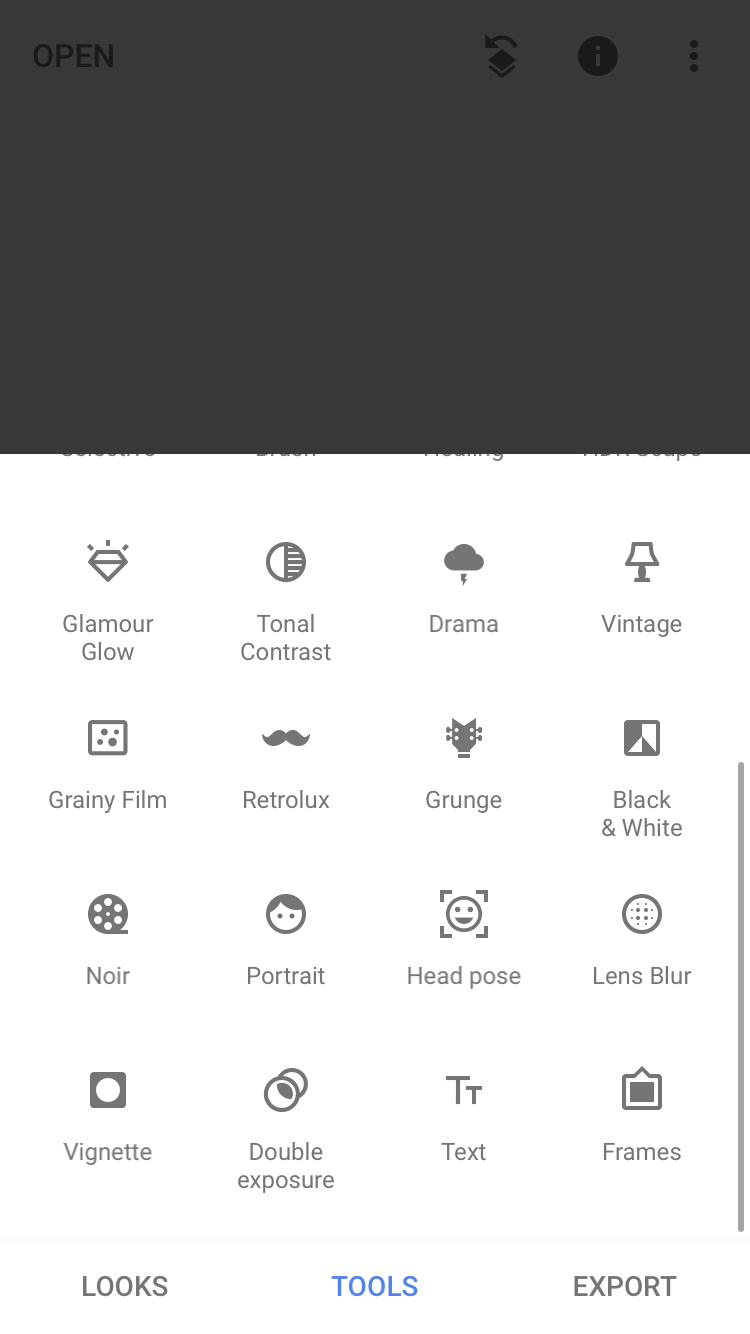
- Photo editing app such as Snapseed (Android, iOS)
- Adobe Acrobat reader (Android, iOS)
- Bank account statement
- Mobile bill (Postpaid/Prepaid statement) Your number must be registered under your name. So if you’re a supplementary line user, this might not work.
1. Download and fill in the file digitally
- You don’t need a computer or laptop for this
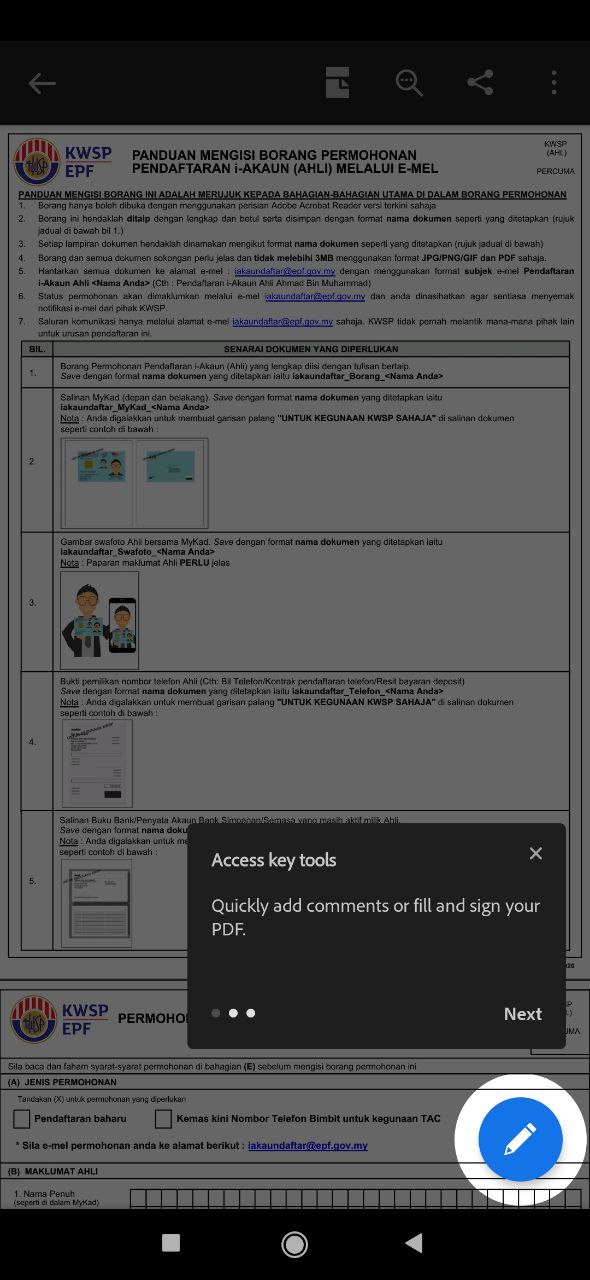
- Download the form here. You can also click here for an alternative link
- Open up the form through the Adobe Acrobat Reader app and start filling it in
- Rename your file to iakaundaftar_Borang_<your name>

2. Prepare a digital copy of your MyKad
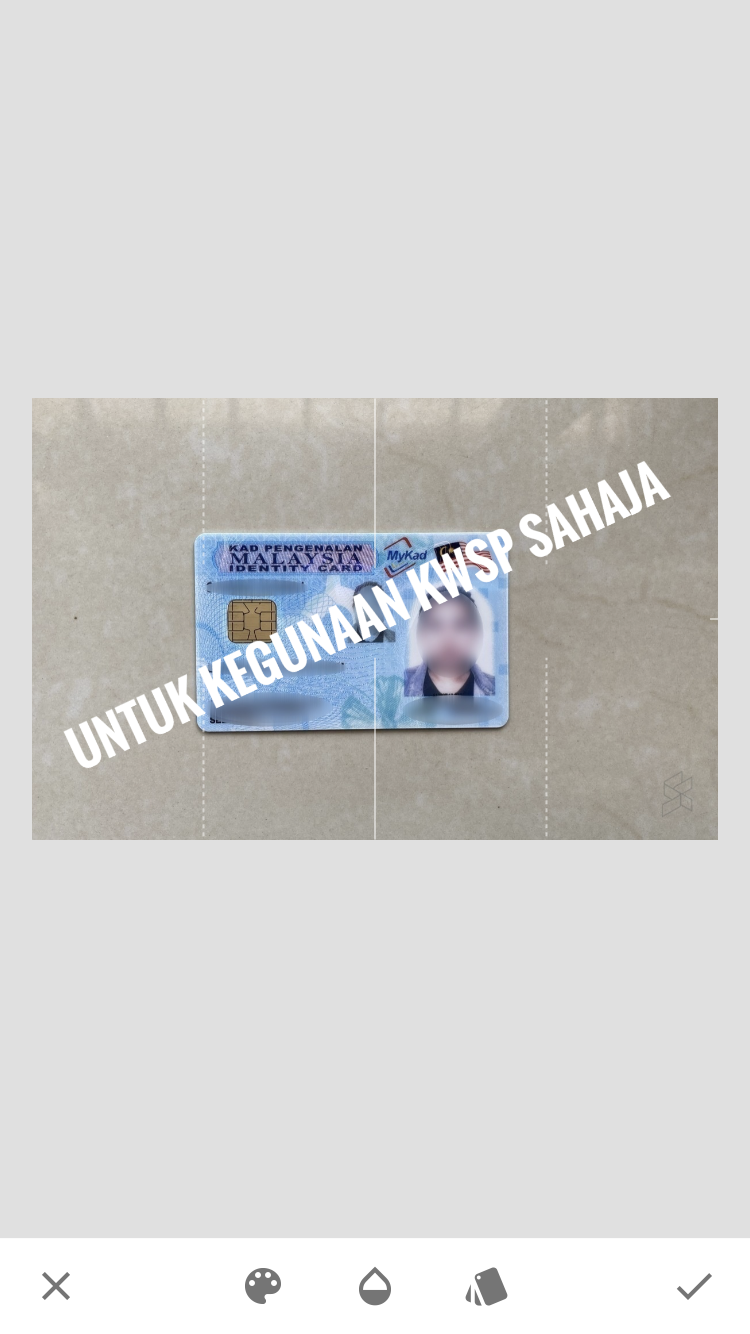
- In good lighting, take a picture of your MyKad (front and back)
- Use the Snapseed app to insert the phrase “Untuk kegunaan KSWP sahaja” in text form on top of the MyKad picture. This is to keep your documents safe.
- Rename the file to iakaundaftar_MyKad_<your name>
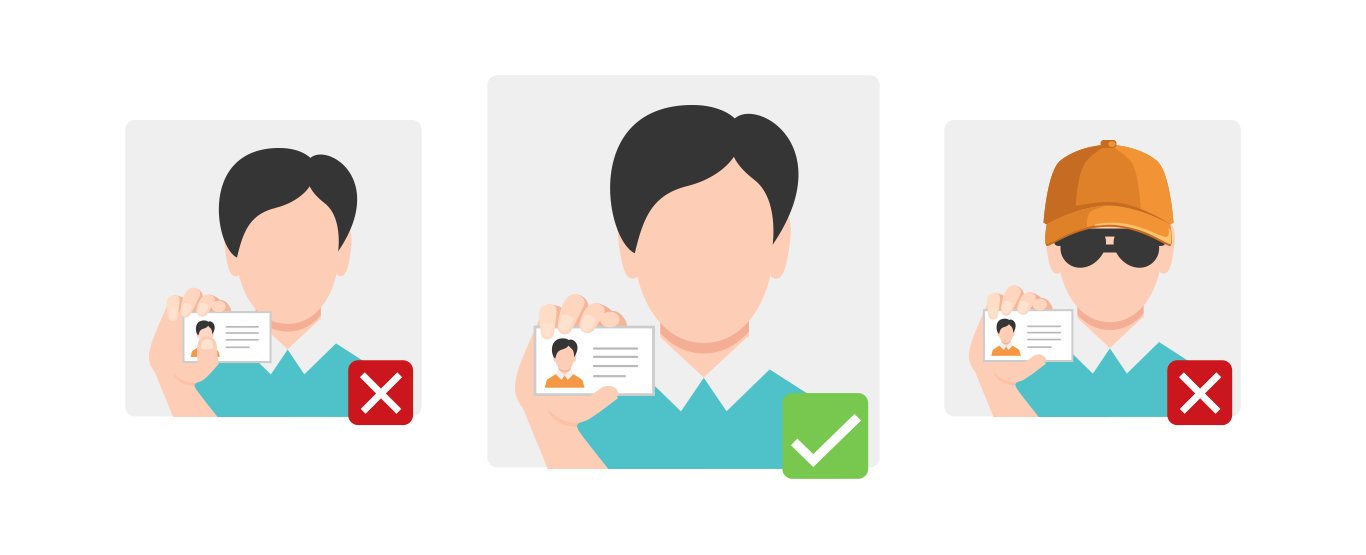
3. Take a selfie holding your MyKad
- In good lighting, take a selfie of you holding your MyKad beside your face
- Make sure that the information on the IC and your face are clear
- Rename the file to iakaundaftar_Swafoto_<your name>
4. Prepare a copy of your active bank book/statement
- In good lighting, take a picture of your bank book/statement of an active savings/current account bearing your name
- If you have an online banking account, you can retrieve your account statement online or request to have it emailed to you
- Use the Snapseed app to enter the phrase “Untuk kegunaan KWSP sahaja” in text form on top of the images. This is to keep your documents safe.
- Rename the file to iakaundaftar_Bank_<your name>
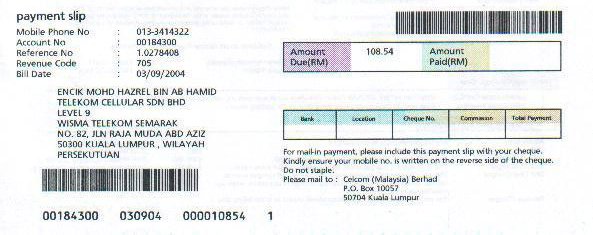
5. Prepare a document of proof of your contact details
- For postpaid users, you can get a digital bill through your email
- If you get a physical bill, in good lighting, take a picture of the page with your telco account information
- For prepaid users, you’ll need a screenshot of a statement detailing your name and phone number.
- Use the Snapseed app to enter the phrase “Untuk kegunaan KWSP sahaja” in text form on top of the images. This is to keep your documents safe.
- Name your file iakaundaftar_Telefon_<your name>
6. Send your application to KWSP
- Check to see if the 5 document files that you’ve prepared isn’t bigger than 3MB, and that the formats are either JPG/PNG/GIF and PDF only.
- Send the 5 documents that you’ve prepared to [email protected].
- Your application status will be informed through the i-Akaun email: [email protected].
- If your application is successful, you will receive an SMS of your user ID and password to activate your i-Akaun. You will then be required to create a new password to replace the temporary one.
- [email protected] is the only way you can send your i-Akaun registration through email. Do not entertain any other communication or offer from any third parties.
You can visit KWSP’s official site for more details.
Related Reading
[ SOURCE, IMAGE SOURCE ]