• 中文版
  • BM
  • News
  • Deals
  • Reviews
    • First Impressions
    • Hands-on
    • Comparisons
  • Tech
    • Mobile
    • Computers
    • Cameras
    • Wearables
    • Audio
    • Drones
  • Telco
    • Celcom
    • Digi
    • Maxis
    • Time
    • Tune Talk
    • U Mobile
    • Unifi
    • Yes
  • Cars
  • Contribute
  • Jobs
Menu
  • 中文版
  • BM
  • News
  • Deals
  • Reviews
    • First Impressions
    • Hands-on
    • Comparisons
  • Tech
    • Mobile
    • Computers
    • Cameras
    • Wearables
    • Audio
    • Drones
  • Telco
    • Celcom
    • Digi
    • Maxis
    • Time
    • Tune Talk
    • U Mobile
    • Unifi
    • Yes
  • Cars
  • Contribute
  • Jobs
Search
  • Tech
    • News
    • Mobile
    • Computers
    • Cameras
    • Wearables
    • Audio
    • Drones
  • Telco
    • Celcom
    • Digi
    • Maxis
    • Time
    • U Mobile
    • Unifi
    • Yes
  • Reviews
    • First Impressions
    • Hands-on
    • Comparisons
  • Buyer’s Guide
  • Opinions
  • Digital Life
  • Video
  • Deals
  • How-To
  • Cars
  • Bahasa Melayu
  • EV
  • Contribute
  • Advertise
Menu
  • Tech
    • News
    • Mobile
    • Computers
    • Cameras
    • Wearables
    • Audio
    • Drones
  • Telco
    • Celcom
    • Digi
    • Maxis
    • Time
    • U Mobile
    • Unifi
    • Yes
  • Reviews
    • First Impressions
    • Hands-on
    • Comparisons
  • Buyer’s Guide
  • Opinions
  • Digital Life
  • Video
  • Deals
  • How-To
  • Cars
  • Bahasa Melayu
  • EV
  • Contribute
  • Advertise
Search
Close
Home News

Here’s how you can download the iOS 13, iPadOS, and macOS Catalina public betas

  • BY Nic Ker
  • 25 June 2019
  • 11:38 am
  • Comment
Share on FacebookShare on Twitter

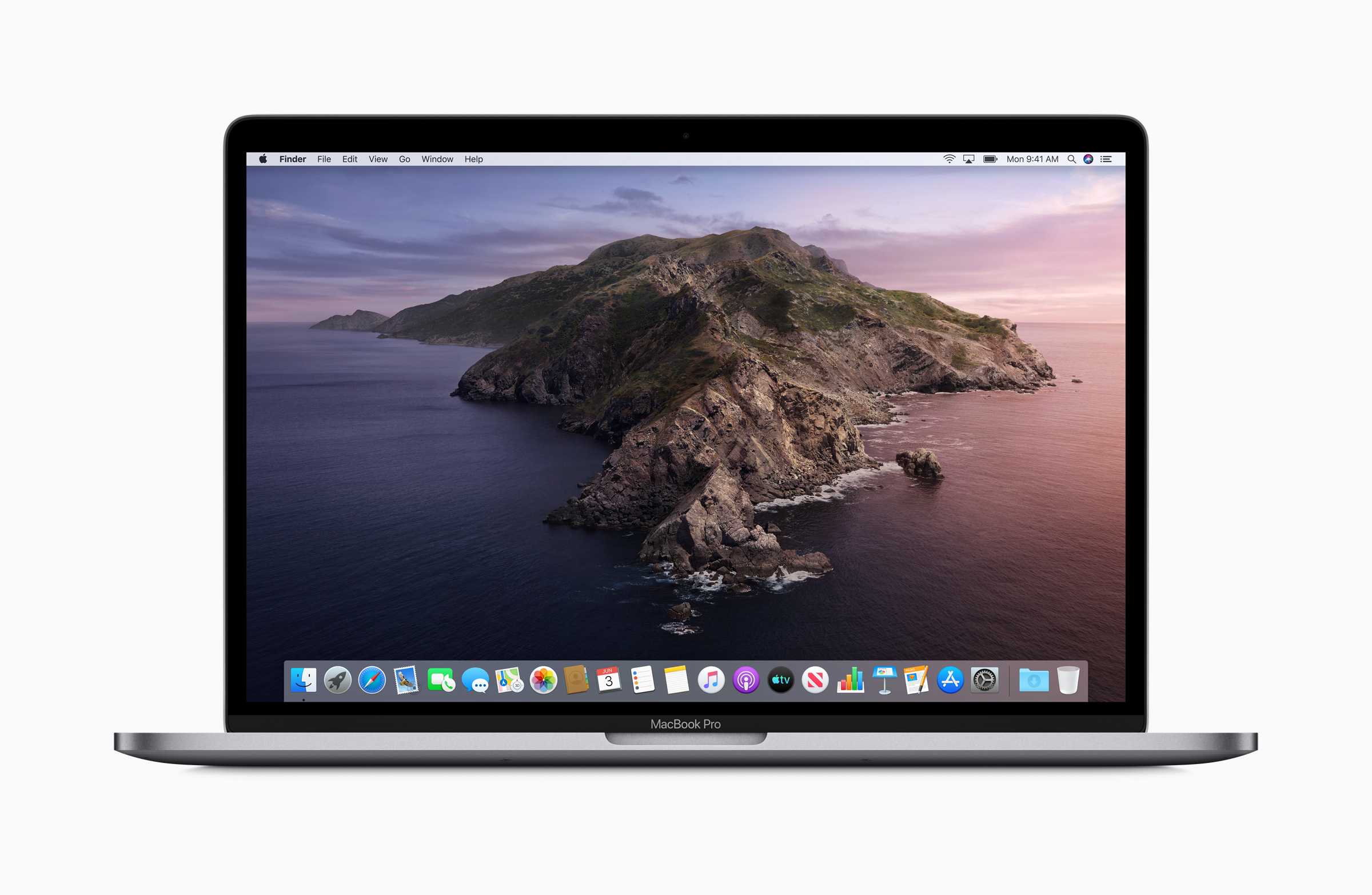
The iOS 13, iPadOS, and macOS Catalina are now available for download through Apple’s Public Beta Software Program. This means that users can now sample some of the interesting updates announced during the recent WWDC 2019, including Sidecar for iPads and Macs, along with features like dark mode for iOS 13.

If you’re interested to sign up for the public beta program, do remember that these beta releases aren’t the finished product yet. As such, remember to back up your data before any installations, and it is advised to use a secondary device to test any beta products.

Here’s a quick guide on how you can download the macOS Catalina beta:

  • Head to Apple’s Beta Software Program page.
  • Click “Enroll Your Devices” at the top right corner of the webpage
  • After selecting “macOS,” you’ll be reminded to make a Time Machine backup before moving forward.
  • If this is the first time you’re enrolling your Mac in the Beta Program, click “Download the macOS Public Beta Access Utility” to download a .DMG file, which will enroll your computer.
  • Finally, head to “Software Update” from the System Preferences app to install the beta. You should be notified once the update is ready.
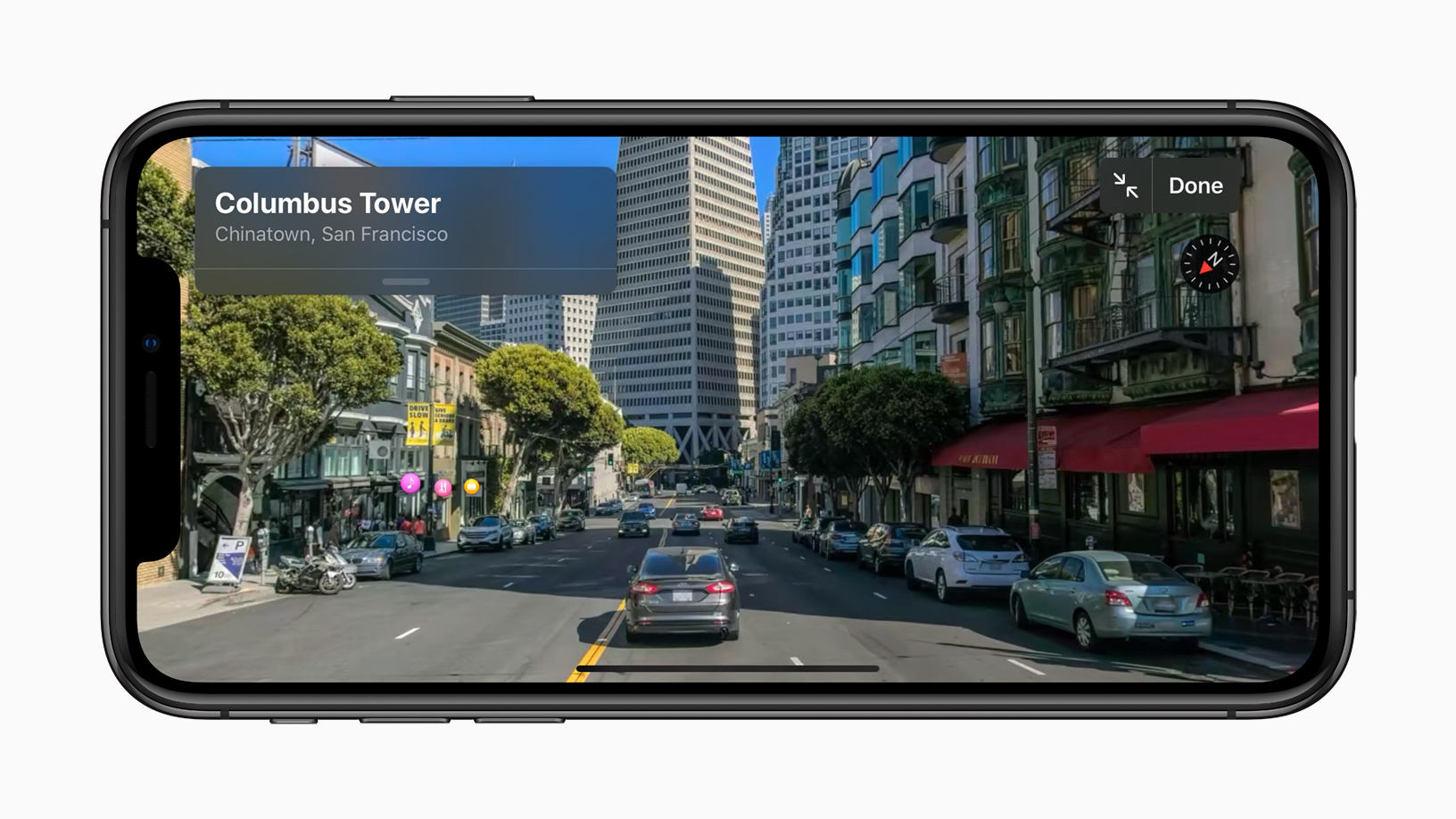
The Look Around feature is an interactive way to visually explore a city with 3D imagery for iOS 13.

As for iOS 13 and iPadOS, follow the steps below:

  • Open Safari on your iOS device and go to Apple’s beta software portal.
  • Click “Enroll Your Devices” at the top of the webpage.
  • Choose “iOS,” which will pull up a reminder to make sure that you’ve sent a backup of your phone’s content to your macOS computer.
  • Look for a button that says “Download profile,” then tap on it. This will bring up a warning that says the website is trying to download a configuration profile. Select “Allow.” You will get a pop-up window that says you can set the new profile from the Settings app.
  • Now, head over to your device settings. A new section called “Profile Downloaded” should be added near the top. Click on it, and you now have access to iOS 13 beta.


Tags: betaCatalinacatalina betaiOSiOS 13iOS 13 betaiPadOSmacOSMobilePublic BetaWWDC 2019
Nic Ker

Nic Ker

POPULAR

Malaysia’s first 5g advanced Broadband: What You Get for RM68/month

January 14, 2026

Neta V now available for only RM40k, but with a limited 6-month warranty

January 31, 2026

Here’s how you can download the iOS 13, iPadOS, and macOS Catalina public betas

June 25, 2019

Perodua QV-E only costs RM1.4k to maintain for 5 years, cheaper than Axia

January 30, 2026
Chery Tiggo 7 PHEV - Tiggo 8 PHEV - Malaysia

Chery Tiggo PHEV models now come with up to RM7,888 in rebates

January 30, 2026

CelcomDigi updates 5G prepaid plan for 2026, no more 28 day validity for “unlimited” options

January 28, 2026

Copyright © 2025 · SoyaCincau.com
Mind Blow Sdn Bhd (1076827-P)

  • ADVERTISE
  • DISCLAIMER

Copyright © 2026 · SoyaCincau.com – Mind Blow Sdn Bhd (1076827-P)

  • ADVERTISE
  • DISCLAIMER