• 中文版
  • BM
  • News
  • Deals
  • Reviews
    • First Impressions
    • Hands-on
    • Comparisons
  • Tech
    • Mobile
    • Computers
    • Cameras
    • Wearables
    • Audio
    • Drones
  • Telco
    • Celcom
    • Digi
    • Maxis
    • Time
    • Tune Talk
    • U Mobile
    • Unifi
    • Yes
  • Cars
  • Contribute
  • Jobs
Menu
  • 中文版
  • BM
  • News
  • Deals
  • Reviews
    • First Impressions
    • Hands-on
    • Comparisons
  • Tech
    • Mobile
    • Computers
    • Cameras
    • Wearables
    • Audio
    • Drones
  • Telco
    • Celcom
    • Digi
    • Maxis
    • Time
    • Tune Talk
    • U Mobile
    • Unifi
    • Yes
  • Cars
  • Contribute
  • Jobs
Search
  • Tech
    • News
    • Mobile
    • Computers
    • Cameras
    • Wearables
    • Audio
    • Drones
  • Telco
    • Celcom
    • Digi
    • Maxis
    • Time
    • U Mobile
    • Unifi
    • Yes
  • Reviews
    • First Impressions
    • Hands-on
    • Comparisons
  • Buyer’s Guide
  • Opinions
  • Digital Life
  • Video
  • Deals
  • How-To
  • Cars
  • Bahasa Melayu
  • EV
  • Contribute
  • Advertise
Menu
  • Tech
    • News
    • Mobile
    • Computers
    • Cameras
    • Wearables
    • Audio
    • Drones
  • Telco
    • Celcom
    • Digi
    • Maxis
    • Time
    • U Mobile
    • Unifi
    • Yes
  • Reviews
    • First Impressions
    • Hands-on
    • Comparisons
  • Buyer’s Guide
  • Opinions
  • Digital Life
  • Video
  • Deals
  • How-To
  • Cars
  • Bahasa Melayu
  • EV
  • Contribute
  • Advertise
Search
Close
Home News

You might not be able to afford the Mac Pro but at least you can see how it will look like in your office

  • BY Amin Ashaari
  • 4 June 2019
  • 2:14 pm
  • Comment
Share on FacebookShare on Twitter

The recently announced Mac Pro is a computer that’s not for us mere mortals. With a starting price US$6,000 or over RM25,000, you can configure the Mac Pro with up to 28 cores of Intel Xeon processors, 1.5TB of RAM (yes, RAM) and a whopping 128GB of GPU memory. It’s clear that the Mac Pro is not a machine for Facebooking and watching Netflix.

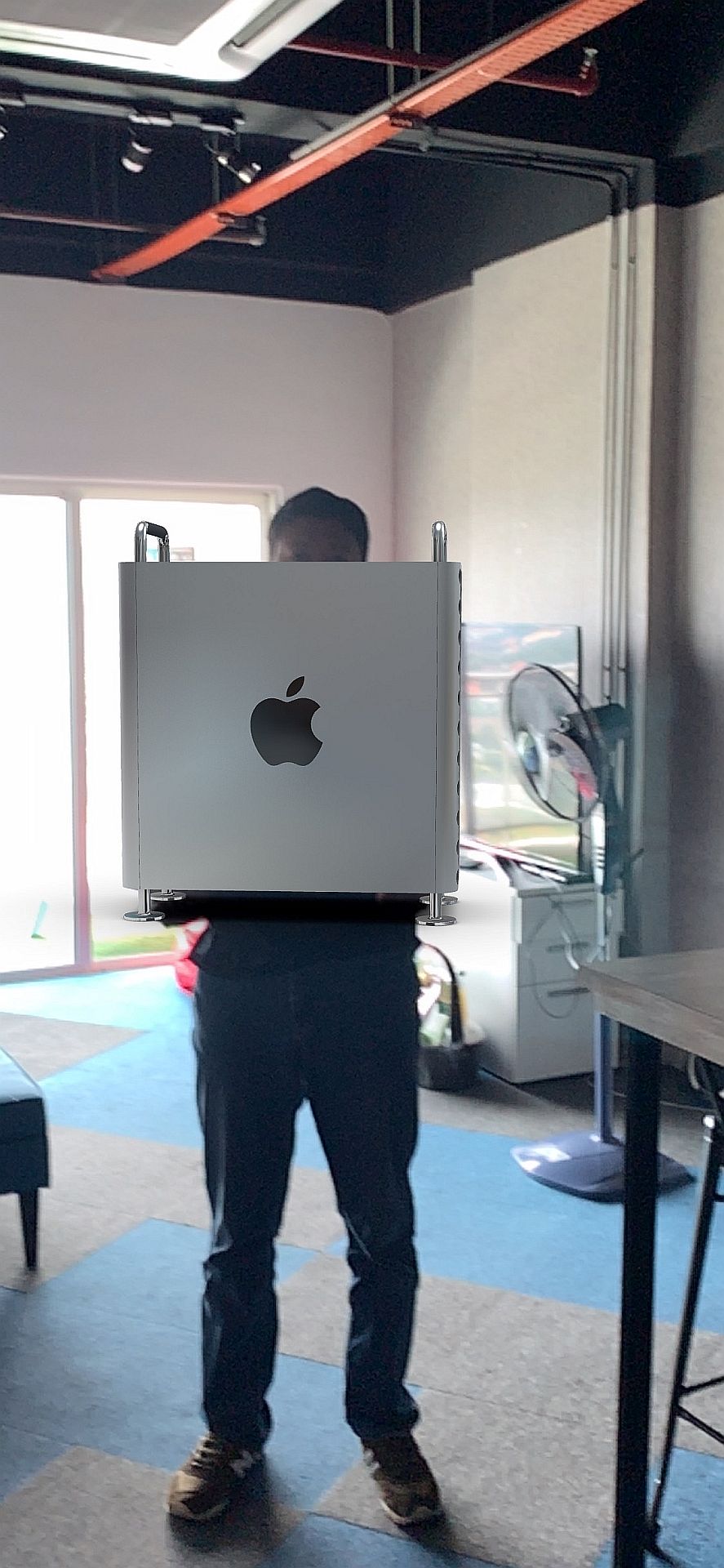
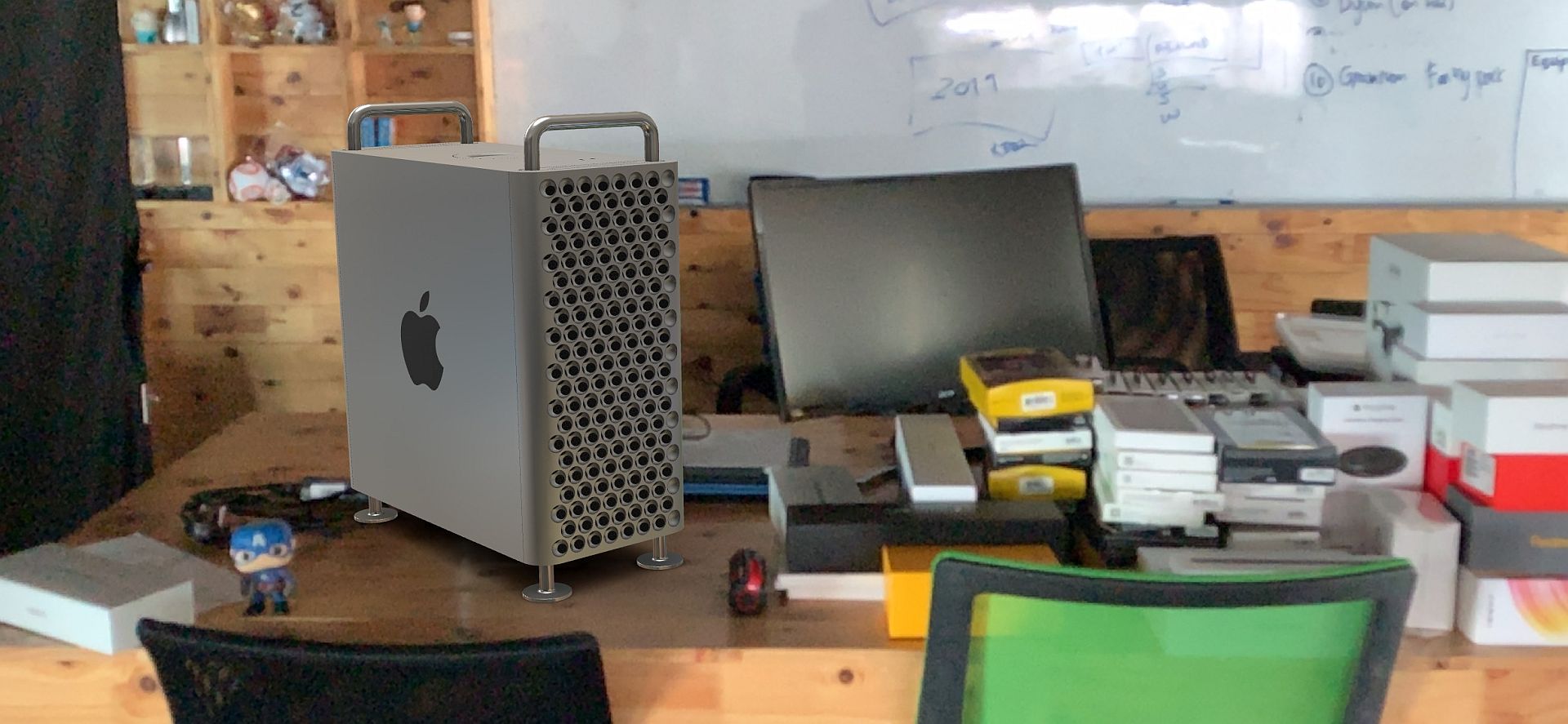
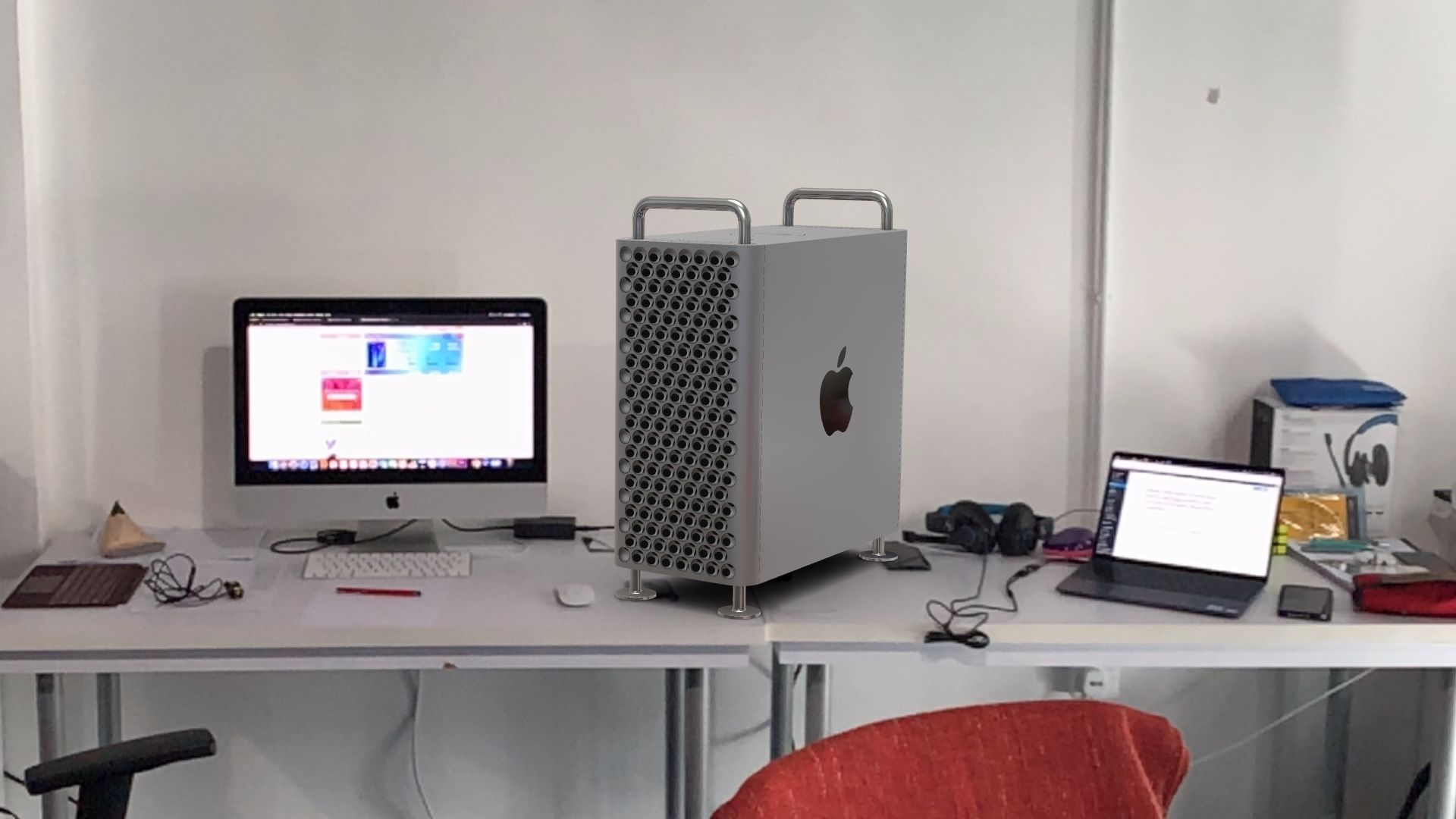
But if you’re curious to know how Apple’s most powerful computer ever would look in your office or on your desk, you can, thanks to this nifty AR tool that you can access from the official Mac Pro page using an iPad or an iPhone, right here.
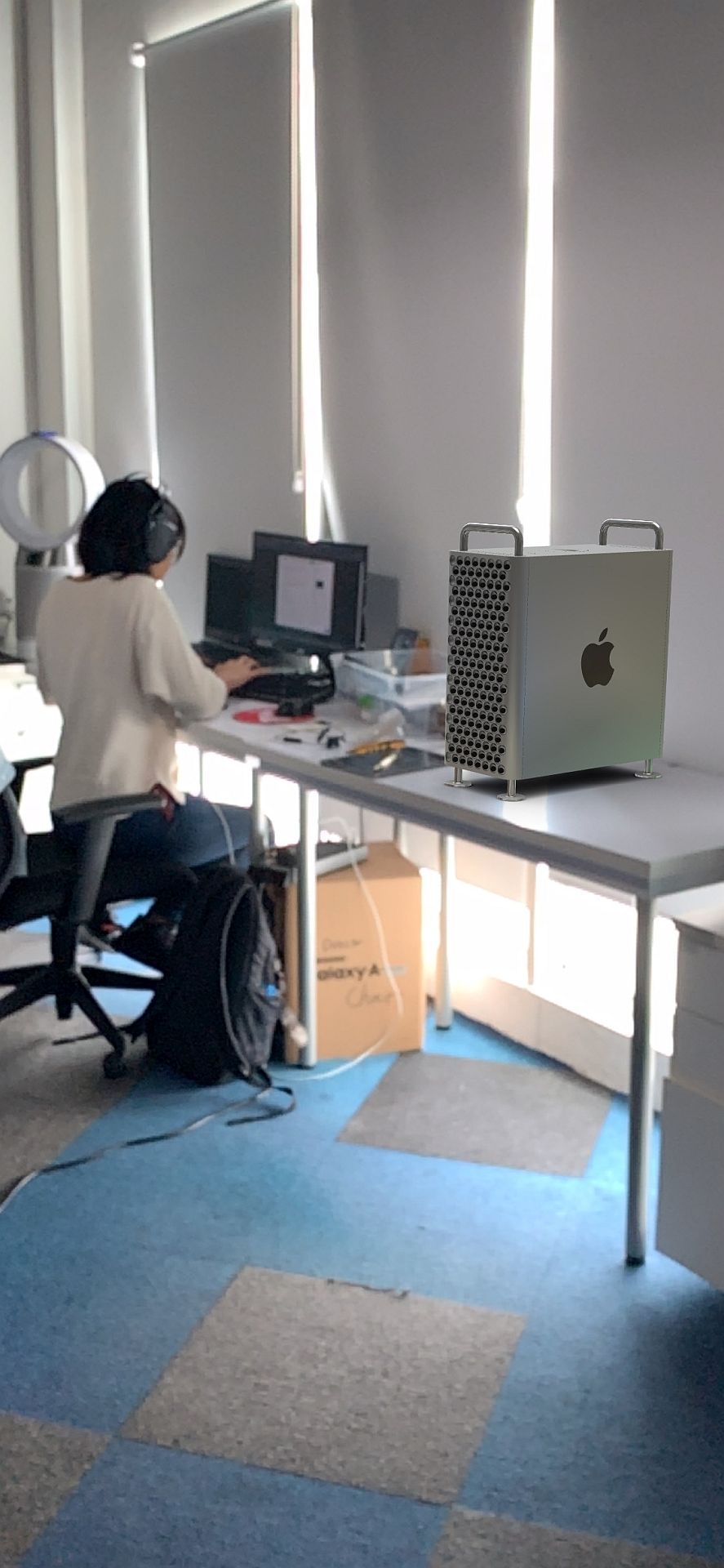
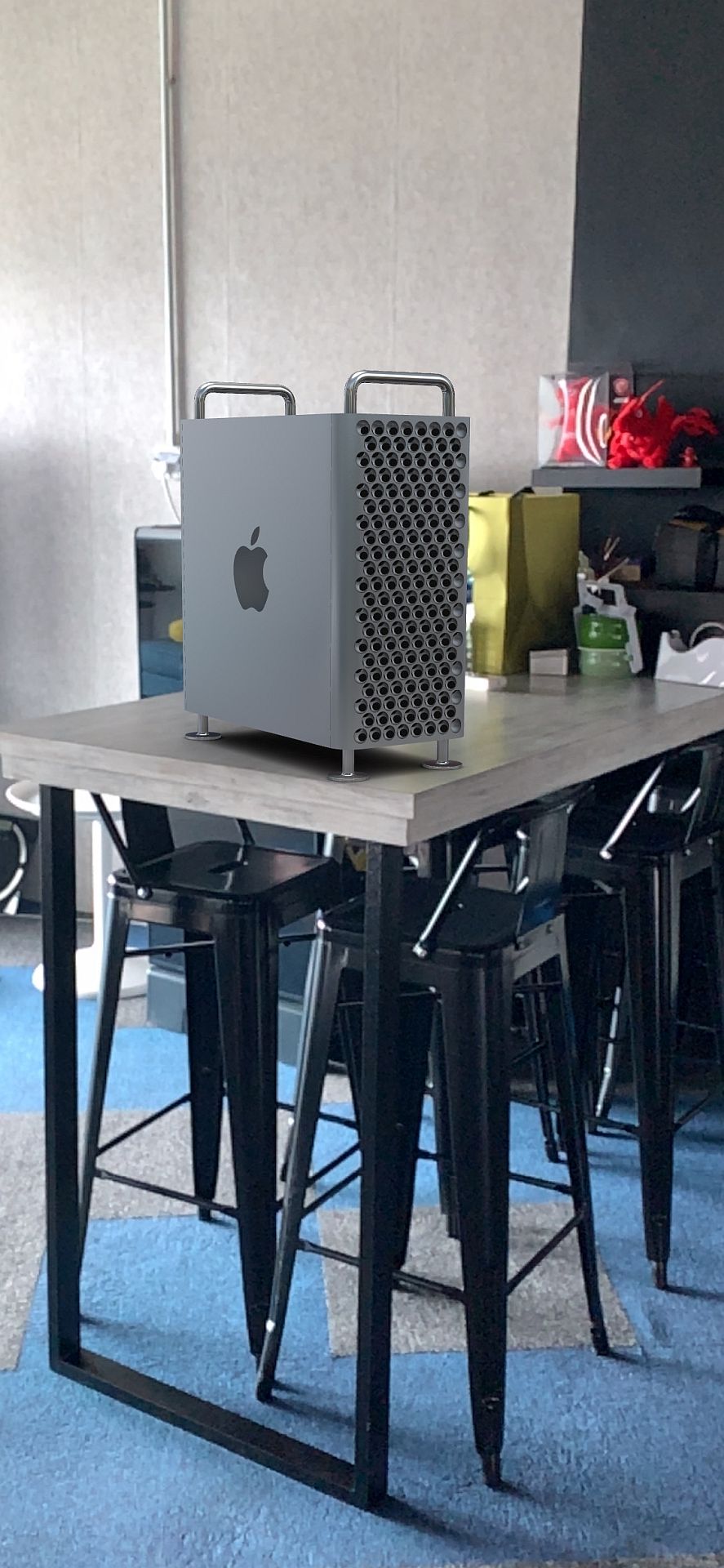
The tool allows you to position the Mac Pro (and the Pro Display XDR) wherever you like. For realism, you can resize the Mac Pro to fit your computer or desk.

It’s definitely a fun way to imagine having something you can’t afford.

Tags: AppAppleARComputersiPadiPhoneMac ProMobilePro Display XDRWWDCWWDC19
Amin Ashaari

Amin Ashaari

POPULAR

You might not be able to afford the Mac Pro but at least you can see how it will look like in your office

June 4, 2019

Small Steps, Daily Rewards: Exploring the Maybank Tabung Daily Bonus Campaign

May 28, 2026

Zeekr X 2026 now open for booking in Malaysia, comes with automatic doors and built-in fridge

June 9, 2026

MyGOV app will stream FIFA World Cup 2026 matches for free

June 5, 2026

Honor MagicPad 4 Malaysia: This tablet runs Android and Linux, available from RM2,999

June 4, 2026

We’ve been accepting broken laptop designs for 20 years. Here’s what finally changed

June 9, 2026

Copyright © 2025 · SoyaCincau.com
Mind Blow Sdn Bhd (1076827-P)

  • ADVERTISE
  • DISCLAIMER

Copyright © 2026 · SoyaCincau.com – Mind Blow Sdn Bhd (1076827-P)

  • ADVERTISE
  • DISCLAIMER