• 中文版
  • BM
  • News
  • Deals
  • Reviews
    • First Impressions
    • Hands-on
    • Comparisons
  • Tech
    • Mobile
    • Computers
    • Cameras
    • Wearables
    • Audio
    • Drones
  • Telco
    • Celcom
    • Digi
    • Maxis
    • Time
    • Tune Talk
    • U Mobile
    • Unifi
    • Yes
  • Cars
  • Contribute
  • Jobs
Menu
  • 中文版
  • BM
  • News
  • Deals
  • Reviews
    • First Impressions
    • Hands-on
    • Comparisons
  • Tech
    • Mobile
    • Computers
    • Cameras
    • Wearables
    • Audio
    • Drones
  • Telco
    • Celcom
    • Digi
    • Maxis
    • Time
    • Tune Talk
    • U Mobile
    • Unifi
    • Yes
  • Cars
  • Contribute
  • Jobs
Search
  • Tech
    • News
    • Mobile
    • Computers
    • Cameras
    • Wearables
    • Audio
    • Drones
  • Telco
    • Celcom
    • Digi
    • Maxis
    • Time
    • U Mobile
    • Unifi
    • Yes
  • Reviews
    • First Impressions
    • Hands-on
    • Comparisons
  • Buyer’s Guide
  • Opinions
  • Digital Life
  • Video
  • Deals
  • How-To
  • Cars
  • Bahasa Melayu
  • EV
  • Contribute
  • Advertise
Menu
  • Tech
    • News
    • Mobile
    • Computers
    • Cameras
    • Wearables
    • Audio
    • Drones
  • Telco
    • Celcom
    • Digi
    • Maxis
    • Time
    • U Mobile
    • Unifi
    • Yes
  • Reviews
    • First Impressions
    • Hands-on
    • Comparisons
  • Buyer’s Guide
  • Opinions
  • Digital Life
  • Video
  • Deals
  • How-To
  • Cars
  • Bahasa Melayu
  • EV
  • Contribute
  • Advertise
Search
Close
Home Tech

Here’s how you can get Apple to replace your MacBook keyboard for free

  • BY Amin Ashaari
  • 25 May 2019
  • 6:24 pm
  • Comment
Share on FacebookShare on Twitter

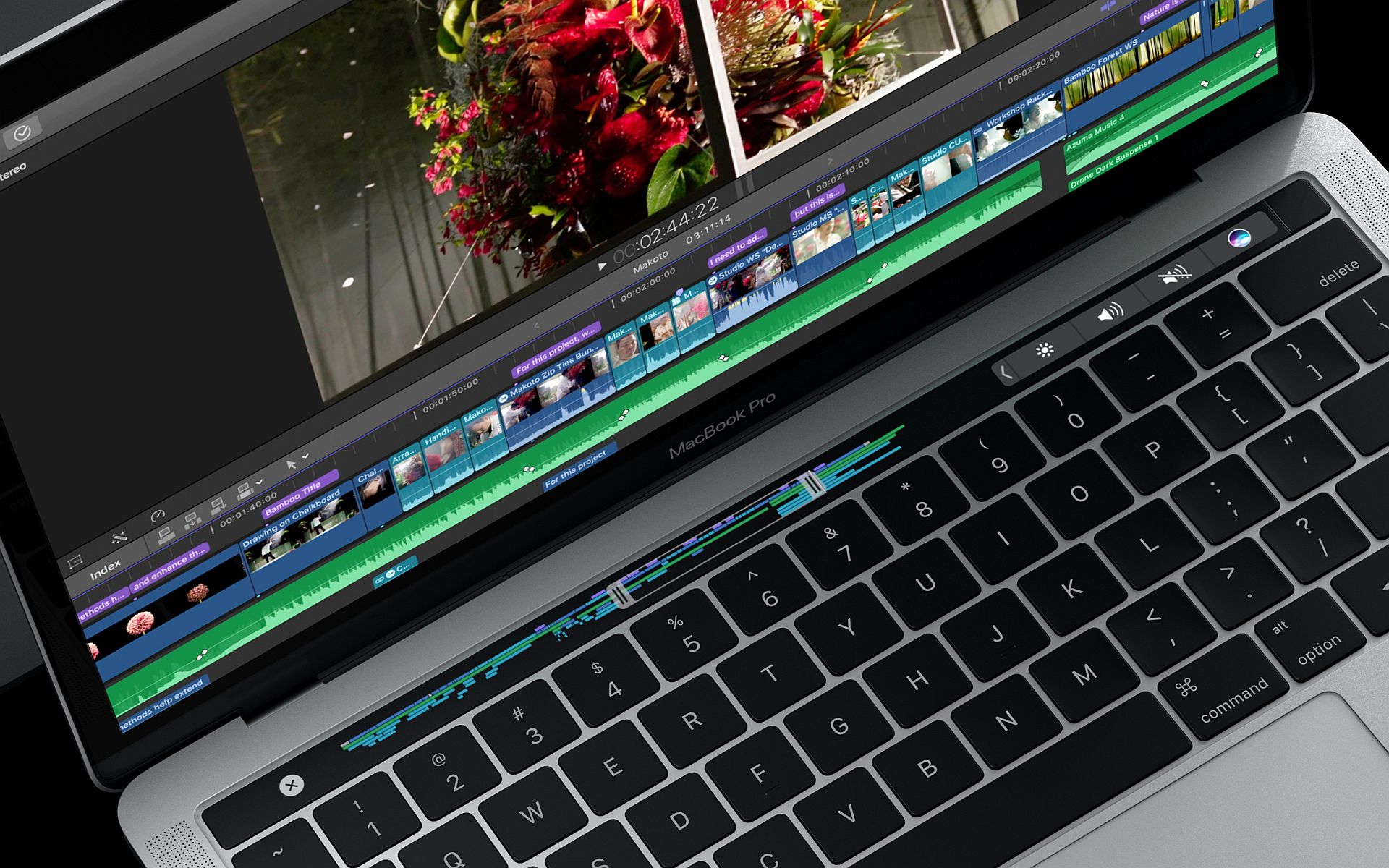
The MacBook line has been plagued with a problematic keyboard. The culprit? A flawed design in the keyboard’s butterfly mechanism that gets jammed if dust or grit get inside. When this happens, keys get stuck or plain simply just won’t work.

The problem, apparently, only affects a small number of MacBooks. The keyboard on our MacBook Pro, has been working without a hitch so far (touch wood).

Good thing then that Apple has announced an update for its Keyboard Service Program extending support to more MacBook versions, even the newer ones (check the full list of MacBook computers covered by the repair program at the end of this post).

So if your MacBook keyboard is having problems with characters or letters repeating unexpectedly, not appearing at all when you press on the keys or the keys feeling sticky or jammed, you should be eligible for a repair or even replacement, free of charge.

Here’s what you need to do to get Apple to replace you MacBook keyboard for free.

Bring your MacBook to an Apple Authorized Service Provider to have the keyboard inspected to verify if your MacBook is eligible for the service (most Machines, MacCity, Switch and a few other outlets should be able to accept your MacBook).

If you’re eligible, the service centre will then proceed to start work on replacing or repairing your keyboard.

Fair warning, repairing the MacBook’s keyboard is substantial work and is dependent on parts availability, so it might take a day or two to get done.

You might also want to prep your MacBook prior to sending it in for repairs. Follow these steps to back up your data.

The program covers eligible MacBook, MacBook Air, and MacBook Pro models for 4 years after the first retail sale of the unit.

Eligible MacBook models:

  • MacBook (Retina, 12-­inch, Early 2015)
  • MacBook (Retina, 12­-inch, Early 2016)
  • MacBook (Retina, 12-­inch, 2017)
  • MacBook Air (Retina, 13-inch, 2018)
  • MacBook Pro (13­-inch, 2016, Two Thunderbolt 3 Ports)
  • MacBook Pro (13-­inch, 2017, Two Thunderbolt 3 Ports)
  • MacBook Pro (13-­inch, 2016, Four Thunderbolt 3 Ports)
  • MacBook Pro (13-­inch, 2017, Four Thunderbolt 3 Ports)
  • MacBook Pro (15-­inch, 2016)
  • MacBook Pro (15-­inch, 2017)
  • MacBook Pro (13-inch, 2018, Four Thunderbolt 3 Ports)
  • MacBook Pro (15-­inch, 2018)
  • MacBook Pro (13-inch, 2019, Four Thunderbolt 3 Ports)
  • MacBook Pro (15-­inch, 2019)

If you have questions or need further assistance, you can get in touch with Apple Support.

Tags: MacBookMacBook AirMacBook pro
Amin Ashaari

Amin Ashaari

POPULAR

Malaysia’s first 5g advanced Broadband: What You Get for RM68/month

January 14, 2026

Neta V now available for only RM40k, but with a limited 6-month warranty

January 31, 2026

Here’s how you can get Apple to replace your MacBook keyboard for free

May 25, 2019

Perodua QV-E only costs RM1.4k to maintain for 5 years, cheaper than Axia

January 30, 2026
Chery Tiggo 7 PHEV - Tiggo 8 PHEV - Malaysia

Chery Tiggo PHEV models now come with up to RM7,888 in rebates

January 30, 2026

CelcomDigi updates 5G prepaid plan for 2026, no more 28 day validity for “unlimited” options

January 28, 2026

Copyright © 2025 · SoyaCincau.com
Mind Blow Sdn Bhd (1076827-P)

  • ADVERTISE
  • DISCLAIMER

Copyright © 2026 · SoyaCincau.com – Mind Blow Sdn Bhd (1076827-P)

  • ADVERTISE
  • DISCLAIMER