• 中文版
  • BM
  • News
  • Deals
  • Reviews
    • First Impressions
    • Hands-on
    • Comparisons
  • Tech
    • Mobile
    • Computers
    • Cameras
    • Wearables
    • Audio
    • Drones
  • Telco
    • Celcom
    • Digi
    • Maxis
    • Time
    • Tune Talk
    • U Mobile
    • Unifi
    • Yes
  • Cars
  • Contribute
  • Jobs
Menu
  • 中文版
  • BM
  • News
  • Deals
  • Reviews
    • First Impressions
    • Hands-on
    • Comparisons
  • Tech
    • Mobile
    • Computers
    • Cameras
    • Wearables
    • Audio
    • Drones
  • Telco
    • Celcom
    • Digi
    • Maxis
    • Time
    • Tune Talk
    • U Mobile
    • Unifi
    • Yes
  • Cars
  • Contribute
  • Jobs
Search
  • Tech
    • News
    • Mobile
    • Computers
    • Cameras
    • Wearables
    • Audio
    • Drones
  • Telco
    • Celcom
    • Digi
    • Maxis
    • Time
    • U Mobile
    • Unifi
    • Yes
  • Reviews
    • First Impressions
    • Hands-on
    • Comparisons
  • Buyer’s Guide
  • Opinions
  • Digital Life
  • Video
  • Deals
  • How-To
  • Cars
  • Bahasa Melayu
  • EV
  • Contribute
  • Advertise
Menu
  • Tech
    • News
    • Mobile
    • Computers
    • Cameras
    • Wearables
    • Audio
    • Drones
  • Telco
    • Celcom
    • Digi
    • Maxis
    • Time
    • U Mobile
    • Unifi
    • Yes
  • Reviews
    • First Impressions
    • Hands-on
    • Comparisons
  • Buyer’s Guide
  • Opinions
  • Digital Life
  • Video
  • Deals
  • How-To
  • Cars
  • Bahasa Melayu
  • EV
  • Contribute
  • Advertise
Search
Close
Home News

iOS 11.0.3 fixes unresponsive touch screen issue on iPhone 6s

  • BY Alexander Wong
  • 12 October 2017
  • 10:13 am
  • Comment
Share on FacebookShare on Twitter

iOS 11.0.3 update

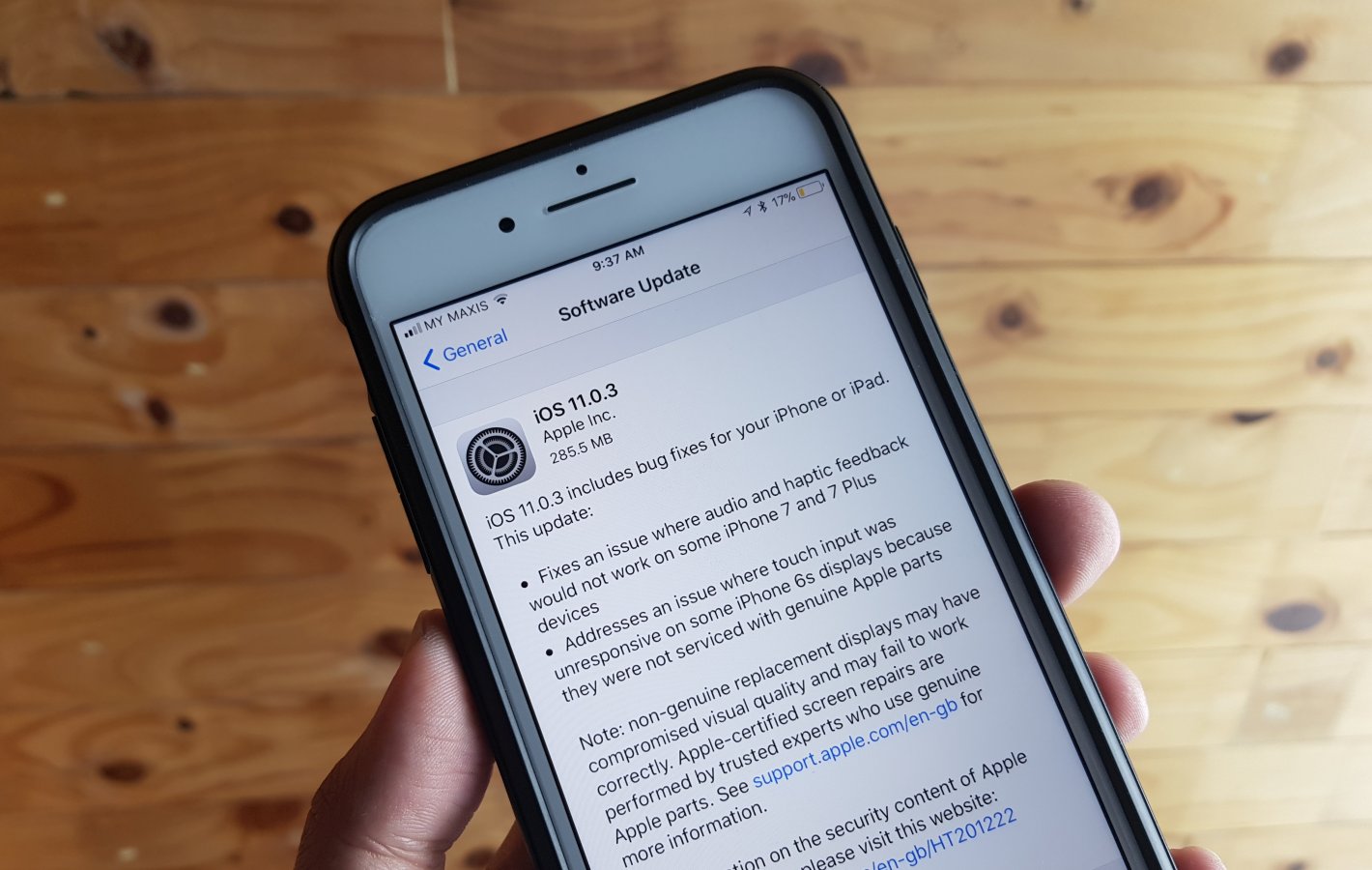
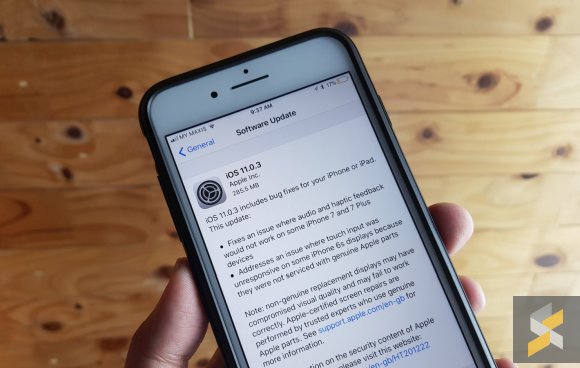
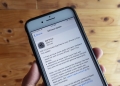
Apple has just pushed out its latest iOS 11.0.3 update for the iPhone and iPad. If you’re having touch-screen issues after upgrading to iOS 11, Apple finally has a fix for you.

According to the update description, iOS 11.0.3 will address an issue where the touch screen isn’t responsive on some iPhone 6s display. This is due to screen replacements using non-genuine Apple parts.
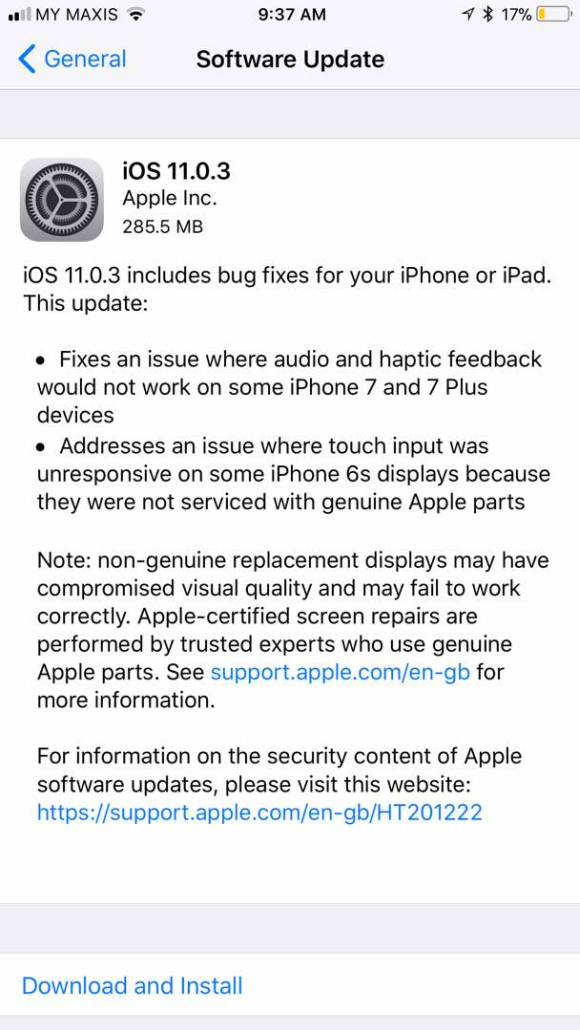
Apple also warns that non-original displays would have compromised visual quality and may fail to work correctly.

Apart from that, iOS 11.0.3 also promises to fix an issue on audio and haptic feedback for iPhone 7/7 Plus. To download iOS 11.0.3, just go into Settings > General > Software Update.

Tags: AppleApple. iOSHaptic FeedbackiOSiOS 11iOS 11.0.3 MalaysiaiOS 11.0.3 UpdateiPhoneiPhone 6SiPhone 7software update
Alexander Wong

Alexander Wong

POPULAR

Nissan Finally Gives the Serena a Real Hybrid Powertrain in Malaysia. Estimated from RM160k to RM180k

January 16, 2026

Neta V now available for only RM40k, but with a limited 6-month warranty

January 31, 2026

Malaysia’s first 5g advanced Broadband: What You Get for RM68/month

January 14, 2026

iOS 11.0.3 fixes unresponsive touch screen issue on iPhone 6s

October 12, 2017

Perodua QV-E only costs RM1.4k to maintain for 5 years, cheaper than Axia

January 30, 2026

CelcomDigi updates 5G prepaid plan for 2026, no more 28 day validity for “unlimited” options

January 28, 2026

Copyright © 2025 · SoyaCincau.com
Mind Blow Sdn Bhd (1076827-P)

  • ADVERTISE
  • DISCLAIMER

Copyright © 2026 · SoyaCincau.com – Mind Blow Sdn Bhd (1076827-P)

  • ADVERTISE
  • DISCLAIMER