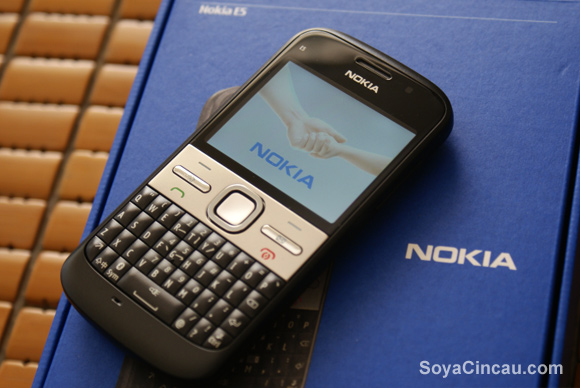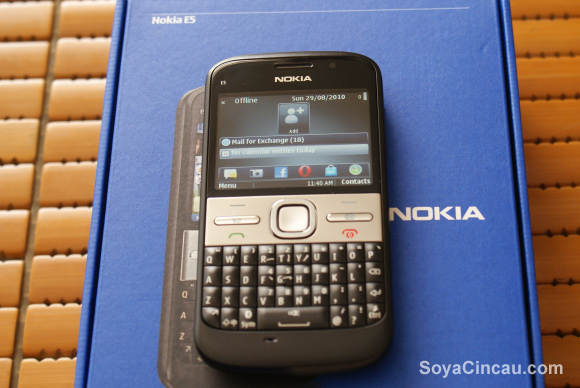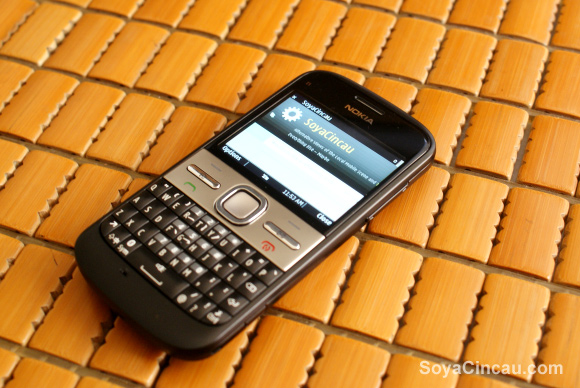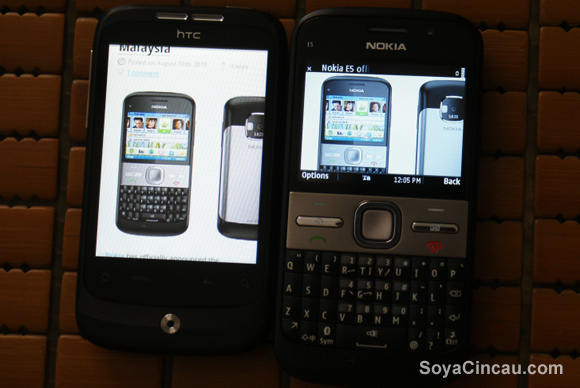
We managed to get our hands on a Nokia E5, Nokia’s latest in its line of E business phones. But unlike high-end E71 and E72 devices before it, the E5 is targeted at a different segment of buyers altogether. Nokia calls them life-builders, the 20 to 30 somethings who’ve just started on their careers and are building a life for themselves. They might not want to splurge on an expensive phone but are demanding mobile users and what a phone that can get the job done but doesn’t cost much. Basically what we have with the E5 is Nokia’s concept of a do-it-all phone at a grab-it-now price.
How does the E5 performs in the hands of life-builder? We’ll explore that in our in-depth review but for now let’s look at what you get for RM830 — the asking price for the E5 outright.
Read on for the unboxing of the Nokia E5.
What’s inside the box
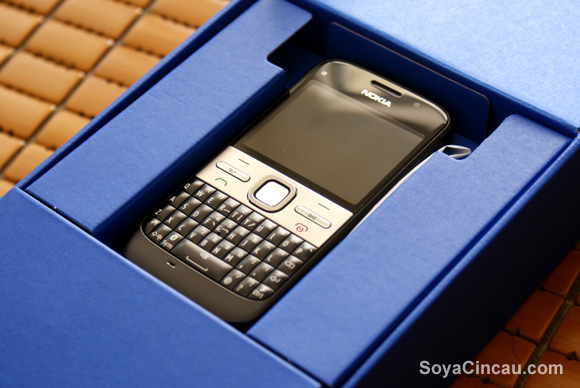
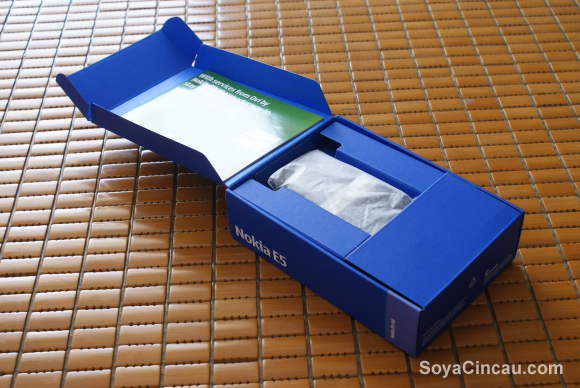
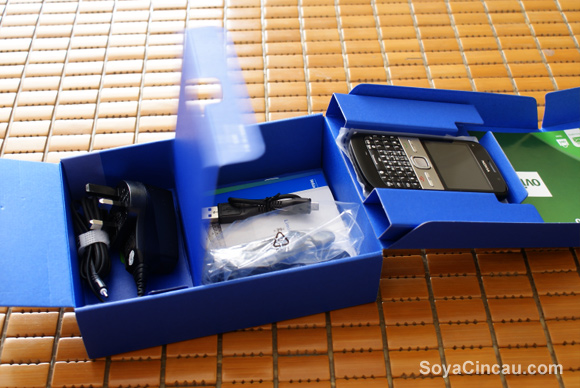
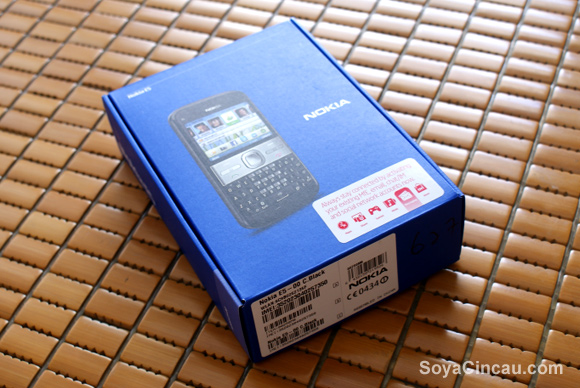
The Nokia E5 comes in a blue box with proportions of a mini cereal box of sorts. Nothing fancy here but we like the matt finish and box design, classy. Upon opening you’re greeted with the E5 wrapped in a high grade plastic with the its accessories, cables and charger tucked nicely underneath.
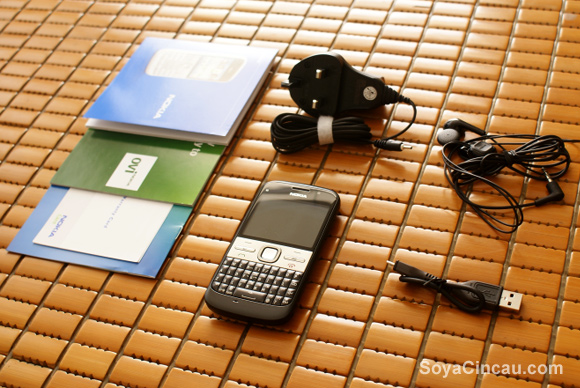
The Nokia E5 unit comes bundled with a 2GB microSD and in the box, you’ll get the standard pinhead Nokia charger along with a short micro-USB cable which can be used for both charging and sending data to and from the Nokia E5. It is interesting to note that the micro-USB cable is really short, only slightly more than 10cm long. This is a good thing to reduce wire clutter around your desk while the E5 is connected to you laptops. However a shorter cable can be a problem if there’s a need to answer calls while its plugged into a USB port. Apart from that, you also get a 3.5mm stereo headset with the obligatory user manual, warranty leaflets and Ovi booklets.
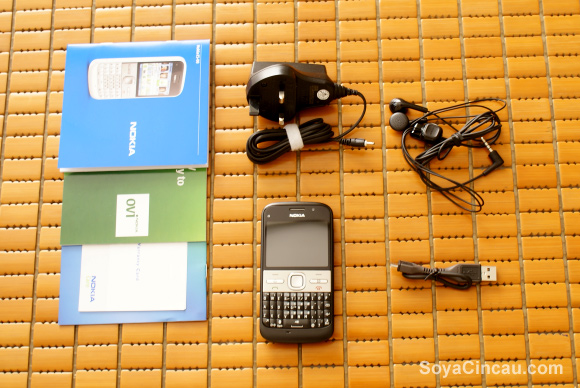
Since the Nokia E5 can be charged via micro-USB, we thought it would be better if they would just provide a USB-AC Adapter plug as an added value simillar to what HTC and Apple are doing instead of the Nokia charger. A USB-AC adapter is at least a thousand times more useful than a proprietory charger. There’s a number of things you can use a USB-AC adapter for. Please take note Nokia, thanks!
Design and first impressions
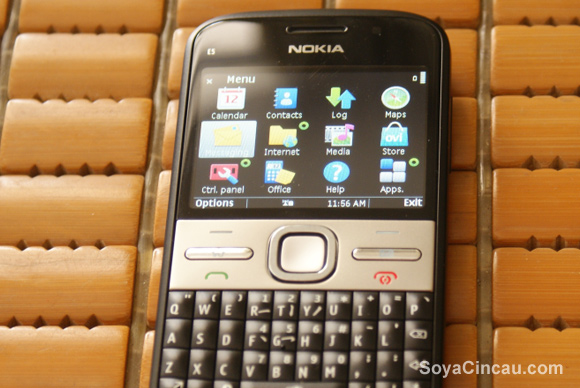
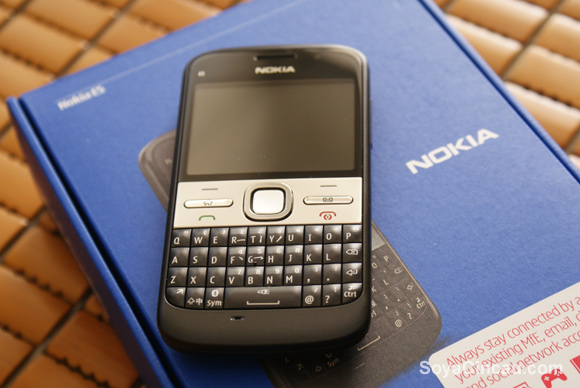
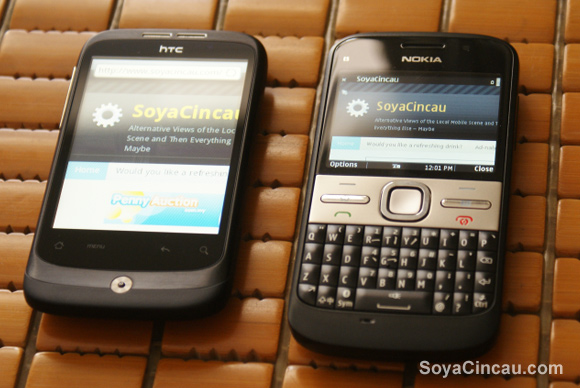
Our black Nokia E5 looks very suited for the business user and you wouldn’t expect this to be priced below a thousand ringgit. Compared to the E71/E72, the E5 has a more curved design around the corners. Right below the screen, you’ll get the normal D-pad in the centre with two soft keys, two calling buttons and two thin buttons for Home and Messaging. The D-pad feels good and is adequate to navigate around on the phone but it would be better if it had the optical touchpad that was used on the E72. Some would argue that at this price we can’t expect to get all the bells and whistles, well if the closely priced HTC Wildfire can have an optical trackpad, so can this E5. The top soft key buttons worked fine but we find the home and messaging button too thin for our liking.
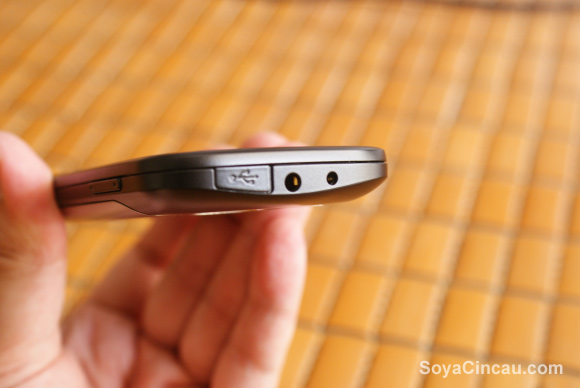
Over at the top, Nokia has placed the micro-USB port with a seamless body-fitting cover, a 3.5mm audio jack and a Nokia charger port. We don’t like our USB ports placed at the top of our devices. It’s going to be a mess trying to use the device when it is plugged in. The placement is awkward and all USB ports on mobile devices should be located at the bottom.
The USB port comes with a dust cover and while the cover keeps the port out of sight, we have concerns of the cover’s durability especially when you charge or tether the E5 via USB regularly.
On the right side of the E5, you’ll find the volume rocker which also doubles as up/down navigation buttons. We feel that the volume rocker is too recessed into the side of the E5 making it rather difficult to press than we would normally like.
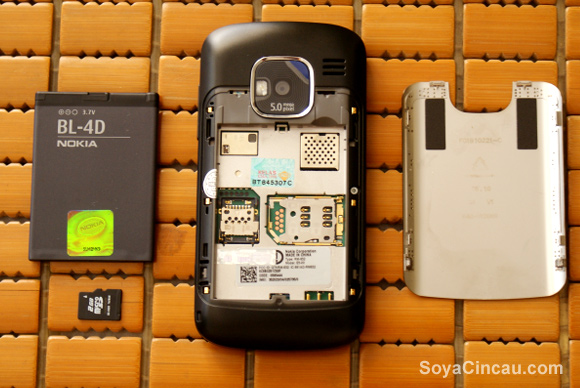
At the back, the Nokia E5 has a steel battery cover which is removed by pressing the 2 release buttons on either sides of the device. Inside, you’ll find the SIM Card and microSD card slots with sliding locking mechanism. The steel back cover also doubles up as the antenna for the E5, as circuit lining is visible along the sides which connects back to the circuit board. If you’re thinking about Antennagate problems, Nokia has assured that the antenna design will not drop calls and you can hold it anyway you like.
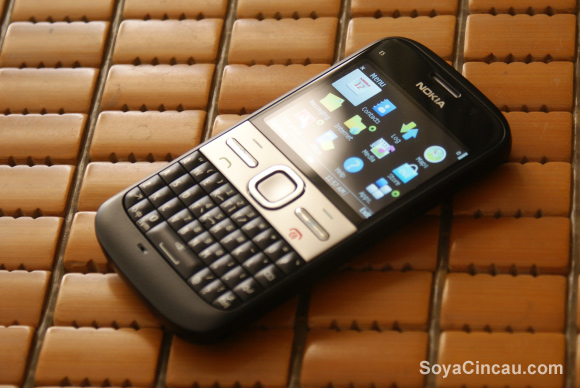
Overall, the E5 feels pretty solid in our hands and we really like the tactile feel of the QWERTY keypad. It actually feels better and easier to use than the more premium than a Blackberry Bold 9700.
That’s pretty much it for the unboxing. How does the E5 perform on day to day use? We will cover that next in our E5 usability review.